
Book More Jobs with Less Back-and-Forth
Job Scheduling Software
with Service CRM
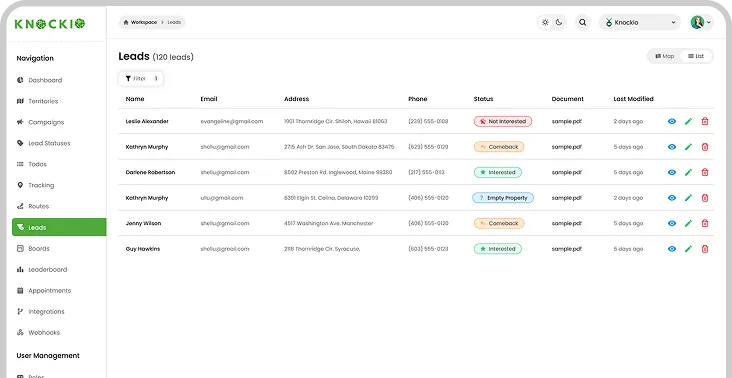
Knockio is a job scheduling platform and service CRM built for businesses that need to book, assign, track, and complete field work with less admin. Capture leads, manage customers, schedule appointments, dispatch teams, send estimates, create invoices, track job status, and move each request from first contact to completed service.
Built for office, sales, and service teams
Book Jobs, Assign Users,
and Track Work
Knockio helps service businesses manage appointment scheduling, customer management, job details, dispatch, user management, task updates, invoices, and follow-ups without messy spreadsheets. Office staff can book work faster, while crews get the right notes, routes, and service details before each visit.
Smart Calendar
Book one-time jobs, service visits, estimates, installs, and follow-ups with a clear calendar view that keeps daily schedules easier to manage.
User Assignment
Assign the right rep, crew, or technician to each job based on availability, role management, service area, job type, and daily workload.
Data Management
Keep lead notes, service history, documents, photos, messages, and past updates connected, so every scheduled visit has the right context.
Job Status
Track each job from new request to estimate, approval, scheduled visit, field update, invoice, payment, and completed service.
Book from Quotes
Turn Approved Estimates Into
Scheduled Work
Create estimates using service type, labor, materials, products, pricing notes, and customer needs. Knockio helps teams send proposals, collect approvals, and turn approved work into booked jobs without losing lead history, customer details, setup steps, or next actions.
Schedule a Demo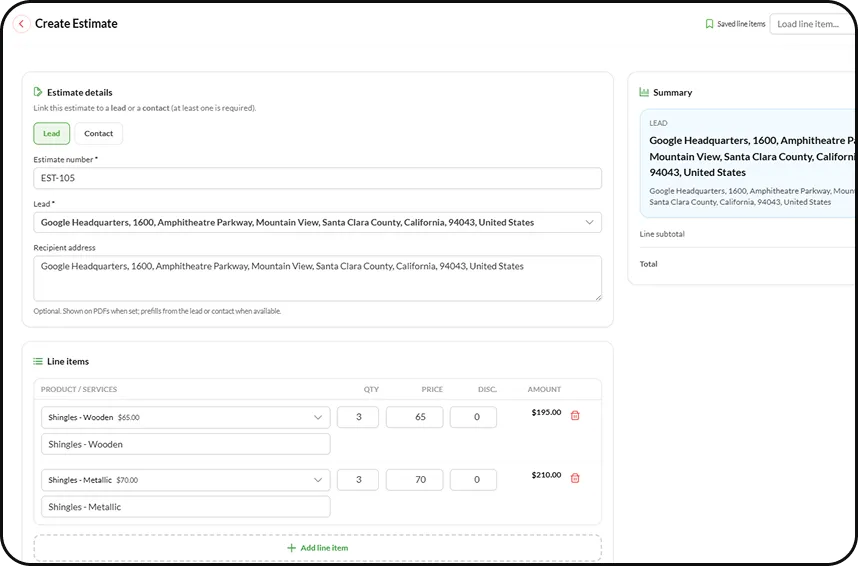
Field Dispatch
Send the Right Team to the Right Job
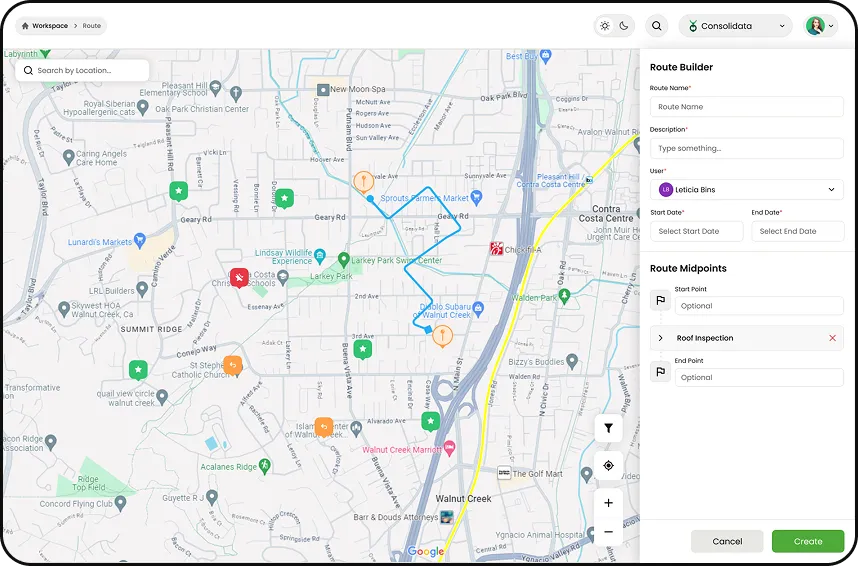
Knockio works as dispatching software for service teams. Managers can assign jobs, update schedules, share notes, view job progress, and see who is responsible for each visit, what needs to happen, and when the work is finished.
Assign Jobs
Send teams to jobs with customer notes, service type, access details, task instructions, photos, work order details, and scheduled time.
Smart Routes
Use smart routing, GPS location tracking, real-time navigation, and proximity intelligence to reduce travel gaps and help teams reach jobs faster.
Invoices & Payments
Create Invoices After
Scheduled Work
Knockio helps service businesses create invoices, track payment status, and manage billing after estimates, repairs, installs, repeat visits, and completed jobs.
From approved quote to scheduled work, field update, invoice, and payment, owners can see what was completed, what is due, and which customers still need follow-up.
Schedule a Demo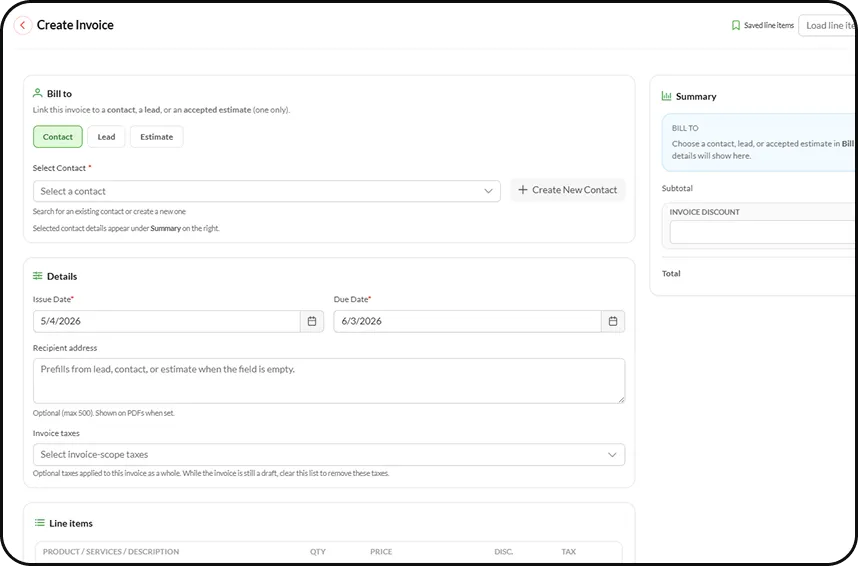
Keep schedules, jobs, and field updates connected
Smarter Scheduling
Workflows
Knockio combines scheduling software, field service CRM, and a job management tool for teams that need better control over appointments, dispatch, routes, customer data, invoices, and daily field updates.
1
Repeat Visits
Schedule daily, weekly, monthly, seasonal, or service-plan work. Keep future visits organized without rebuilding the same calendar again.
2
Live Tracking
Track reps, crews, and technicians in real time. See visits, location updates, field activity, and job progress during the day.
3
Task Updates
Create tasks, reminders, and follow-ups for office staff, sales reps, and crews so nothing gets missed between booking and completion.
4
Job Notes
Share job notes, voice notes, photos, documents, and customer instructions so crews arrive prepared and managers stay informed.
5
Flow Automation
Use Knockio’s native Flow Builder to automate reminders, schedule updates, customer follow-ups, task alerts, status changes, and field service workflows.
6
Reports & Integrations
Use a dashboard to track job completion, revenue, team activity, lead sources, close rates, and use cases. Connect Salesforce, HubSpot, GoHighLevel, Google Calendar, Zapier, Flow Chef, API access, and other tools.
Common Questions