Native E Signature Tool
Create and send legally binding contracts directly from Knockio. No third party e signature subscription required, no extra login for your customer.
A handshake and a verbal yes do not hold up when a customer changes their mind halfway through a job. Knockio's native E-Contracts software let you send legally binding agreements for signature in minutes, while automatically logging the IP address, location, and timestamp of every view and signature. You close the job fast and you have a paper trail if anyone ever questions what was agreed to.
Schedule a DemoYes. Knockio's native e contract feature lets you send legally binding agreements for electronic signature. Each contract automatically logs the date, time, and IP address whenever it is viewed and signed, creating a documented trail that supports legal standing if a contract is ever disputed down the road.
Native E Signature Tool
Create and send legally binding contracts directly from Knockio. No third party e signature subscription required, no extra login for your customer.
Create and send legally binding contracts directly from Knockio. No third party e signature subscription required, no extra login for your customer.
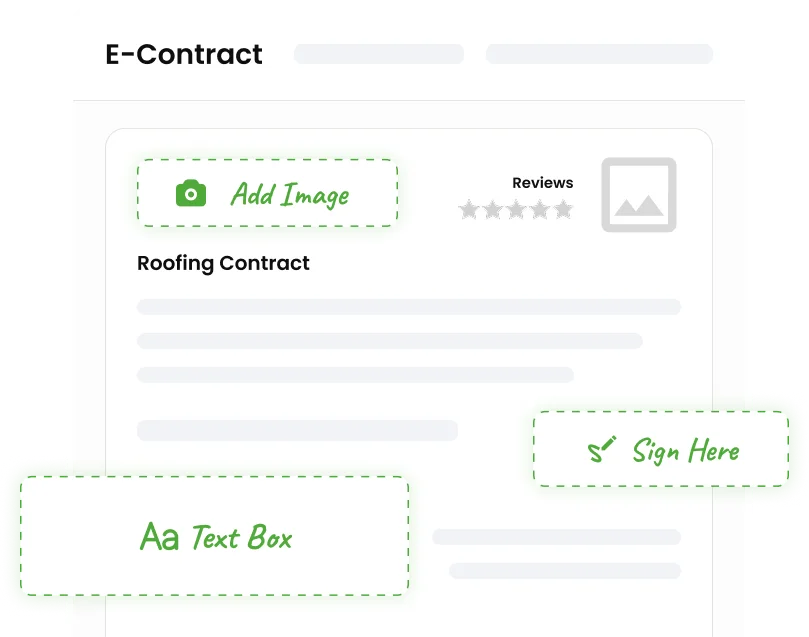
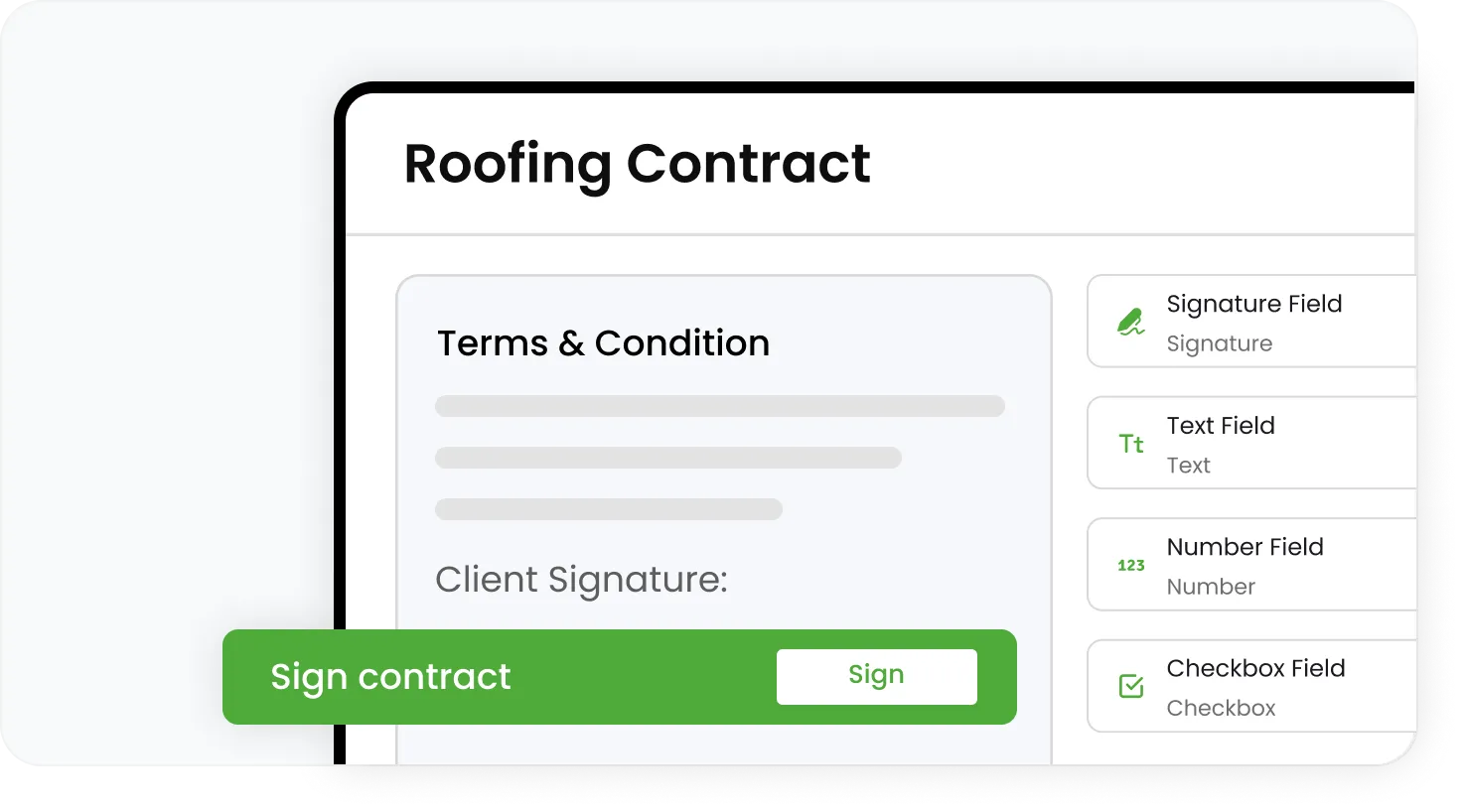
Customers can review and sign a remodeling or solar contract from their phone in the driveway. No printer required, ever.
Generate a contract from an approved estimate and send it for signature without leaving the job record.
Every time a contract gets opened or signed, Knockio logs the date, time, and details, creating a verifiable record for legal standing.
Know exactly which IP address accessed and signed a contract, adding a layer of verification if anyone ever disputes authorization.
Once signed, contracts lock and store securely, giving both your business and your customer a reliable record of what was agreed.
Build standard contract templates for common job types, like pest control service agreements or HVAC installation contracts, and reuse them across jobs.
Pull job specific details, pricing, and scope directly into the contract from the estimate or work order, cutting down on manual entry errors.
Use e contracts for standalone agreements or link them directly to a specific job for full context and traceability.
Once signed, contracts live directly inside the job's file section. No separate folder or drive to dig through later.
See at a glance which contracts are sent, viewed, or signed across all your active jobs and customers.
If a customer disputes the terms of a job, pull up the exact signing record, including IP and timestamp, in seconds.
Join hundreds of growing teams using Knockio to manage leads, sales, field teams, and customer relationships.
Knockio connects e contracts to the rest of the job, including estimates, invoices, and work orders, so a signed agreement is not just a PDF sitting in someone's inbox. It is part of the full job record your team can actually act on.
Turn an approved estimate into a contract in seconds, with pricing and scope already filled in and ready to send for signature.
Use Knockio's automation builder to follow up automatically with customers who have not yet signed a sent contract, so deals do not stall out waiting on a signature.
A professional, easy to sign digital contract reflects well on your business, and the documented audit trail gives both you and your customer confidence that the agreement is legitimate and protected.
Frequently Asked Questions
Service teams need more than a basic contact list. Knockio connects customer records, leads, jobs, estimates, schedules, crews, invoices, payments, and field updates. It helps sales, office, and field teams work from the same information, so jobs move faster with less confusion.
Customer Reviews

This app is the best thing that has happened to our company! Asad is absolutely amazing! He is so responsive, it doesn't matter what time of day he is on it! I highly recommend this company add this app!

⭐⭐⭐⭐⭐
Knockio is a great product! We use it for our roofing sales canvassing. Their support team is responsive and fixes issues immediately. Highly recommend!

⭐⭐⭐⭐⭐
The support team is awesome. The live tracking feature is very useful. The pricing is fair as well!

⭐⭐⭐⭐⭐
Knockio is the best! My team and I absolutely love using it - it is so user friendly and simple. Support is brilliant too, nothing is ever too much trouble. The best on the market. Thanks Knockio!

⭐⭐⭐⭐⭐
We love Knockio so far! It is solving a lot of the issues of the other canvassing apps. The team have worked with us providing excellent fast support. Highly recommend if you're seeing people face to face.

⭐⭐⭐⭐⭐
Amazing app! Definitely has helped out my team a whole lot from our previous canvassing software. They identified what we were struggling with and needed, and everything has been addressed. Highly recommend.

⭐⭐⭐⭐⭐
See Knockio In Action
Pulling up a few good times to connect…
Plan campaigns, capture leads, dispatch crews, manage jobs, and update customers from anywhere. Your canvassing and field service work stays connected in one app.