Daily Routes
Build routes for leads, customers, inspections, jobs, and recurring service stops in one view, instead of piecing together a plan across a map app and a spreadsheet.
Your crews are scattered across town, the calendar lives in one app, the map lives in another, and every reassignment means a phone call to whoever is closest to the next stop. Knockio puts route planning and dispatching inside the same platform as your leads, jobs, and customer records, so building a route and assigning the right person to it does not mean switching tools.
Schedule a DemoYes. Knockio lets office staff build daily routes for leads, jobs, inspections, and recurring service stops, then dispatch technicians or crews without leaving the platform. Because routing and dispatch pull from the same customer and job records used across sales and service, a reassignment does not require re-entering information in a separate mapping or calendar tool.
Daily Routes
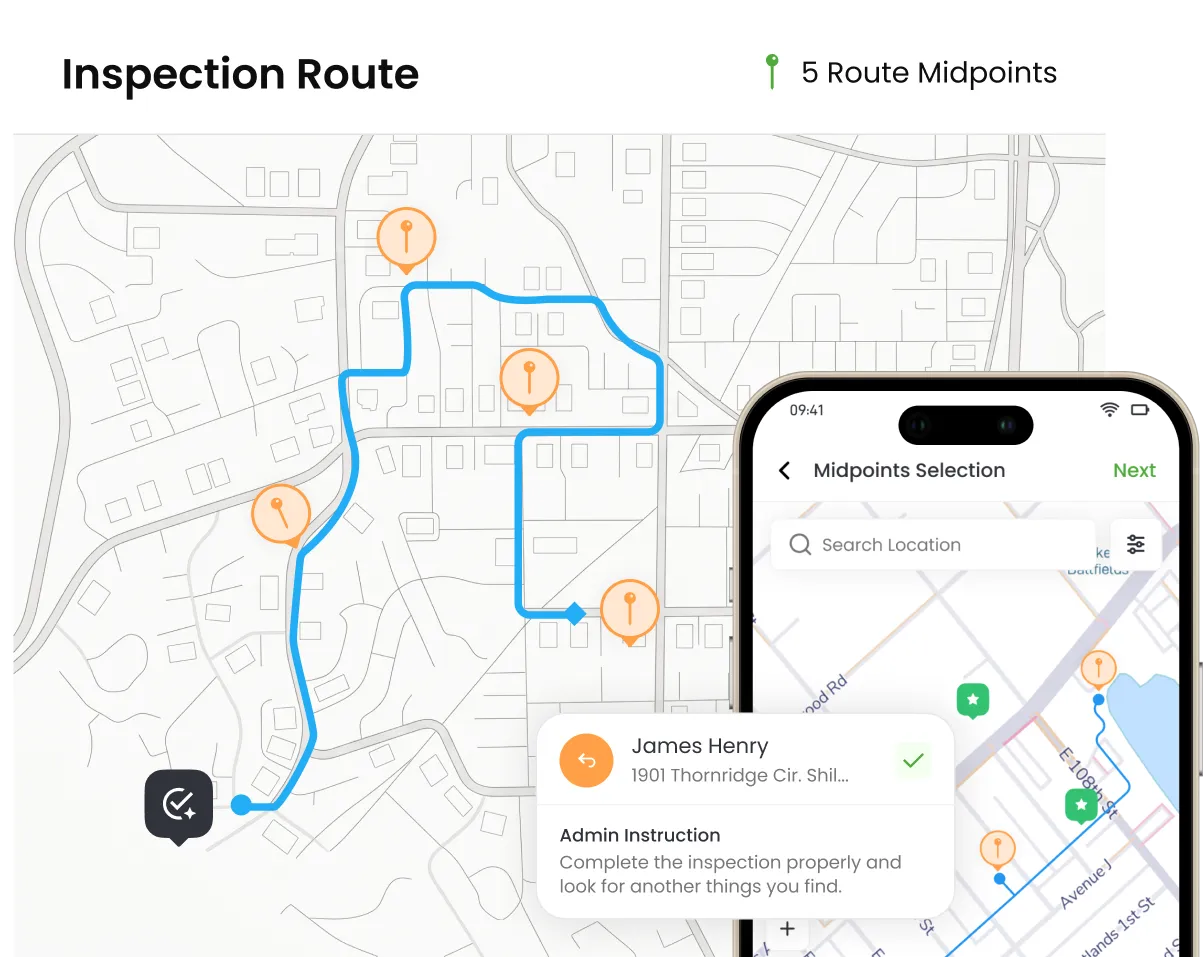
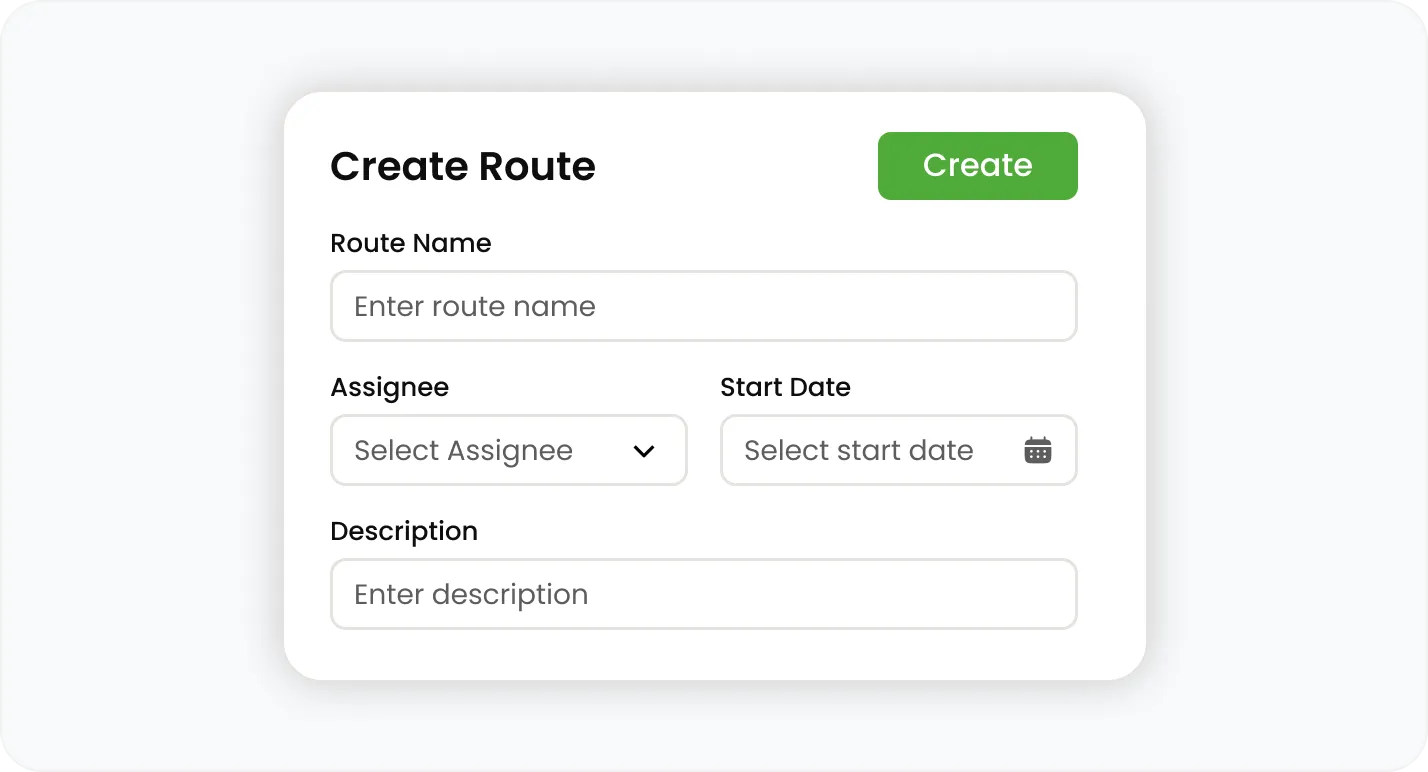
Build routes for leads, customers, inspections, jobs, and recurring service stops in one view, instead of piecing together a plan across a map app and a spreadsheet.
Build routes for leads, customers, inspections, jobs, and recurring service stops in one view, instead of piecing together a plan across a map app and a spreadsheet.
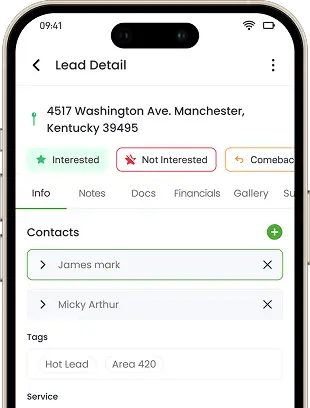
Reps and crews see each stop's customer information, visit status, notes, and photos alongside the next action expected of them, so nobody arrives without context.
Set up routes for repeat service visits so maintenance and inspection stops do not need to be rebuilt from scratch every cycle.
Office teams schedule jobs and assign technicians or crews from the same screen where the route was built, cutting out the back-and-forth between calendar and dispatch board.
Dispatch based on who is qualified, available, and positioned to take the job, rather than guessing from memory who is free.
When a job changes or a technician/crew runs long, dispatch a different crew without rebuilding the route or losing the job's history.
Route activity, visit status, and dispatch decisions stay tied to the customer and job record, so a stop completed in the field updates the same file the office is looking at.
Managers see which stops are done, which are in progress, and which still need attention, without calling the field for an update.
Because routing, scheduling, and dispatch share one system, conflicting assignments, duplicate visits, and forgotten stops are easier to catch before they cost a day.
Join hundreds of growing teams using Knockio to manage leads, sales, field teams, and customer relationships.
Field service delays rarely come from a bad route. They come from the gap between the route, the calendar, and whoever is deciding who goes where. When those three things live in separate tools, a single change — a cancellation, a sick technician, or a job that runs long — means someone has to manually update a map, a calendar, and a CRM, in that order, before the next crew even knows their day changed. Crew hours belong in the same system too — see timesheet management for daily, weekly, and monthly totals.
Building the route and assigning the work happen in the same place, so office staff are not exporting a route plan into a separate dispatch board.
Technicians and reps view their stops alongside the customer's history, prior notes, and photos, cutting down on calls back to the office just to get context on a job.
Route progress updates as stops are completed, giving managers a current view of coverage and delays instead of waiting for end-of-day recaps.
Frequently Asked Questions
Routing and dispatch touch every part of the day — here's how Knockio keeps planning, assignment, and customer records in one place.
Customer Reviews

This app is the best thing that has happened to our company! Asad is absolutely amazing! He is so responsive, it doesn't matter what time of day he is on it! I highly recommend this company add this app!

⭐⭐⭐⭐⭐
Knockio is a great product! We use it for our roofing sales canvassing. Their support team is responsive and fixes issues immediately. Highly recommend!

⭐⭐⭐⭐⭐
The support team is awesome. The live tracking feature is very useful. The pricing is fair as well!

⭐⭐⭐⭐⭐
Knockio is the best! My team and I absolutely love using it - it is so user friendly and simple. Support is brilliant too, nothing is ever too much trouble. The best on the market. Thanks Knockio!

⭐⭐⭐⭐⭐
We love Knockio so far! It is solving a lot of the issues of the other canvassing apps. The team have worked with us providing excellent fast support. Highly recommend if you're seeing people face to face.

⭐⭐⭐⭐⭐
Amazing app! Definitely has helped out my team a whole lot from our previous canvassing software. They identified what we were struggling with and needed, and everything has been addressed. Highly recommend.

⭐⭐⭐⭐⭐
See Knockio In Action
Pulling up a few good times to connect…
Plan campaigns, capture leads, dispatch crews, manage jobs, and update customers from anywhere. Your canvassing and field service work stays connected in one app.