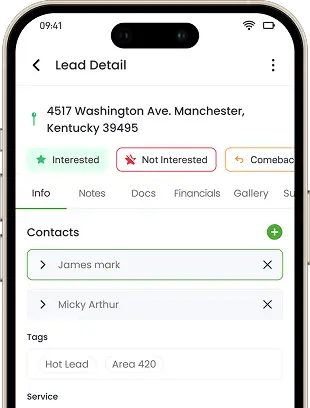
For every module, control whether a role can see, edit, create, or approve
For every module, control whether a role can see, edit, create, or approve.
Not everyone on your team should see everything. Knockio lets you decide exactly what each role can see and do — office managers get financials, field techs get job details, and subcontractors get only their own work orders. Sensitive customer and money data stays protected while every person gets the access their job actually needs.
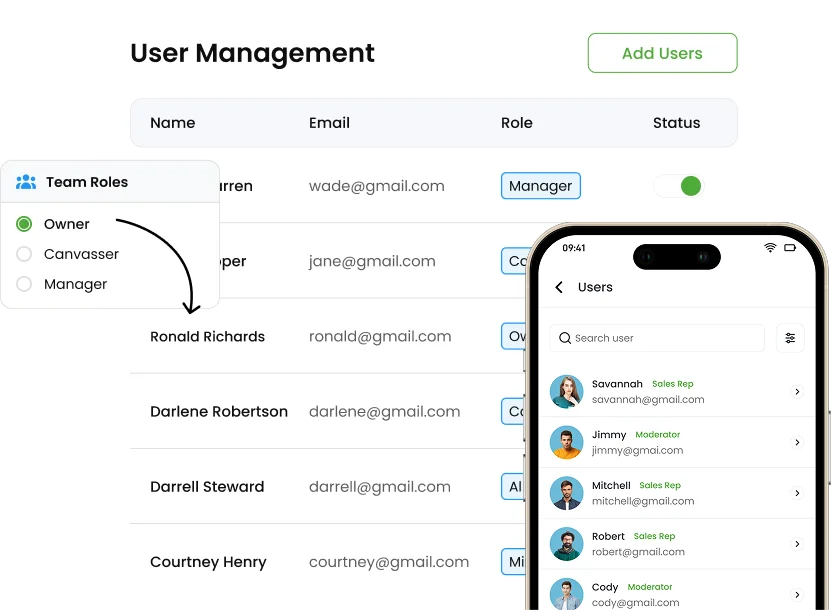
Schedule a DemoYes. Knockio offers granular, section-level user permissions, letting you create custom roles such as Field Tech, Office Manager, or Subcontractor with access tailored to each position. You can hide financial details and customer contact information from field staff, give subcontractors visibility into only their assigned work orders, and apply a role to a new team member instantly as your business grows.
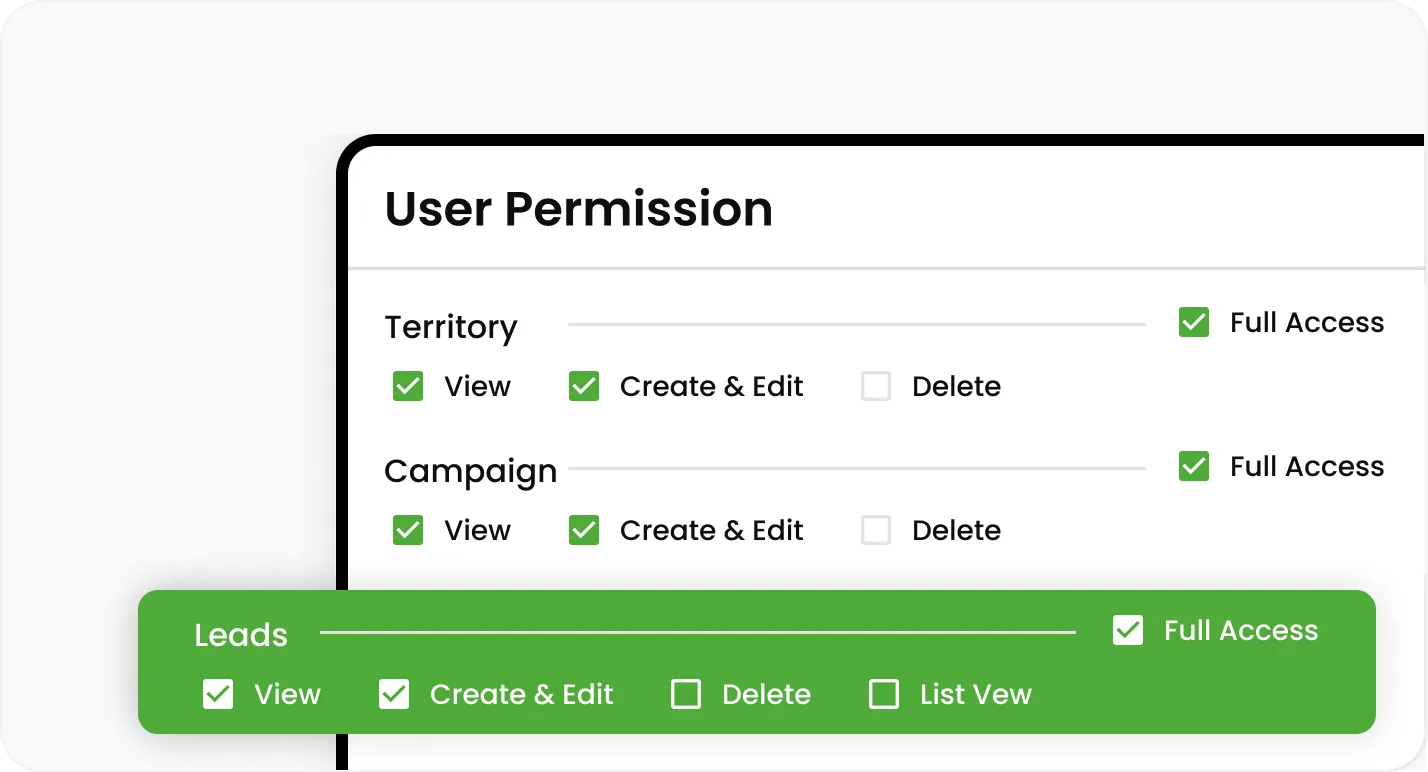
For every module, control whether a role can see, edit, create, or approve
For every module, control whether a role can see, edit, create, or approve.
For every module, control whether a role can see, edit, create, or approve.
Set each module to Assigned (a user's own records only) or Full (everything in that module).
Decide whether a module even appears in a role's menu and mobile app.
Build roles named for your real positions — Field Tech, Office Manager, Subcontractor, General Manager.
A user's access is the cumulative total of every role they hold.
Drop a new hire into a role and they immediately have the right access — no per-permission setup.
Keep pricing, margin, and payment data off field-team screens entirely.
Limit who can see customer contact details.
Give a 1099 sub visibility into only their assigned work orders — not your other jobs, pricing, or customers.
Join hundreds of growing teams using Knockio to manage leads, sales, field teams, and customer relationships.
As your home service business grows — adding field techs, subcontractors, and office staff — Knockio's permission system keeps access organized, secure, and aligned with each person's role — including who can view, clock in, and edit team timesheets.
Assign a new team member to an existing role and they immediately have the right access, with no manual setup for each individual permission.
Review and adjust roles and permissions at any time as responsibilities change, so access always matches what each person actually needs.
When team members only see what's relevant to their role, it reduces confusion, protects sensitive customer and financial data, and gives owners confidence.
Frequently Asked Questions
Access control protects your data and your customers. Here's how granular Knockio's permissions get.
Customer Reviews

This app is the best thing that has happened to our company! Asad is absolutely amazing! He is so responsive, it doesn't matter what time of day he is on it! I highly recommend this company add this app!

⭐⭐⭐⭐⭐
Knockio is a great product! We use it for our roofing sales canvassing. Their support team is responsive and fixes issues immediately. Highly recommend!

⭐⭐⭐⭐⭐
The support team is awesome. The live tracking feature is very useful. The pricing is fair as well!

⭐⭐⭐⭐⭐
Knockio is the best! My team and I absolutely love using it - it is so user friendly and simple. Support is brilliant too, nothing is ever too much trouble. The best on the market. Thanks Knockio!

⭐⭐⭐⭐⭐
We love Knockio so far! It is solving a lot of the issues of the other canvassing apps. The team have worked with us providing excellent fast support. Highly recommend if you're seeing people face to face.

⭐⭐⭐⭐⭐
Amazing app! Definitely has helped out my team a whole lot from our previous canvassing software. They identified what we were struggling with and needed, and everything has been addressed. Highly recommend.

⭐⭐⭐⭐⭐
See Knockio In Action
Pulling up a few good times to connect…
Plan campaigns, capture leads, dispatch crews, manage jobs, and update customers from anywhere. Your canvassing and field service work stays connected in one app.