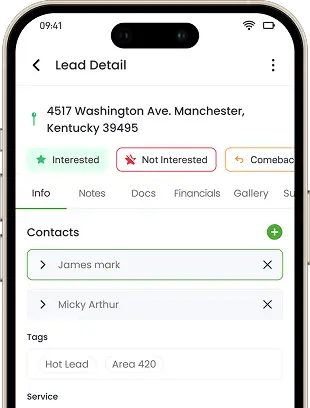
Start a work order from a lead, or from an approved estimate
Start a work order from a lead, or from an approved estimate so the scope and pricing carry over with nothing retyped — either way it stays connected to the job.
If your crews run on a text, a phone call, and a notepad, you're losing margin every week. Knockio's work orders pull tasks, schedules, materials, crews, and costs onto one record built from the approved estimate — so the office and the field read the same playbook, whether you run your own crews, subs, or both, and you can see the profit on every job.
Schedule a DemoIt should let you assign tasks and schedules to crews or subcontractors, track a detailed budget against actual spend, generate material takeoffs linked to inventory, create purchase orders for shortages, and attach notes, photos, and vendor bills — all tied to the same job. Knockio brings every one of these into a single connected work order, which is more depth than most platforms offer without an expensive add-on tier.
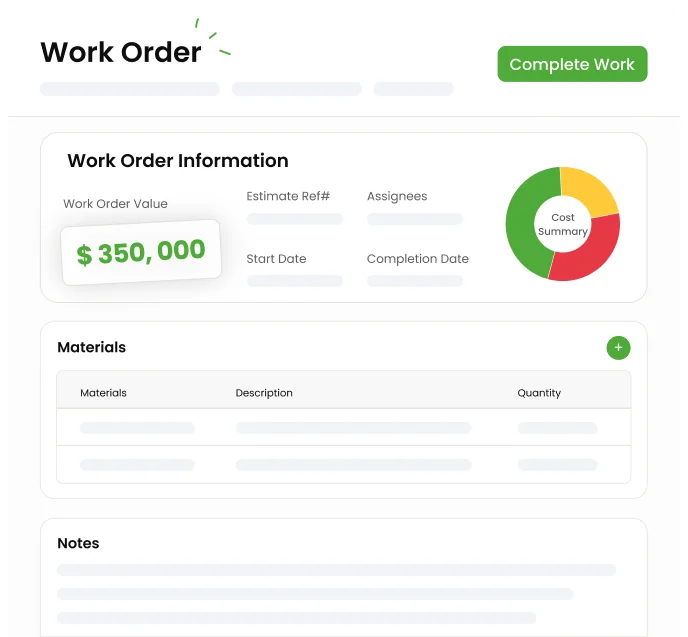
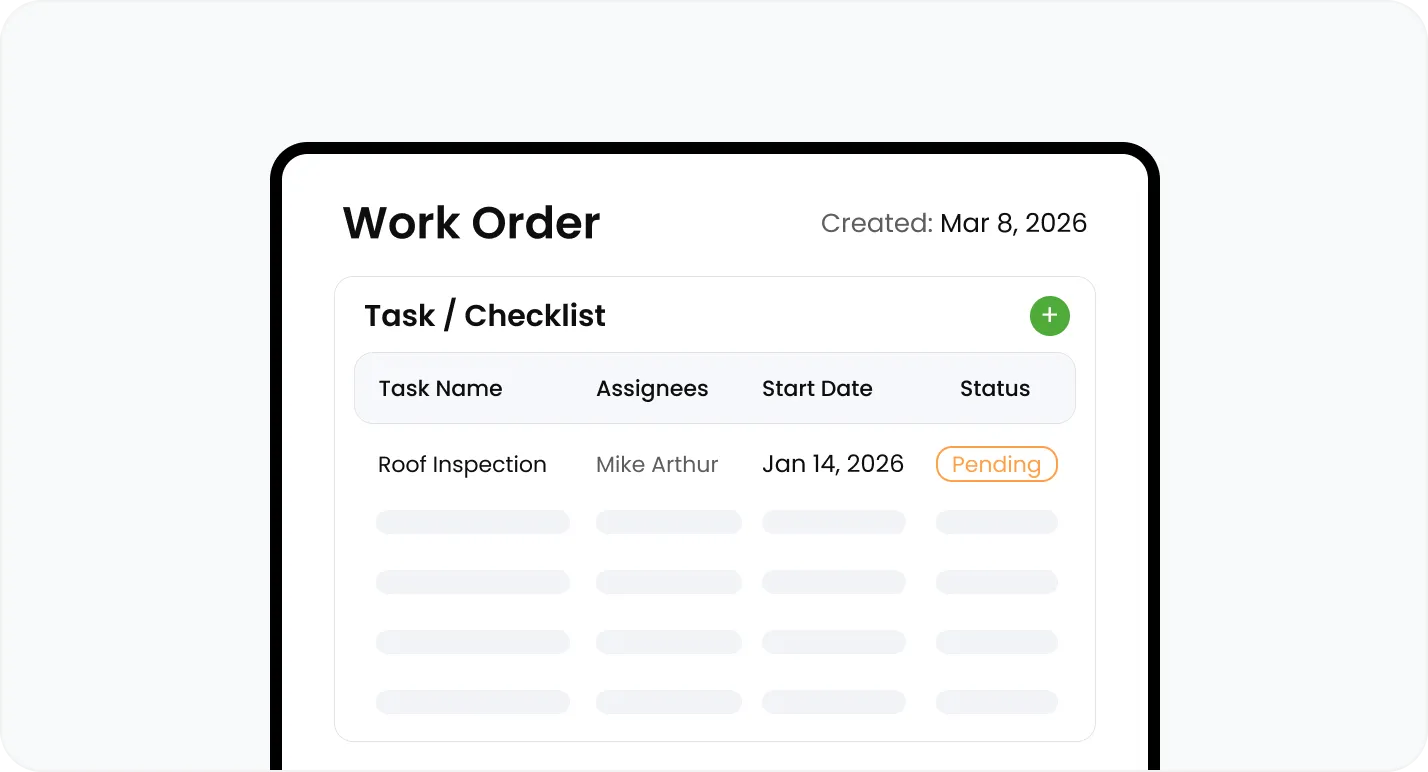
Start a work order from a lead, or from an approved estimate
Start a work order from a lead, or from an approved estimate so the scope and pricing carry over with nothing retyped — either way it stays connected to the job.
Start a work order from a lead, or from an approved estimate so the scope and pricing carry over with nothing retyped — either way it stays connected to the job.
Lay out the tasks and scope of work, and set priority from Low to Urgent so crews know what matters.
Set start and end dates the whole team can see, and add named schedules inside the work order — each with its own team and due date — for the phases of a bigger job.
Track spend against the budget while the job is still open, so a bad number surfaces before it's too late.
See labor and materials against the job for an accurate picture of profitability, and share the cost summary with the customer by email when you want to.
Log bills from suppliers and subcontractors right on the work order — with their own line items, dates, and notes — so what you owe out is tracked against the job budget.
Add a material takeoff from your catalog; Knockio checks stock — available, required, and reserved — and you can adjust stock right from the takeoff with a logged reason.
Raise a PO straight from the takeoff when materials run short, and receive stock back into inventory.
Because takeoffs tie to inventory, a job never gets scheduled against materials you don't actually have.
Route the work to an internal crew, a subcontractor, or a vendor — or a mix.
Keep customer-facing notes for shared documents and internal notes for the crew.
Attach permits, photos, and documents so the field always has the latest information.
Join hundreds of growing teams using Knockio to manage leads, sales, field teams, and customer relationships.
Knockio connects work orders to the rest of the job — estimates, invoices, inventory, and payments — so production teams and office staff always look at the same information, no matter how complex the project gets. Crews can also track job hours with clock in clock out inside the same workspace.
Work orders live in a List View for detail or a Board View for progress — drag a card across Draft, Planned, Scheduled, In Progress, and Completed, and filter by team member, date, or status to find any job fast. Owners and PMs see exactly where every job stands — tasks completed, budget spent, materials ordered — without calling the field.
Assign work to internal crews, subs, or vendors and notify them automatically of schedule changes, new tasks, or notes — keeping remodeling, GC, and install teams on the same page.
With budget, materials, and labor tracked in one place, owners get an accurate picture of job profitability and protect margins on every job.
Step-by-step guides for this feature open them anytime while you get Knockio running for your team.
Frequently Asked Questions
A work order is where margin is won or lost, so here's what contractors ask most before moving production into Knockio.
Customer Reviews

This app is the best thing that has happened to our company! Asad is absolutely amazing! He is so responsive, it doesn't matter what time of day he is on it! I highly recommend this company add this app!

⭐⭐⭐⭐⭐
Knockio is a great product! We use it for our roofing sales canvassing. Their support team is responsive and fixes issues immediately. Highly recommend!

⭐⭐⭐⭐⭐
The support team is awesome. The live tracking feature is very useful. The pricing is fair as well!

⭐⭐⭐⭐⭐
Knockio is the best! My team and I absolutely love using it - it is so user friendly and simple. Support is brilliant too, nothing is ever too much trouble. The best on the market. Thanks Knockio!

⭐⭐⭐⭐⭐
We love Knockio so far! It is solving a lot of the issues of the other canvassing apps. The team have worked with us providing excellent fast support. Highly recommend if you're seeing people face to face.

⭐⭐⭐⭐⭐
Amazing app! Definitely has helped out my team a whole lot from our previous canvassing software. They identified what we were struggling with and needed, and everything has been addressed. Highly recommend.

⭐⭐⭐⭐⭐
See Knockio In Action
Pulling up a few good times to connect…
Plan campaigns, capture leads, dispatch crews, manage jobs, and update customers from anywhere. Your canvassing and field service work stays connected in one app.