Savannah Nguyen
1340–139 Taylor St, San Francisco, CA 94108, USA
27/2/25, 5:26 AM
DT
Knockio unifies your entire operation. Equip your outside sales team with elite door to door canvassing software, and give your back office a powerful field service CRMto dispatch crews and collect payments, all in one connected contractor platform.


Most field teams do not lose work because of team inefficiency. They lose work because they do not have a smart process.
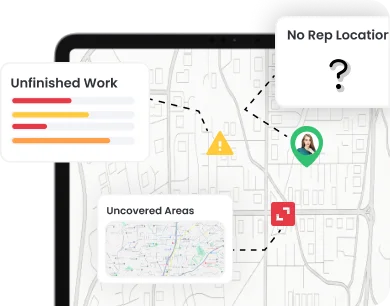
Managers cannot clearly see where reps are, what they finished, which areas were covered, or which leads need action.
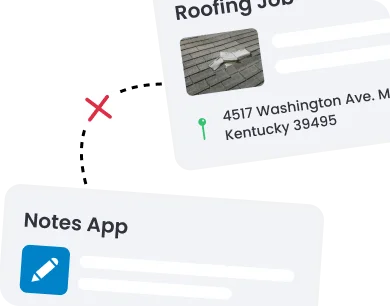
Lead notes, customer details, photos, tasks, and updates often sit in different places, so teams repeat work and miss context.
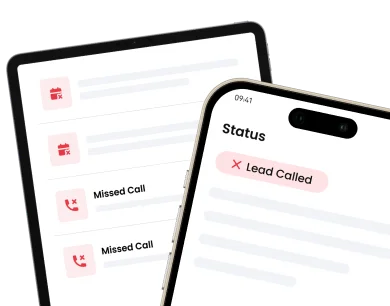
Hot leads go cold when calls, reminders, proposals, signatures, and next steps are not tied to one clear workflow.
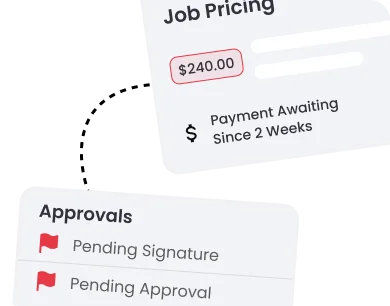
Invoices and payments take longer when job details, approvals, pricing, and customer records are not connected.
Knockio includes integrations with GoHighLevel, Salesforce, HubSpot, Google Calendar, and thousands of apps through Flow Chef and Zapier.
Capture leads during every visit, log outcomes, add notes or voice notes, and move prospects into a clear CRM pipeline.
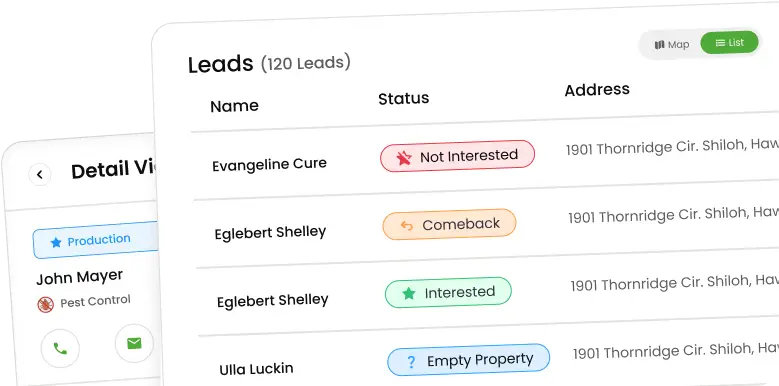
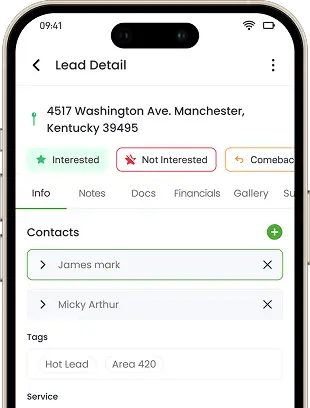
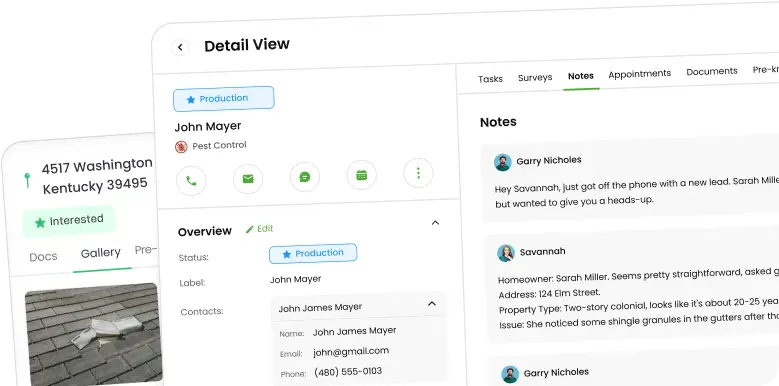
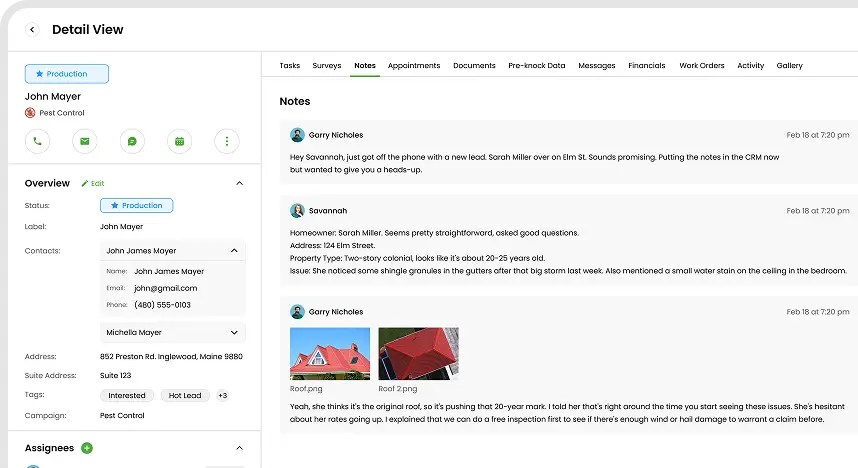
Store contact details, customer history, follow-up tasks, deal status, and next actions in one organized lead record.
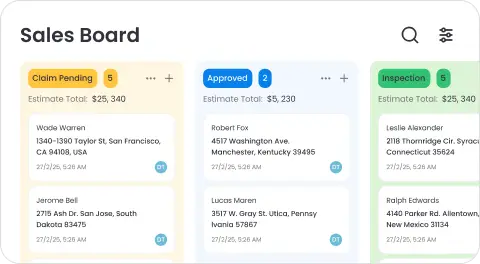
Move leads, jobs, tasks, and service stages through clear drag-and-drop boards, so teams can track progress easily.
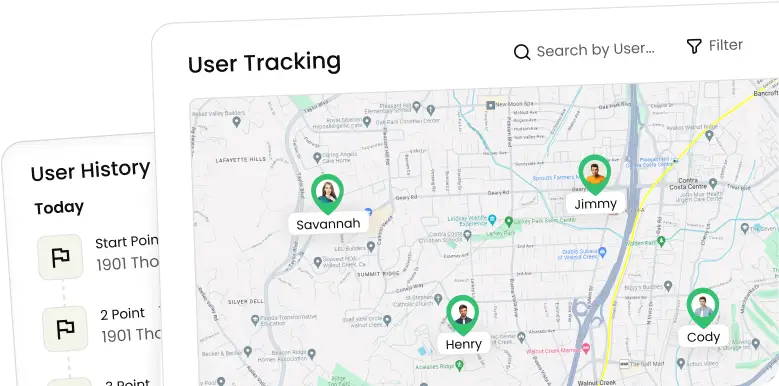
See where field reps are working, track visits, monitor activity, and understand daily sales performance from the field.
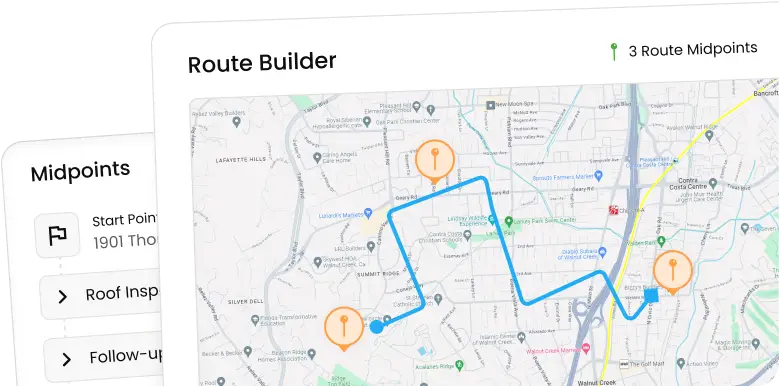
Plan smarter routes with proximity intelligence, reduce wasted drive time, save fuel, and help reps or crews reach the right stops faster.
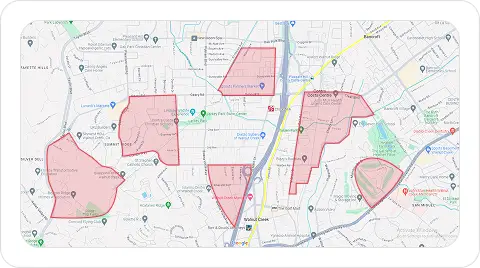
Assign areas to reps, reduce overlap, track coverage, and see which streets, zones, or markets need more attention.
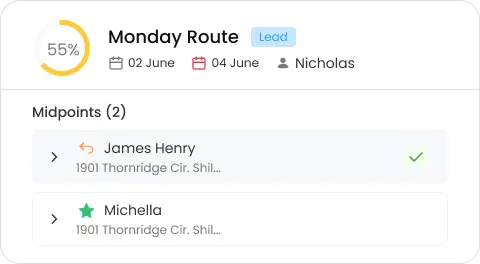
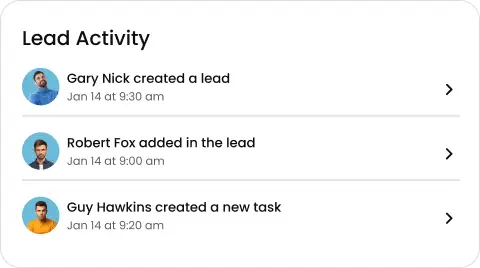
Track rep and crew visits, calls, notes, photos, status updates, and follow-ups, so managers can see field activity clearly.
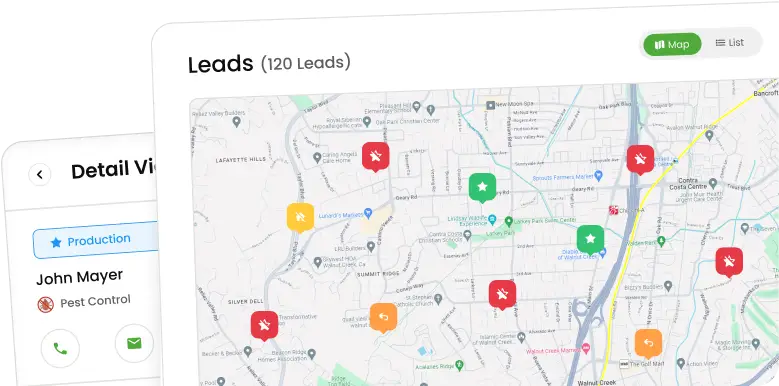
View leads, customers, routes, territories, rep movement, crew activity, and job locations on one easy field map.
Manage jobs from lead to service with notes, status updates, documents, customer details, and clear next steps.
Assign work to crews, update job details, track field activity, and keep service teams moving from one dashboard.
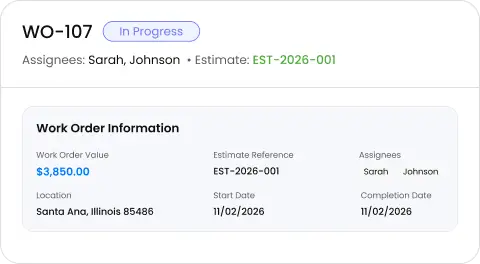
Create and manage work orders, change orders, job notes, service details, and updates without losing customer context.
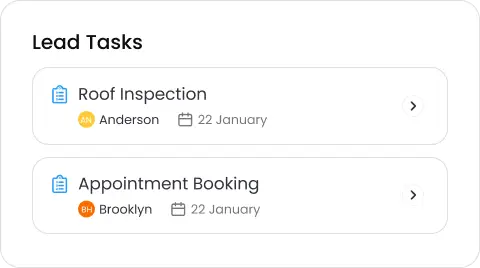
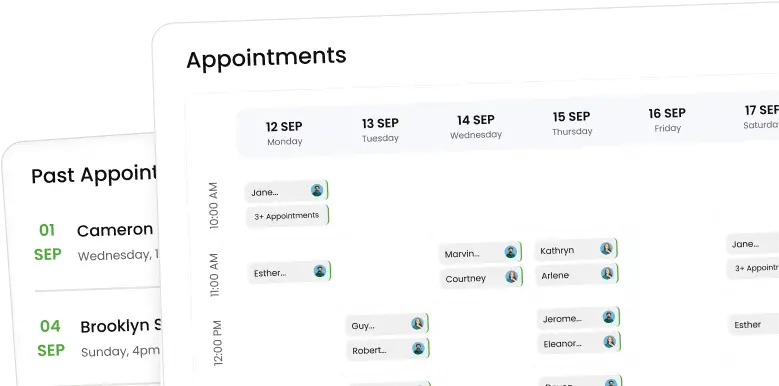
Book inspections, follow-ups, sales visits, and service jobs while keeping teams aligned on every scheduled task.
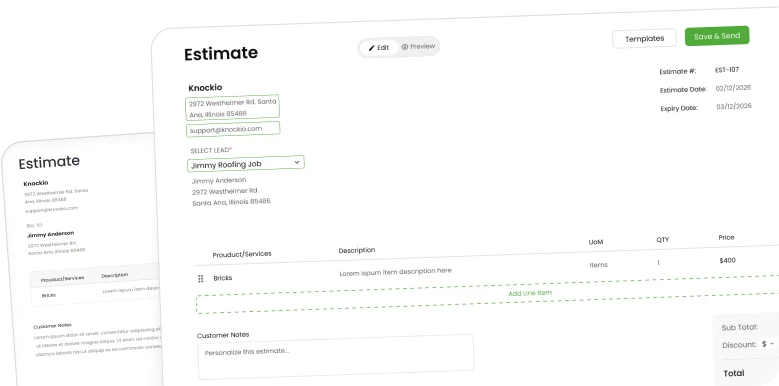
Create estimates using products, pricing, service details, and job information, so customers get clear numbers faster.
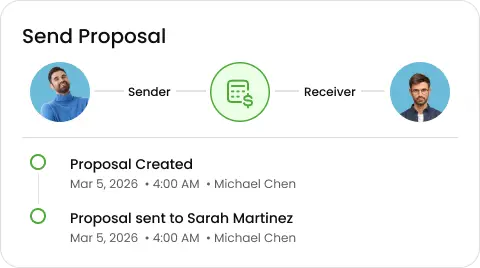
Send custom proposals with scope, pricing, notes, photos, and next steps without switching tools or losing context.
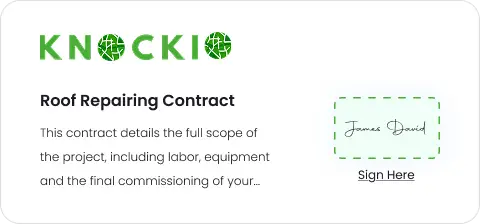
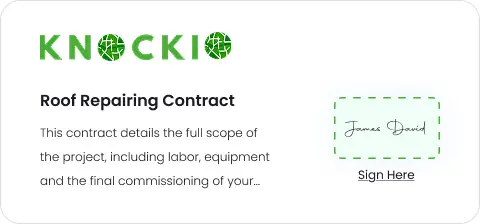
Collect approvals and signatures quickly, reduce paperwork, and keep signed agreements tied to each customer and job.
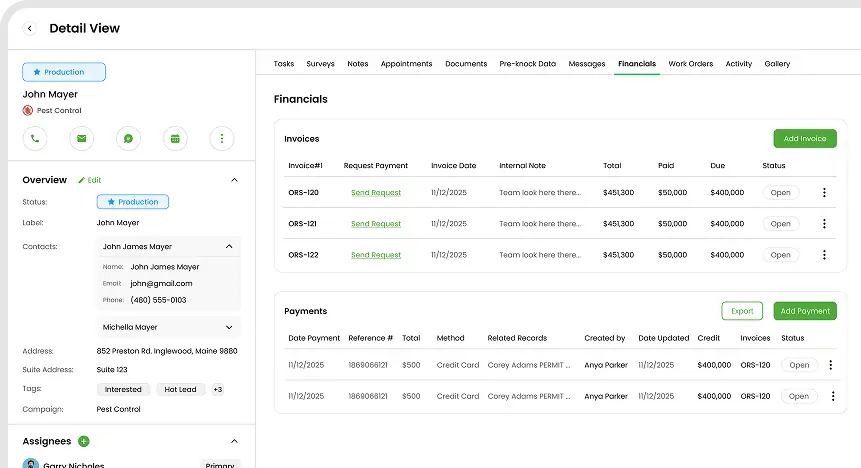
Create invoices, track payments, connect revenue to jobs, and keep customer billing organized inside the CRM.
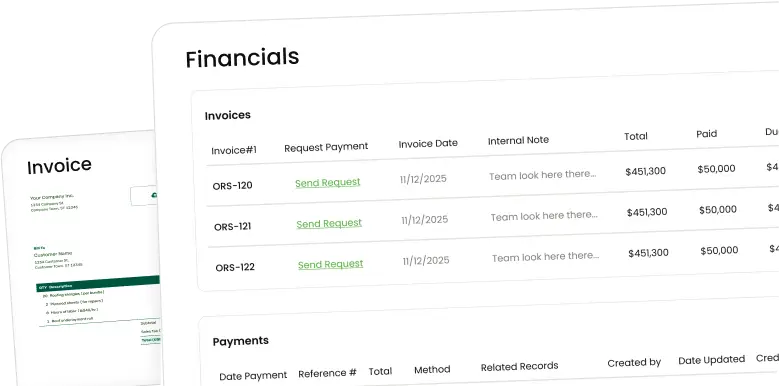
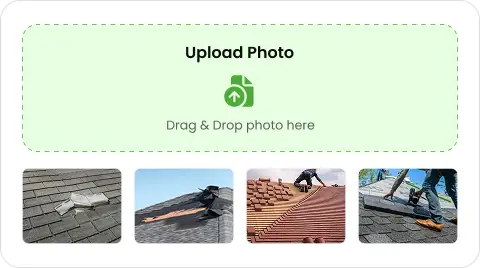
Upload job photos, videos, before-and-after shots, and annotations straight to each customer record.
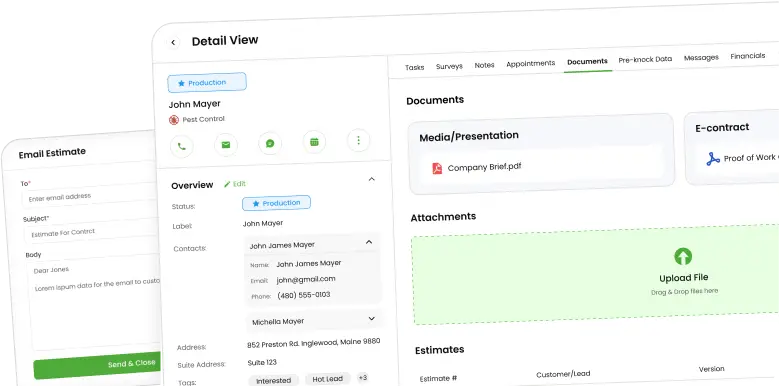
Store contracts, estimates, invoices, and field paperwork in one place, tied to the right customer and job.
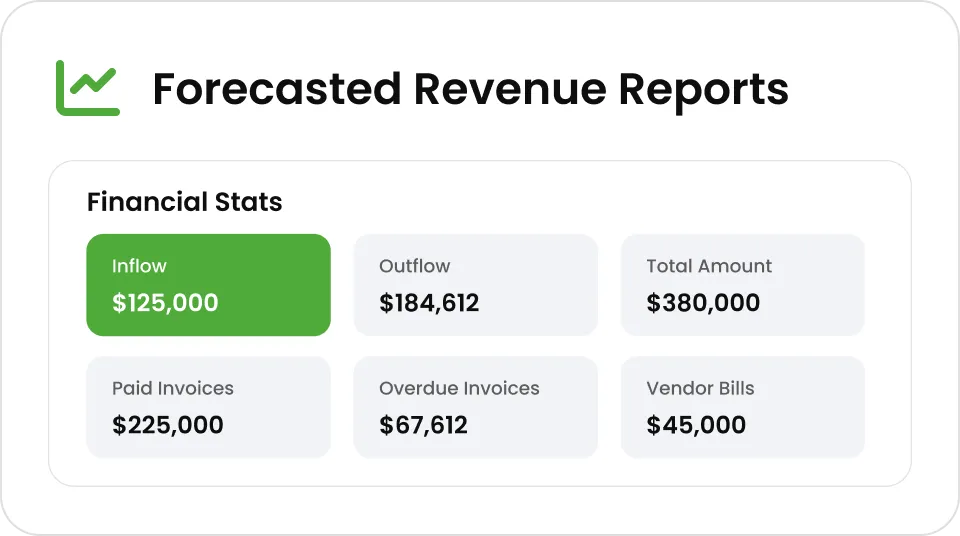
Create reports for jobs, customers, and completed work so managers always know where things stand.
Call, text, and email customers from the job record, and every conversation lands on the timeline.
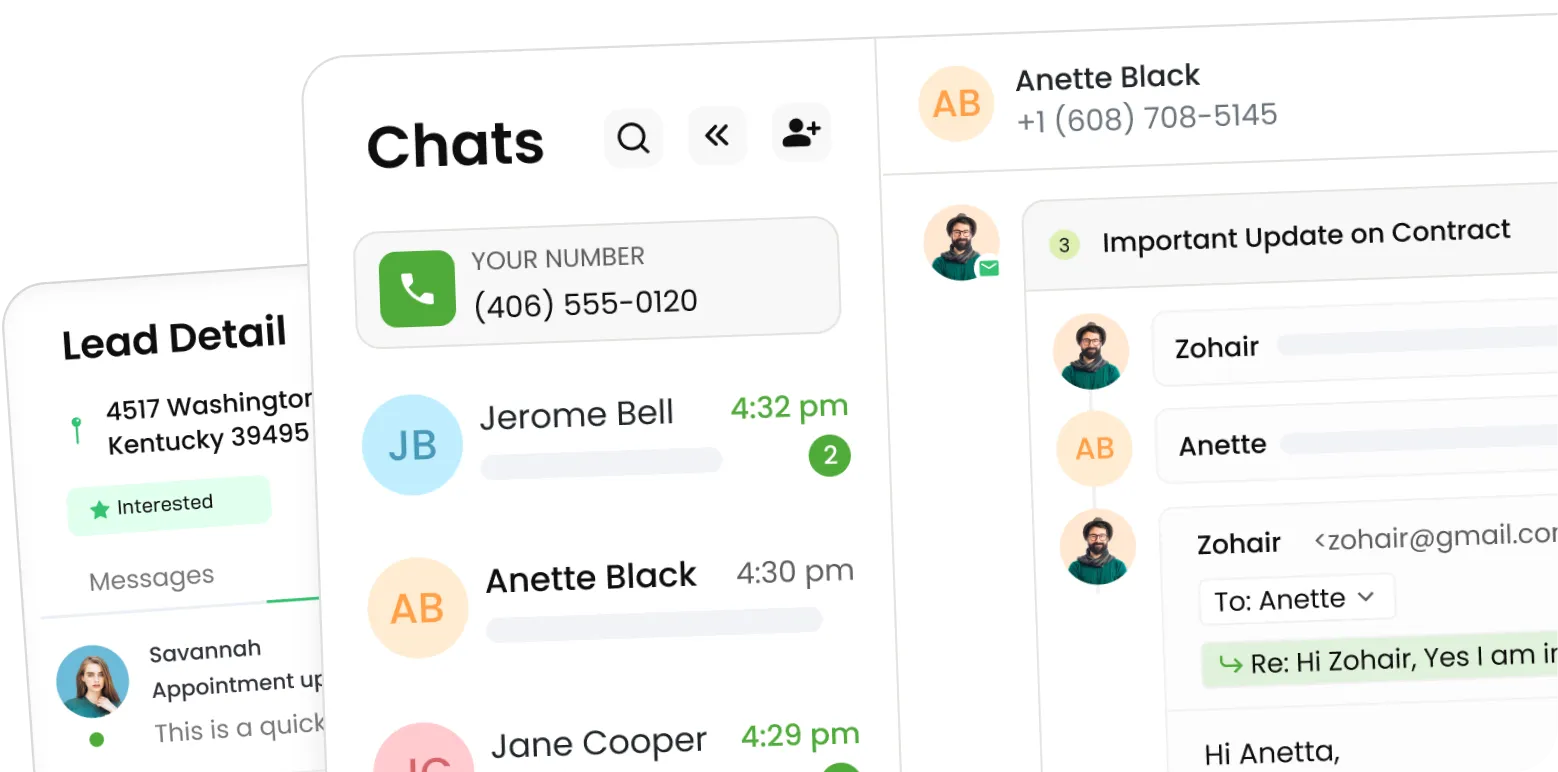
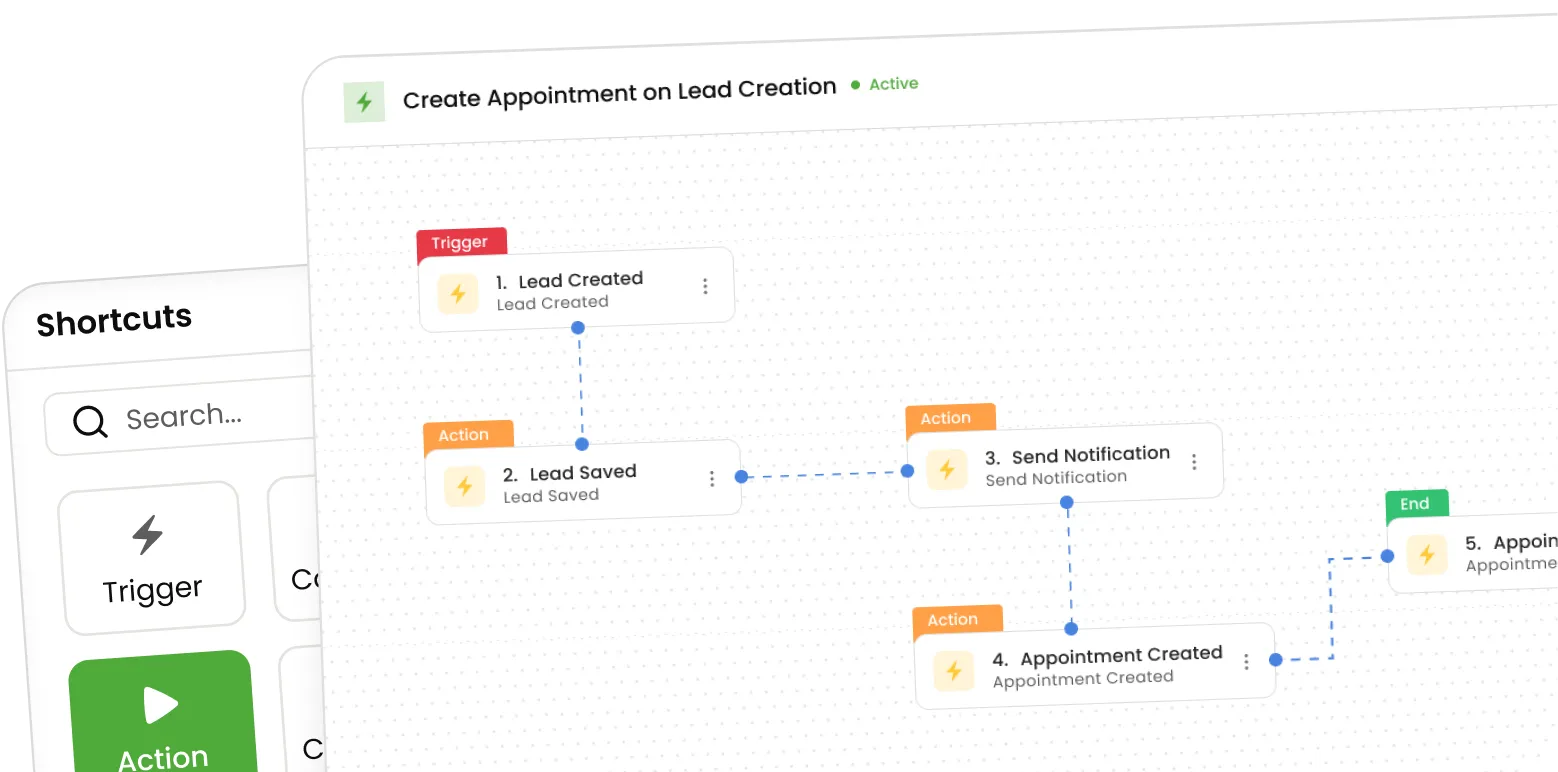
Build no-code automations for follow-ups, reminders, status updates, and invoicing, so routine work runs without anyone touching it.
Track conversions, revenue, payments, and rep performance with custom reports you build on your own rules.
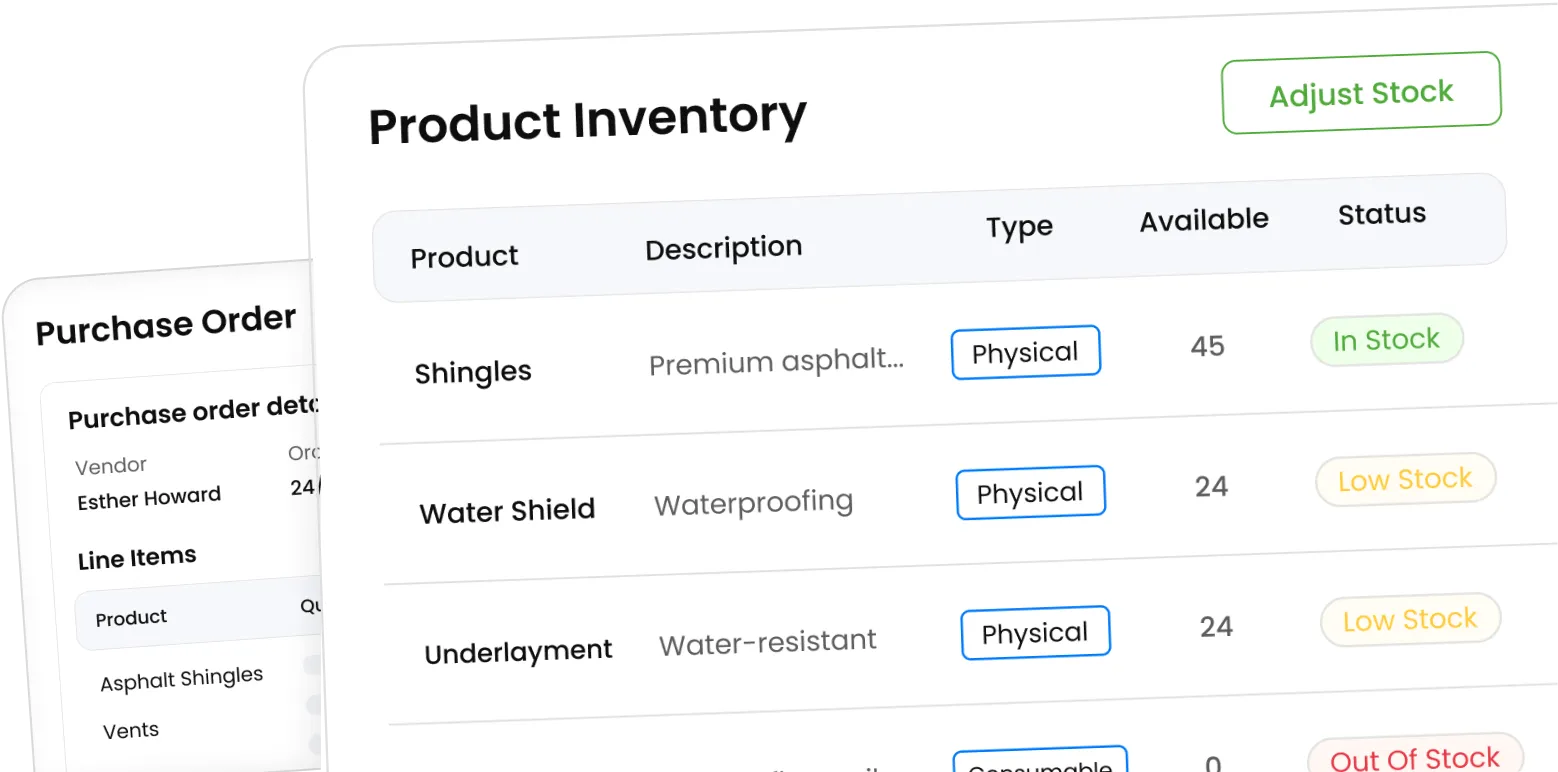
Track SKUs, costs, and stock levels, and raise a purchase order from a work order when materials run short.
Control what each person sees with role-based access, so sales, office staff, and subcontractors get only what they need.
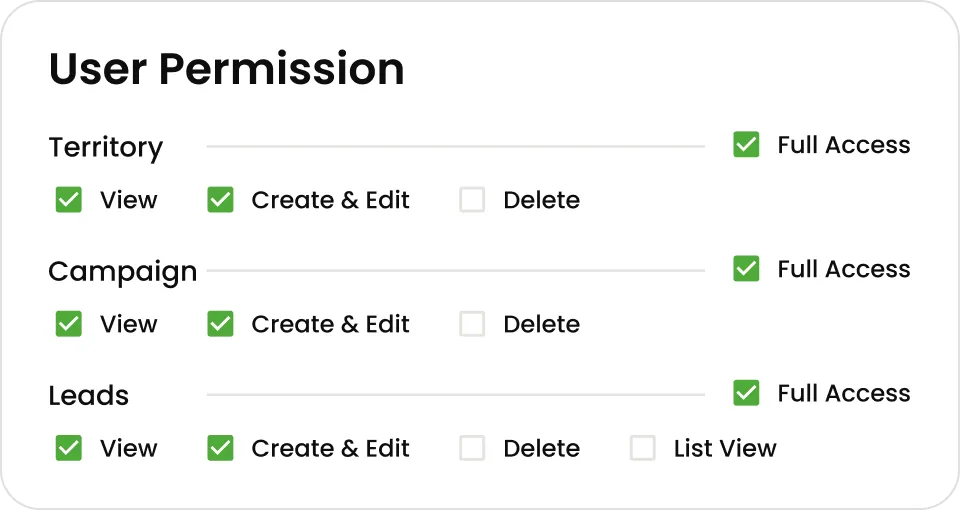
Field service work moves through a lot of small steps between the first lead and the final invoice. Knockio keeps them connected so your team never loses track of any of them.
Field service work moves through a lot of small steps between the first lead and the final invoice. Knockio keeps them connected so your team never loses track of any of them.
Capture door-to-door leads, service requests, web leads, and call-in customers with contact details, notes, photos, and source info. Every lead lands in the same pipeline from the first touch, so no one re-types it later or works off a sticky note on the dashboard.
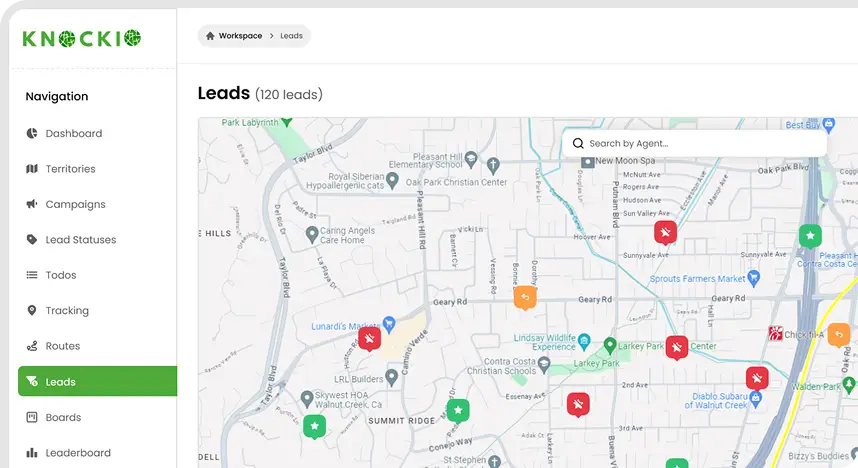
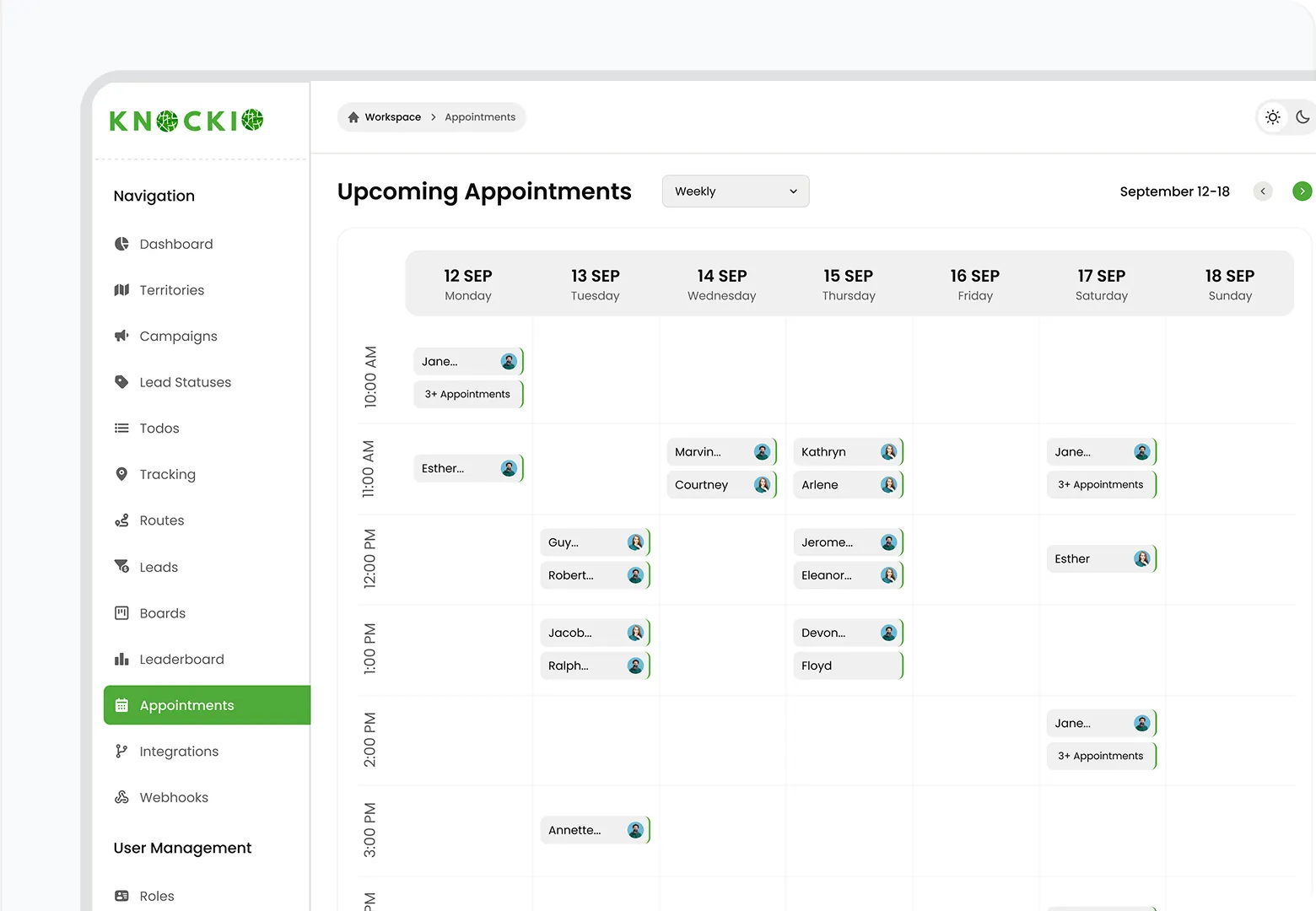
Move the lead into the pipeline and book an inspection or sales visit straight onto the right calendar. The setter hands off to the closer with the address, notes, and history already attached, so whoever shows up walks in prepared instead of blind.
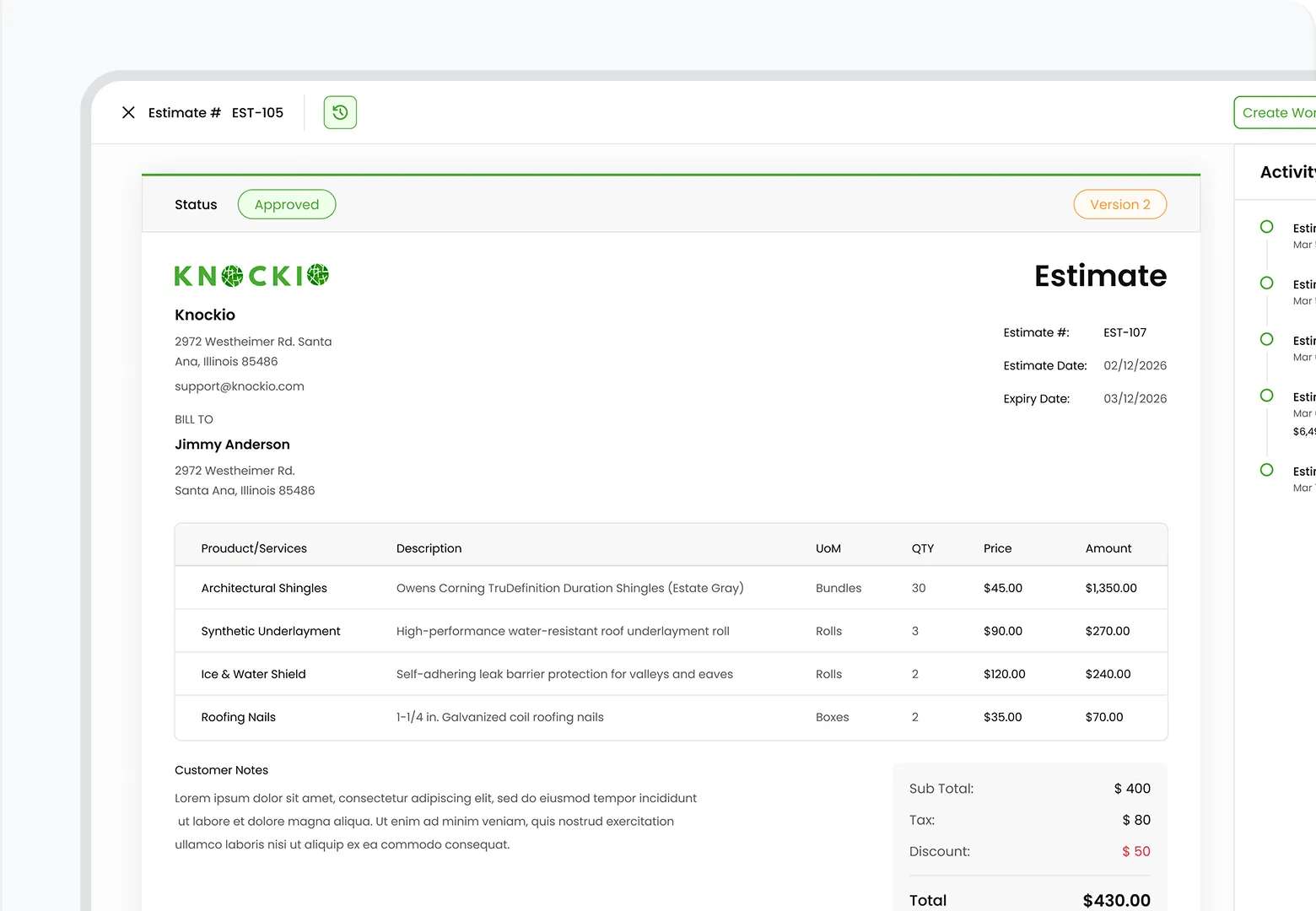
Build an estimate from your product catalog, send a proposal the customer can review on their phone, and collect an e-signed contract before the work starts. The pricing, scope, and signed agreement all stay on the job record instead of scattered across email and text.
Book the job, assign a crew, and guide them to the door with optimized routing and territory mapping. Everyone reads the same schedule and route, which keeps two people off the same job and cuts wasted drive time between stops.
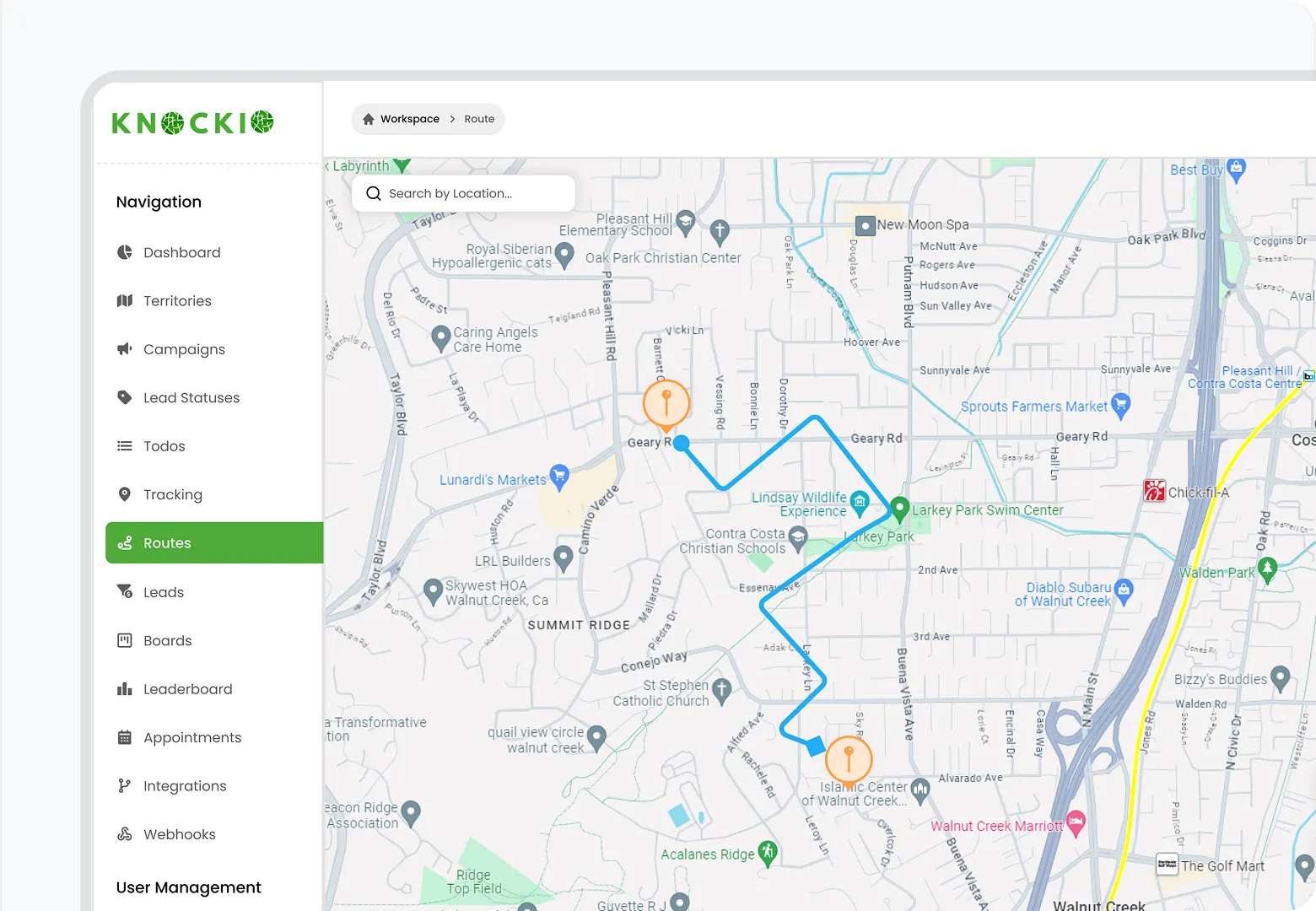
Upload photos, videos, annotations, notes, and signatures while the work is being done. The proof of work attaches to the job in real time, ready for the invoice, the customer, or an insurance claim later.
Send the invoice, then collect by card, ACH, tap-to-pay, or text-to-pay, on site or remotely. Automations follow up on anything left unpaid, so cash flow does not wait on a check in the mail.
Automations run between every step. Appointment reminders, status-based texts, and an invoice that sends itself on completion keep the whole flow moving, so nothing falls through the cracks.
Capture door-to-door leads, service requests, web leads, and call-in customers with contact details, notes, photos, and source info. Every lead lands in the same pipeline from the first touch.
Move the lead into the pipeline and book an inspection or sales visit onto the right calendar, with address, notes, and history already attached.
Build an estimate from your product catalog, send a proposal, and collect an e-signed contract before the work starts.
Book the job, assign a crew, and guide them with optimized routing and territory mapping.
Upload photos, videos, annotations, notes, and signatures while the work is being done. Proof of work attaches to the job in real time.
Send the invoice, then collect by card, ACH, tap-to-pay, or text-to-pay. Automations follow up on anything left unpaid.
Automations run between every step.Appointment reminders, status-based texts, and an invoice that sends itself on completion keep the whole flow moving, so nothing falls through the cracks.
Customer Reviews

This app is the best thing that has happened to our company! Asad is absolutely amazing! He is so responsive, it doesn't matter what time of day he is on it! I highly recommend this company add this app!

⭐⭐⭐⭐⭐
Knockio is a great product! We use it for our roofing sales canvassing. Their support team is responsive and fixes issues immediately. Highly recommend!

⭐⭐⭐⭐⭐
The support team is awesome. The live tracking feature is very useful. The pricing is fair as well!

⭐⭐⭐⭐⭐
Knockio is the best! My team and I absolutely love using it - it is so user friendly and simple. Support is brilliant too, nothing is ever too much trouble. The best on the market. Thanks Knockio!

⭐⭐⭐⭐⭐
We love Knockio so far! It is solving a lot of the issues of the other canvassing apps. The team have worked with us providing excellent fast support. Highly recommend if you're seeing people face to face.

⭐⭐⭐⭐⭐
Amazing app! Definitely has helped out my team a whole lot from our previous canvassing software. They identified what we were struggling with and needed, and everything has been addressed. Highly recommend.

⭐⭐⭐⭐⭐
Start with the plan your team needs now. Add users as you grow, volume discounts apply automatically at 5 users.
For field sales teams running door-to-door campaigns.
5+ users
$25/user/mo for 1–4 users
For contractors and field teams running the entire business—from first knock to final payment.
5+ users
$60/user/mo for 1–4 users
For field service teams managing jobs, billing, and customer records.
5+ users
$35/user/mo for 1–4 users
Built for multi-location contractors and enterprise operations running 100+ reps in the field.
Volume rates for large field teams
Book a demoChoose your plan, users, and Engage phone numbers to preview pricing.
Engage add-on, $15 per phone number.
Estimated Total
Breakdown
Common Questions
Choosing the right field software depends on your team’s workflow, budget, industry, and growth plans. Some tools are stronger for door-to-door sales. Some are built more for service jobs. Knockio brings both together with canvassing, CRM, scheduling, routing, dispatching, proposals, invoices, and payments.
Plans start at $25/user/month, with volume discounts at5+ users, no long-term contracts, and no setup fee. Pick the plan that matches what your team needs:
See Knockio In Action
Pulling up a few good times to connect…
Plan campaigns, capture leads, dispatch crews, manage jobs, and update customers from anywhere. Your canvassing and field service work stays connected in one app.