“Knockio CRM is now LIVE”. LEARN MORE

When you hear the word ‘technician productivity’, it isn’t about getting work done faster or rushing through jobs. Instead, it’s more about getting work done the right way. And that means with fewer surprises, fewer return visits, and fewer unhappy customers. It’s when a tech walks onto a site knowing exactly what happened last time, follows a solid process, and leaves such clear notes that the office never has to call them with questions.

Here’s one truth that many businesses don’t want to admit. It is that most productivity issues aren’t actually technician problems. Rather, they are system problems. 

Your team can have the hard-working, skilled tech on the planet, but they’re still going to lose hours every week if they’re:

  • Hunting down job history in old email threads.
  • Driving back to the shop because a part wasn’t listed.
  • Stuck on hold with the office just to get a simple approval.

If your team is still juggling WhatsApp messages, paperwork orders, and messy spreadsheets, you will often feel busy all day but never truly efficient. 

This is where field service CRM comes in handy. It connects the entire job flow, from call to scheduling, dispatching, and job completion. Unlike a standard CRM, it’s not just a place to store customer information. 

In this guide, we’re breaking down exactly how this works using real-life examples. You’ll also find a comparison chart to help you evaluate different platforms. And since we’re proud of what we’re building at Knockio, we’ll show you how our latest field features are designed specifically to give your team more speed and control without the usual headaches.

Why technicians lose productive hours in the field

If you want to fix productivity, you have to find out where your time is quietly slipping away. It’s usually not one single disaster that is putting a wrench in your plans. Rather, these are small things that happen every single day.

Most field teams lose time in the same five ways:

  • The “I wasn’t told that” moment: Suppose that a tech walks in and quickly realizes the work order is missing key information. And, when he asks the customer, he says that he has already explained it all on the phone. Now, the tech is calling the office, and the office staff is digging through old notes. Thirty minutes have passed, and the customer is already annoyed.
  • The Waiting Game: Your tech finds a bigger issue that needs a price change or a signature. They text the manager. They wait. They check their phone. They explain the situation again. All this phone tag results in more time flying by.
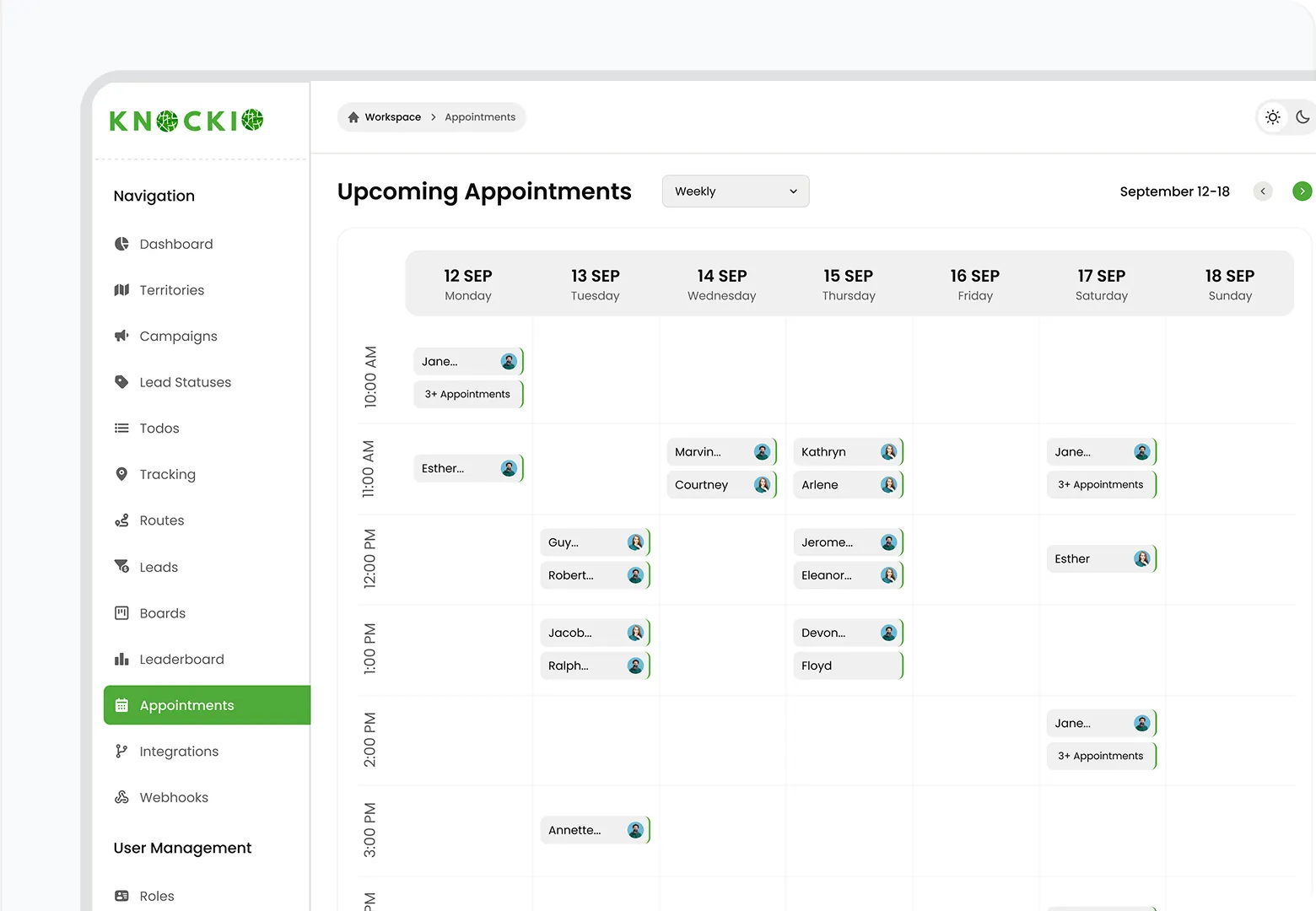
  • The “Zig-Zag” Schedule: A technician might have four jobs on their schedule, but they won’t be able to manage them properly because the route makes no sense. They’re driving across town and back again. because scheduling was based on “who’s available” instead of “who’s closest and best suited for the job.” 
  • The Double-Visit Drain:  A tech shows up and realizes they don’t have the right part because the intake notes were vague. So the tech has to come back another day. That’s not productivity. That’s lost time and a hit to your reputation.
  • The “Guessing Game” Documentation: When notes are messy or photos are missing, no one knows what was done last time. They have to start from scratch to figure out what was done last time, and the whole cycle of wasted time starts all over again.

A Field Service CRM helps fix all of this by removing friction between the office and the field. It gives your technicians fewer reasons to stop, fewer reasons to wait, and everything they need to just get the job done right the first time.

What a Field Service CRM actually does differently from a normal CRM

A standard CRM is great for sales teams because it’s built for tracking phone calls, emails, and deals. But if you are someone who is working in the field, it often feels like an “office thing” that doesn’t actually help them get their hands dirty.

A Field Service CRM is different. It is designed to get the work done. 

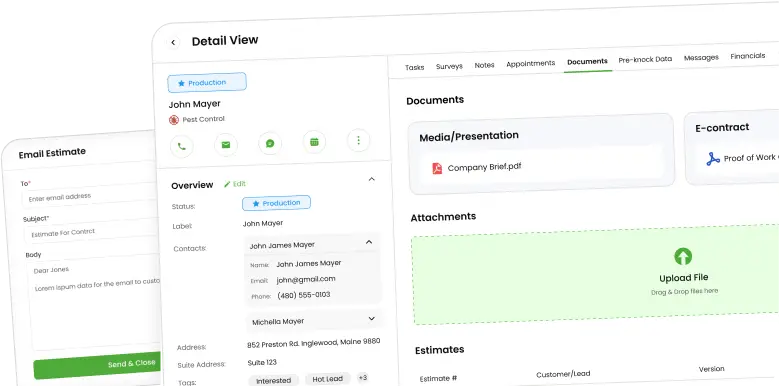
It bridges the gap between the office and the job site and brings customers, assets, jobs, schedules, technician activity, and job results together in one place. It’s designed for the way a tech actually works, with quick mobile checklists and easy photo uploads that don’t feel like a chore.

In simple terms, a Field Service CRM helps technicians by instantly answering questions like:

  • What exactly am I doing at this job?
  • What happened the last time we were here?
  • What should I check first?
  • Which parts do I need?
  • What do I do if the job changes?
  • How do I document the work so no one calls me later?

When you give your team these answers instantly, productivity goes up naturally. Technicians don’t have to work harder. They just have to clear the obstacles so they can get the job done.

Feature to benefit mapping that directly improves technician productivity

Below are the most important Field Service CRM features for getting things done, along with the real problems they solve in the field. This is where the magic happens for your team.

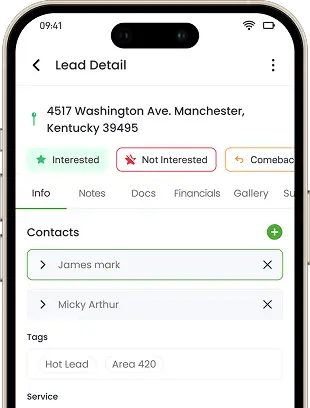
Mobile job access and offline-friendly work views

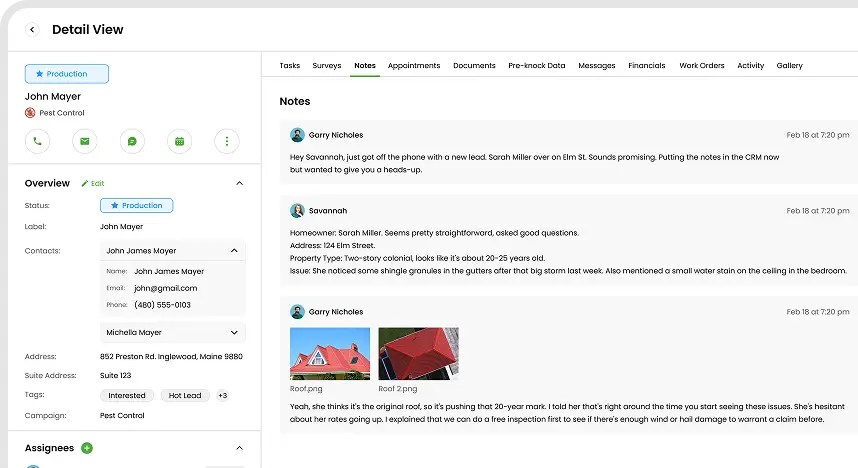
The Tool:  Techs can open a job on their phone and see the full history. This includes every past note, every photo, and exactly what equipment is on-site.

The Result: No more calling the office for basic information. Techs walk in with total confidence because everything they need is already there.

This is one of the massive productivity wins because it kills the “search time” before work even begins. When a tech has the full story in their hand, they diagnose faster and make fewer mistakes.

Clear job steps and checklists

The Tool: Simple, step-by-step guides that have the required fields, which can guide technicians through each task.

The Result:  Less rework, fewer missed steps, and fewer return visits.

Checklists aren’t about micromanaging. Instead, they’re about clearing mental clutter. On a busy day, your tech doesn’t have to rely on memory alone. Instead, they have a checklist to remember it for them so that the tech can focus on their work. This keeps quality high and prevents those ‘wish I’d checked that’ moments that keep you from moving on to the next job.

Smart scheduling and dispatching

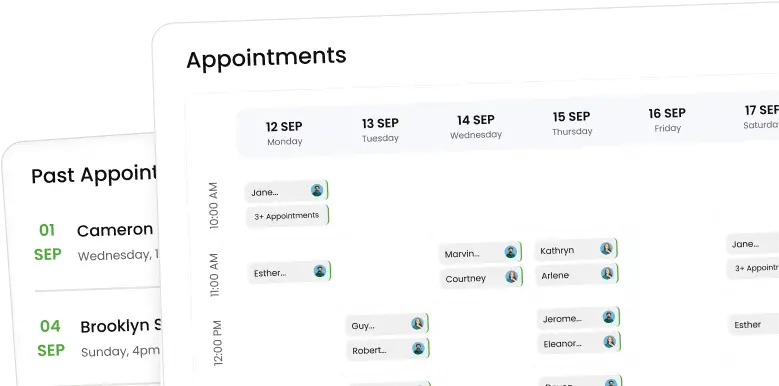
The Tool: A dispatch board that looks at who is closest, who is actually available, and who has the right skills for the job.

The Result: Less drive time and fewer “wrong technician” assignments.

A tech is at their best when they’re actually working, not sitting in traffic. Bad dispatching wastes time, fuel, and energy. Smart scheduling turns a chaotic day into a smooth route that keeps the team from burning out behind the wheel.

A strong Field Service CRM helps turn messy schedules into clean, realistic plans.

Real-time technician status and activity tracking

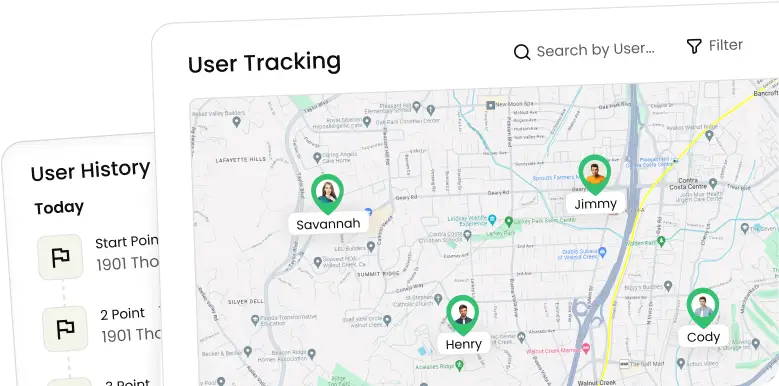
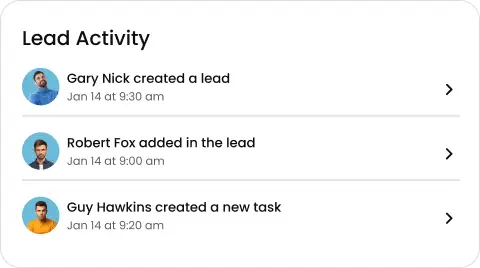
The Tool: Live job status updates, technician check-ins, timestamps, and activity tracking that the office can see instantly.

The Result: Fewer “Where are you?” calls, faster decisions, and fewer interruptions.

Technicians hate being nagged every 20 minutes, and the offices hate not knowing what’s going on. This keeps everyone in the loop in real-time. This way, the office stays informed while the tech stays focused on the work.

Customer communication and automated updates

The Tool: Automatic “I’m on my way” texts, “technician en route” messages, and job status updates.

The Result: Fewer missed appointments and less waiting around.

There is nothing that kills a tech’s momentum like driving 30 minutes only to find a locked door. This wastes drive time and leaves holes in the schedule that are hard to recover. 

Automated updates keep the customer in the loop so they’re actually there when your tech pulls into the driveway.

Digital forms, photos, and signatures

The Tool: Mobile forms for inspections, service reports, and checklists, plus digital sign-offs.

The Result: Faster job closeouts, fewer disputes, and less paperwork.

Paperwork is a thief. Too often, techs finish the work but then lose time later rewriting notes or entering data back at the office. With digital forms, when the tech finishes the job, they’re truly done.

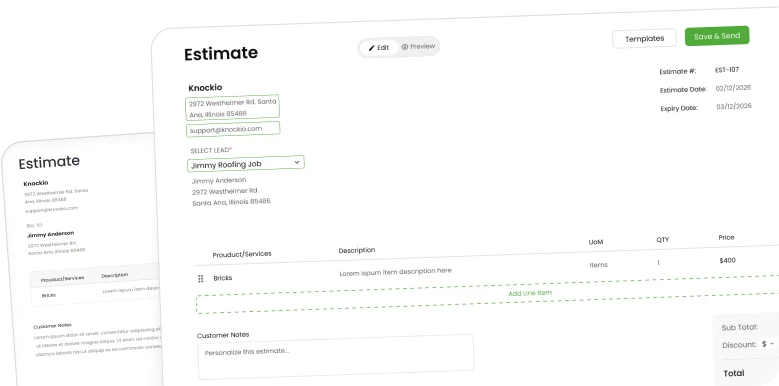
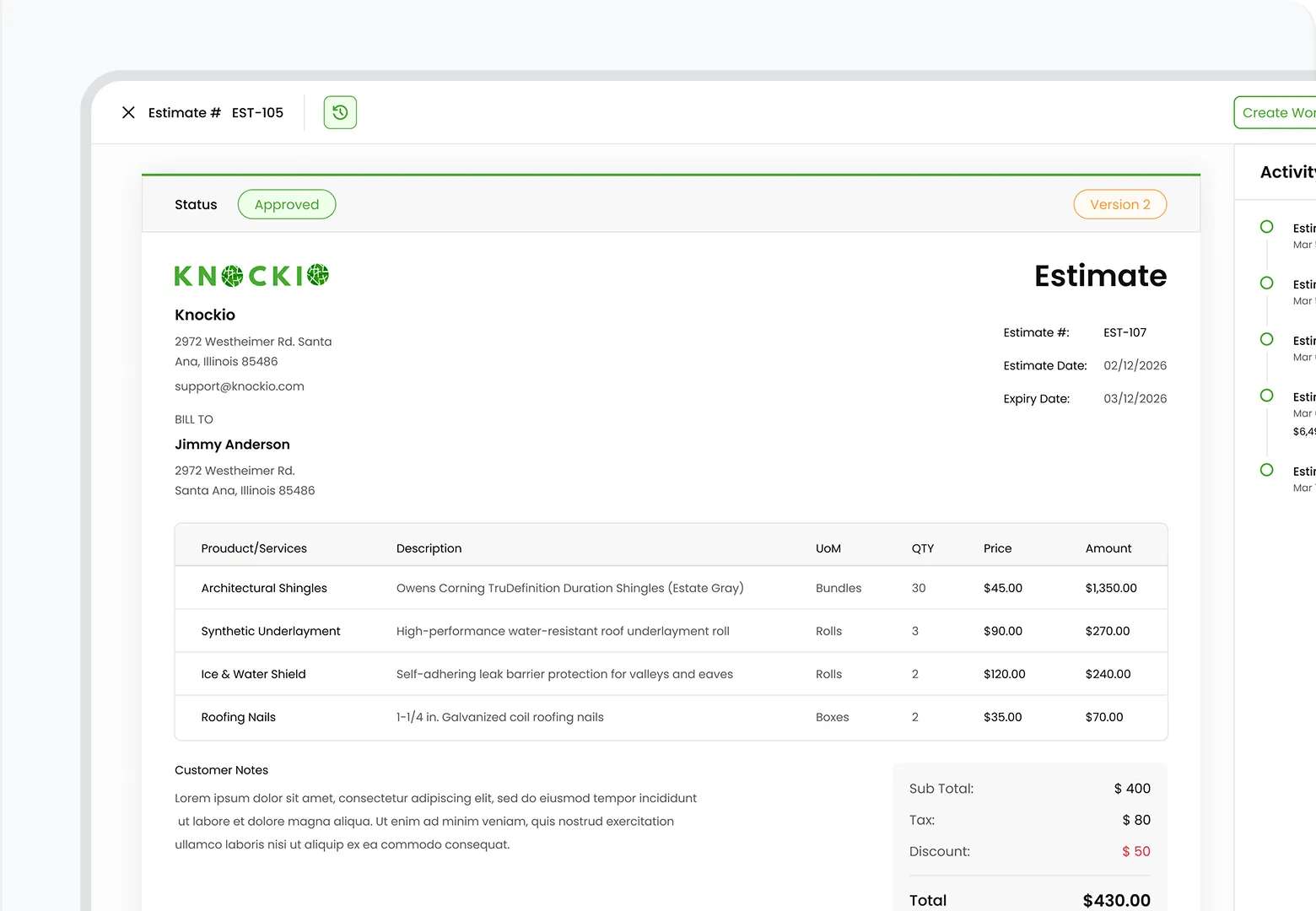
Quotes, approvals, and invoicing workflows

When a tech finds a bigger issue on-site, they can get the customer’s approval on the spot. No long delays. Instead of stopping everything, the tech can explain the issue, show a couple of photos, and get approval right away. There is no awkward delay while waiting for someone in the office to finally send an email. 

Route planning and territory management

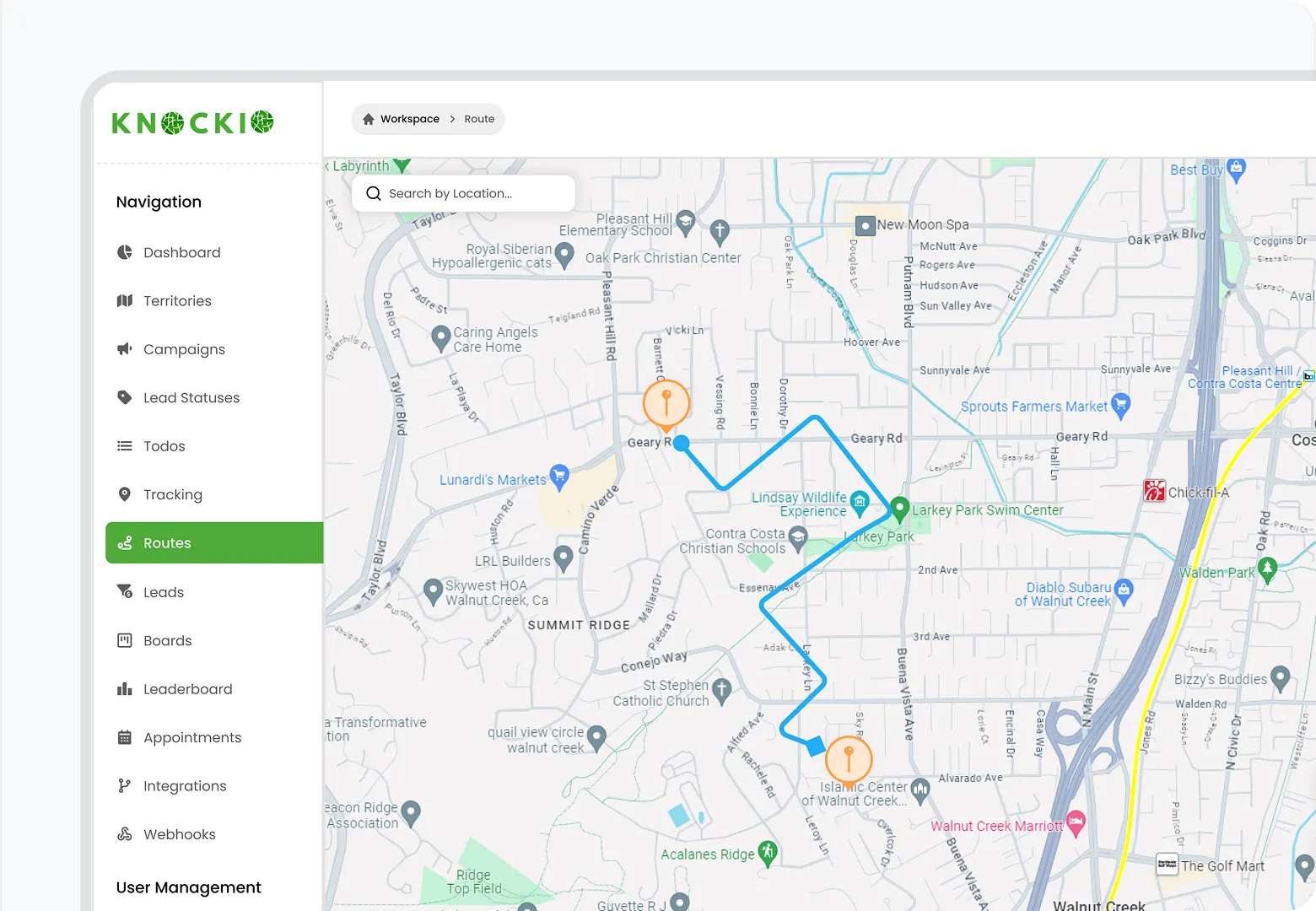
As for scheduling, route planning matters more than most teams admit. If you line up the jobs sensibly in one area, everything else gets easier. Your team will spend less time fighting traffic and more time actually working. Even if you can save little pockets of time driving between jobs, it adds up fast over a week. This creates space for more work without pushing technicians harder.

Simple job-flow examples that show productivity gains

All of this sounds nice in theory, but it only matters if it actually shows up during real jobs. So instead of talking about features, it helps to look at what changes on an ordinary workday.

Example 1: HVAC maintenance visit with fewer back-and-forth calls

Take a routine HVAC maintenance visit. The office would book a generic “maintenance visit.” The tech pulls up and is essentially flying blind. They have no clue about what the last guy found or what unit model is in the attic. Before they even pick up a wrench, they’re stuck on a 20-minute phone call while the office digs through old spreadsheets.

With the HVAC Service CRM, the tech just taps on their phone. They instantly see the unit specs, past service notes, and photos of the previous repair. They follow a quick checklist, take a “done photo, and move on. It cuts out all that wasted start-up time and confusion and allows the team to squeeze in more work without ever feeling like they’re rushing.

Example 2: Plumbing repair with better parts readiness

Plumbing repairs are where the difference shows up almost immediately. A customer reports a “leak under the sink.” The job notes are unclear. The tech shows up with a standard kit only to realize they need a weird fitting they don’t have in the van. Now they’re driving back to the shop or a supply house. Just like that, a 20-minute fix spiralled into a two-day ordeal, plus a frustrated customer.

When the person who took the call followed a few smart, guided questions, the system flagged the parts they likely needed before the tech even pulled out of the driveway. So, they arrived with the right gear, which leads to a “one-and-done” visit. That’s one of the biggest productivity wins you can get, simply because it kills the need for return trips.

Example 3 Solar service call with clearer job ownership

Before, dispatch would assign the job to whoever was free. The tech would arrive, get on the roof, and look at the panels, only to realize within five minutes that the repair needed a licensed electrician. Calls would go back and forth, and now the job would stall. And the whole day’s schedule is in the trash while the office scrambles.

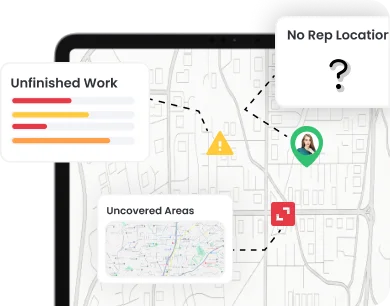
Modern systems use “skill tags” to make sure only the right people even see that job on their schedule. If the scope changes once they’re on-site, the tech updates the status, and the office sees the conflict on a live map instantly. They can reassign the work in seconds. This way, they can solve the problems faster, and there are far fewer disruptions to the day’s schedule.

Comparative chart: Field Service CRM features that matter most for technician productivity

When you’re looking at different platforms, ignore the sales talk. Instead, you should pay attention to what they actually reduce. If it doesn’t reduce phone calls, drive time, or rework, it isn’t a productivity tool; it is just an expensive digital filing cabinet.t.

What your team actually needsThe ToolThe Headache it killsThe Result
No more flying blindMobile job historyThe “What am I doing here?” confusionFaster starts; zero calls to the office for info.
Getting it right the first timeDigital checklistsThose “I forgot to check that” callbacksHigher quality; no more unpaid return trips.
A schedule that makes senseSmart dispatchingZigzagging all over townA smooth day with more jobs actually finished.
Peace and quiet to workReal-time statusConstant “Where are you at?” interruptionsFocused techs; a much quieter office.
Ready customersAutomated ETAsThe frustration of locked doorsNo more wasted fuel on “no-shows.”
To be “Done” at 5:00 PMMobile data captureThe “paperwork is waiting at home” bluesInstant closeouts; no evening data entry.

What makes Knockio a strong choice for field technician productivity

Most software companies love to use the word “productivity,” but there’s a big difference between a tool built for a desk and a tool built for a truck. Many CRMs are generic, which have been stretched to fit.

Knockio is different. It wasn’t just built as a place to store leads. But it was created as a place to run your day. It’s designed for the reality of technician schedules, messy job sites, and the constant need for clear documentation. 

Here’s how Knockio practically helps productivity:

Knockio reduces back-and-forth calls with one job truth

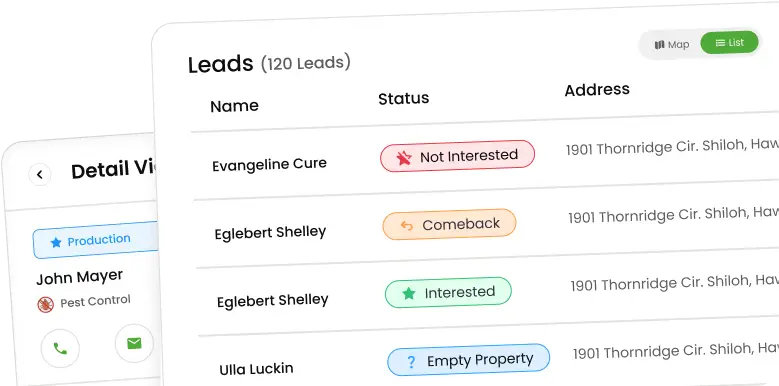
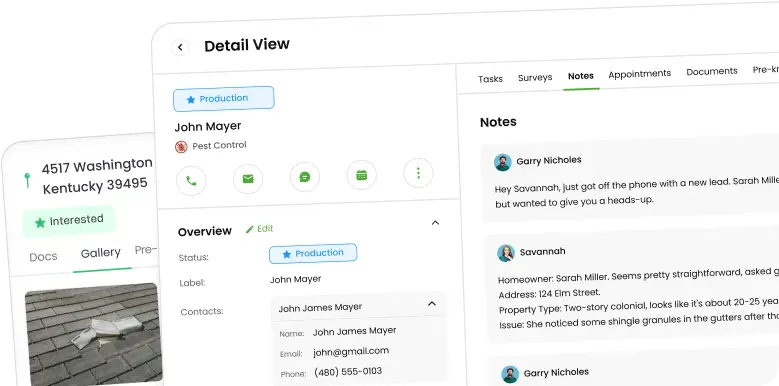
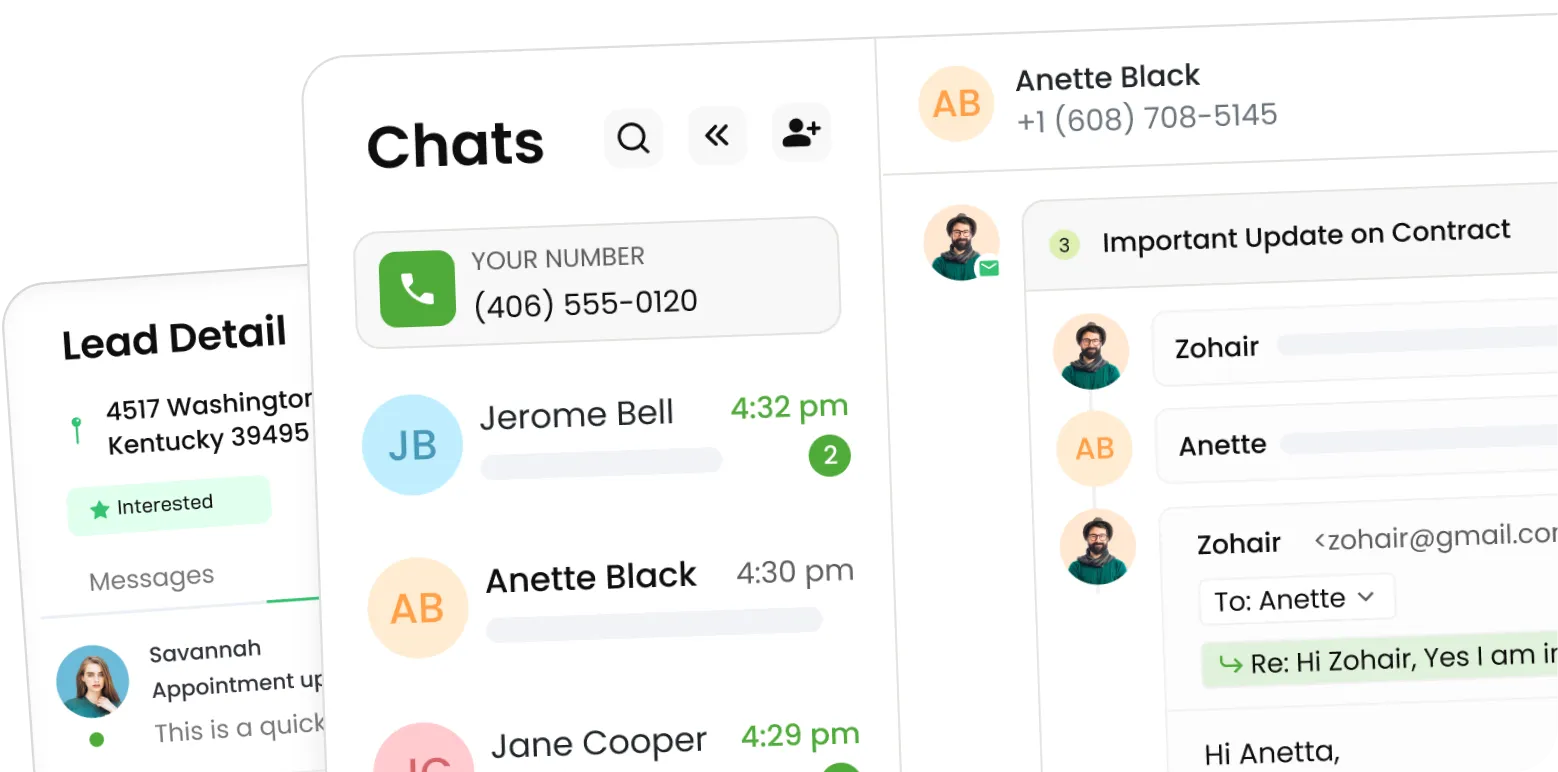
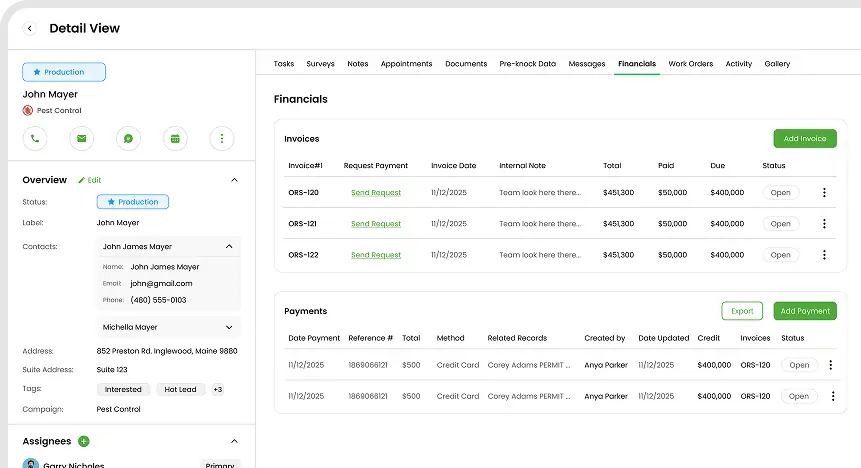
There is nothing that slows a day down more than playing phone tag. With Knockio, you have everything, from customer history, site, photos, to specific job notes, all in one place. This means that technicians stop calling the office for basic information. And because the office can see live updates, they stop interrupting the tech to ask, “How much longer?”

That shared visibility saves time on both sides, every single day.

Knockio supports clean job steps and consistent documentation

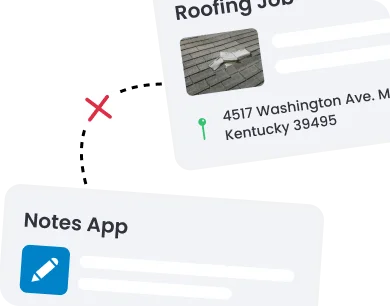
A system only works if it’s repeatable. Knockio makes it easier to standardize how jobs are completed. It makes sure that you can capture notes and attach photos without it feeling like a chore. 

Consistent documentation doesn’t just protect the business; it protects your technicians. When everything is clearly recorded, there’s less finger-pointing and fewer “what happened here?” conversations later.

Knockio improves routing, scheduling, and territory control

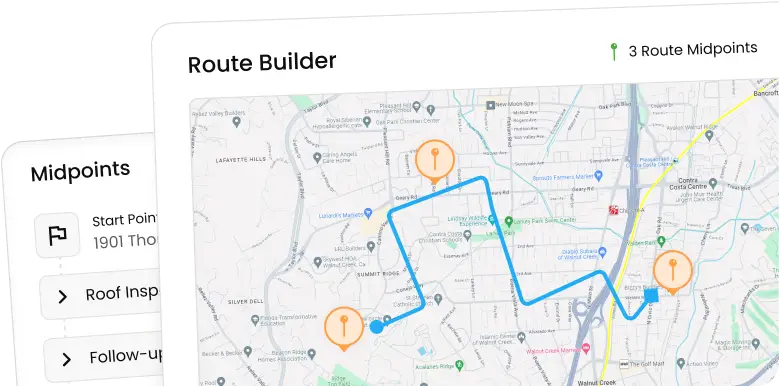
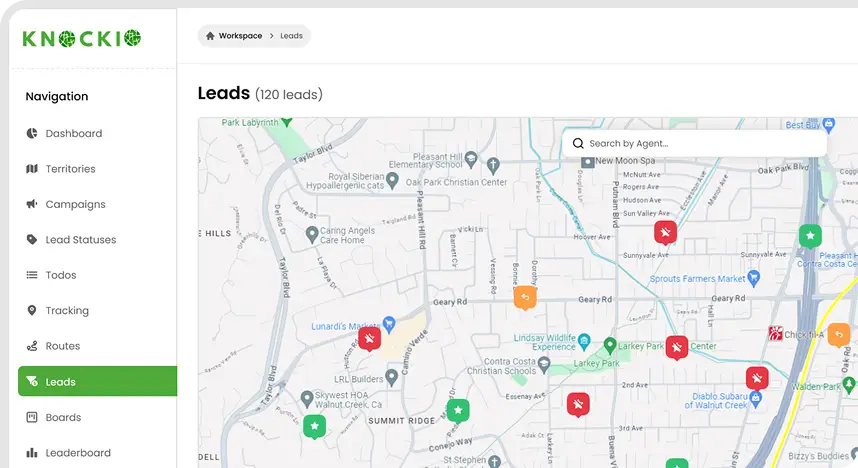
At the end of the day, your techs are most productive when they’re working, not sitting in a van. Knockio’s routing and mapping tools help build schedules that make sense in the real world, and not just on a spreadsheet.

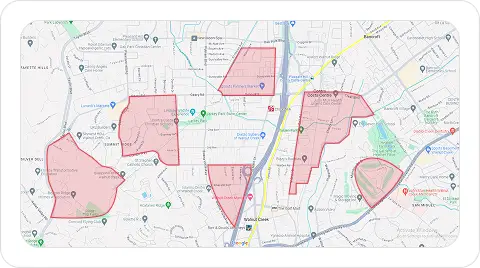
When you organize jobs logically and keep techs in their territories, you can save little pockets of time. Those small 10-minute savings on the road can add up to hours of reclaimed time by the end of the week.

Knockio blends CRM strength with field service execution

Some platforms are great at managing customers but fall short when it comes to dispatch and field execution. While others handle dispatch well, but make it hard to track history, notes, and relationships. 

Knockio bridges that gap. It gives you the “memory” of a CRM, so it knows exactly who your customers are and what they need. And it combines it with the “muscle” of a field service tool that can schedule the job and invoice it correctly.

Knockio is designed to grow with modern field service needs

As your business gets bigger, things get more complicated. Your team will need better scheduling, job tracking, invoicing, reporting, communication logs, and integrations, all working together in sync. 

Knockio is designed so you don’t have to switch tools every time you add a new truck or a new service line. If your goal is better technician productivity today and stronger operational control tomorrow, that long-term fit makes a real difference.

How to measure technician productivity improvements after implementation

You shouldn’t have to guess if your team has been productive; you should be able to see it. It might feel great if everyone is less stressed, but the real productivity shows up in numbers. 

Once you’ve adopted a Field Service CRM, these are the most useful metrics to watch in day-to-day operations: 

Jobs completed per technician per day

This is the most honest number you have. If your techs can wrap up even just one or two more jobs per week because they aren’t fighting their schedules, it adds up quickly across the team.

First-time fix rate

If you can stop the repeat visits, you’ve just increased your capacity. When you increase first-time fixes, it improves productivity without hiring more technicians.

Average drive time per job

Better routing and smarter scheduling show up clearly here. If your team is spending less time staring at a dashboard and more time at the job site, your fuel costs go down and your team’s energy stays up.

Time from arrival to job start

Watch how long it takes from the moment the van pulls into the driveway to the moment the work actually starts. When the techs have clear job details and step-by-step checklists on their phone, they waste less time starting the work.

Admin follow-up time after job completion

You know your system is doing its job when your office team spends less time chasing notes, photos, or missing details. 

Missed appointment rate

If your techs aren’t pulling up to empty houses anymore, they aren’t wasting their most valuable asset: their time. Your automated reminders and status updates can bring this number down fast.

Try tracking these numbers for 30 days before you start and 30 days after. Even small shifts will quickly show whether your CRM is making a real, measurable difference.

Common mistakes that reduce Field Service CRM productivity gains

A CRM isn’t a “magic button.” It doesn’t automatically improve productivity just because it’s installed. If the setup or rollout is messy, it can actually slow teams down.o keep things moving, avoid these common mistakes that eat away at productivity:

Too many fields on job forms

If a technician has to fill out 20 different boxes just to close a simple service call, they’re going to hate the system. Keep forms short, clear, and practical. If it takes more than a minute or two of tapping on a screen, you’re eating into their actual work time. 

No job templates

If your office is building every job from a blank page, your techs are still going to be left guessing. You should have job templates for common work types ready to go. They save time, reduce confusion, and help everyone start on the same page.

Poor scheduling discipline

It’s tempting for dispatch to ignore the map and just send whoever is “free” because a customer is shouting. But this way, routes will stay inefficient. Trust the process, and your future self will thank you.

Lack of training and adoption

Most techs don’t want to sit in a three-hour meeting looking at PowerPoint slides. They need short, hands-on training that mirrors real jobs they see every day. So, you should keep it simple and practical.

Not using reporting

If you never look at your reports, you’ll never know where you are wasting your time. Even basic reports can highlight where you are losing time and where small changes can make a big difference.

Final takeaway

At the end of the day, technician productivity isn’t about pushing people to work harder. It’s about building a system that removes the friction, clears up the confusion, and lets them make decisions without waiting for a callback.

The right Field Service CRM makes life easier for everyone. It improves productivity by cutting down on back-and-forth calls, clarifying job steps, and keeping all job information easily accessible on mobile. When you automate the reminders and simplify the paperwork, your team stops feeling like they’re drowning in admin work and starts doing what they’re actually trained to do.

If you’re looking for a field service CRM that understands the balance between a powerful office tool and a simple field app, then Knockio is the one for you. It focuses on helping teams move faster in the field, stay aligned in the office, and create workflows that actually scale as the business grows.

Are there affordable field service CRM options for small businesses looking to boost technician efficiency?

Absolutely. You don’t need a massive enterprise budget to fix a messy schedule. The secret is to find a tool your techs will actually use. The biggest mistake that you can make is buying the “biggest” tool instead of the most usable one. If your technicians use it daily, you win. 

Knockio is built to be practical and straightforward for smaller teams. It gives you the power to grow without the headache of switching systems once you add a few more trucks.

Which field service CRM platforms are best for enhancing technician productivity?

The “best” platform isn’t the one with the most buttons. It is the one that removes daily friction in the field. You should look for the tool that handles the essentials like mobile access, smart scheduling, and easy documentation. Even though there are plenty of big-name options out there, Knockio is a standout choice if you want to kill the constant back-and-forth calls and give your team total clarity on every job.

How do cloud-based field service CRM solutions improve technician access to information?

Cloud-based systems keep everything from job details, customer history, notes, and photos, to updates, available from anywhere.  A tech can pull up a customer’s full history while standing in their driveway, and the office can see a job status change the second it happens. In short, cloud access turns information into something technicians can use immediately, instead of something they have to chase.

How does a field service CRM boost technician productivity in the field?

It does the “boring” stuff so your techs can do the “expert” stuff. It improves productivity by removing common time-wasters: unclear job details, constant phone calls, messy schedules, wasted drive time, missing parts, slow approvals, and heavy paperwork. A Field Service CRM gives technicians mobile access to job context, guides them with clear steps, helps dispatch build better routes, and speeds up job closeout with digital forms and photos. By using field service CRM, you’re making it possible for your team to finish more jobs with a lot less stress.