In today’s world of innovation, roofing companies are discovering that simple software and apps can make a big difference. Imagine ditching stacks of paper forms and replacing them with a tablet and phone. That one change can save hours of work each day. For example, shifting from paper estimates to digital measurement tools lets roofers measure roofs quickly and accurately, saving time and reducing mistakes. Digital tools for roofers also make it easier to talk to customers and keep jobs organized. The result is faster service, greater productivity, and happier clients.
Automated Tasks: Digital solutions can take care of routine work (like scheduling and invoicing) automatically.
Less Paperwork: Moving forms and documents online cuts down on printing and lost files.
Streamlined Processes: From first contact to job completion, apps help everything flow smoothly.
Better Communication: Email, messaging apps, and video chat make staying in touch with customers and team members easy.
Faster Service: Automated systems help you reply to customer requests quickly, which builds trust and loyalty.
These benefits add up. Experts say that with the right software, you can improve productivity, boost customer service, and increase profits. In the sections below, we’ll look at some of the best digital tools for roofing contractors. We’ll cover systems for managing customers and leads, using drones for inspections, scheduling jobs automatically, communicating in real time, and more.
Discover How Knockio Enhances Your Sales Strategys.
Here Are 8 Digital Tools For Roofers That Can Transform the Roofing Business
Digital CRMs for Roofing
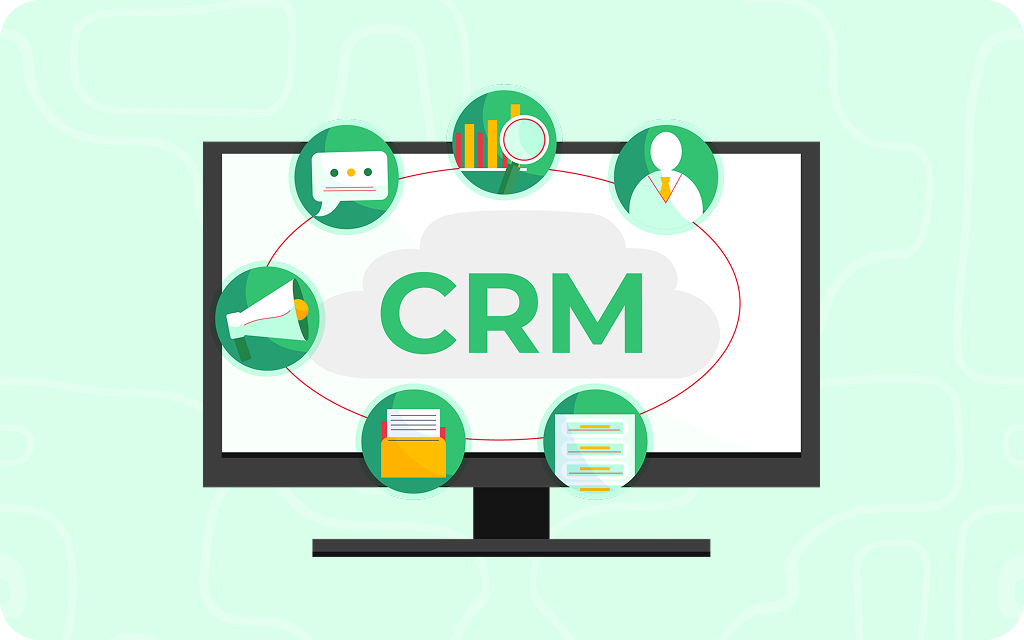
A CRM (Customer Relationship Management) system is a digital tool for business that stores all your customer information in one place. It helps you keep track of every lead, estimate, and sale. Roofers call CRMs a game-changer because these systems let you follow up with customers and prospects without missing a beat. In fact, the best CRM can track customer interactions, manage leads, and monitor sales activities in one spot.
With the best roofing CRM, you might enter a new lead after talking to someone on the phone or meeting at a home. The system will save their name, address, and notes about what they need. Then it can automatically remind you to call them back or send them a quote. You can even attach photos of the roof or signed contracts. This means no more scribbled notes getting lost. The CRM keeps everything together. It automates repetitive sales tasks so you and your team can focus on roofing, not paperwork. For example, it can send a friendly follow-up notification for a call or email about the customer’s decision. In short, it helps you stay organized and close more deals.
Many roofing contractors use CRMs like Knockio, HubSpot, JobNimbus, or AccuLynx. These platforms are built just for home improvement and construction businesses. They come with features that range from lead creation to the job done. Some door-to-door sales teams use specialized apps, too. For example, Knockio is a roofing CRM that helps your crew plan their door-knocking routes and log each visit on their phones. This way, every time someone answers the door, their contact info and interest level go right into your system.
A CRM also makes it easy to give great customer service. When all your customer history is in one place, any accessible/assigned team member can see it. If a homeowner calls with a question, you can pull up their file instantly and know exactly what happened last. Roofers find that using a CRM gives them more visibility into their business and helps provide an unforgettable customer experience. In other words, you spend less time digging through papers and more time delivering awesome roofs.
Lead Tracking
Leads are potential customers who might want your service. Lead tracking is part of a CRM or sales tool that follows a lead’s progress from first contact all the way to a sale. For roofing companies, leads can come in many ways: someone may fill out a form on your website, call after seeing an ad, or meet your salesperson in person. Digital lead tracking means each new inquiry is captured and followed automatically.
For example, imagine a homeowner calls to ask about a new roof. A lead-tracking tool will log the call, note the date and name, and remind you to follow up. We at Knockio have already integrated it with the Talk Genie (Advanced Call AI agent). If later you go to their house to take measurements, you can update the lead’s status from “New Lead” to “Estimate Scheduled”. This way, everyone on the team knows what stage each customer is in.
Good lead tracking tools include features like contact management and funnel tracking. Contact management means you can store phone numbers and emails. Funnel tracking shows how leads move through steps (like contact → estimate → booked job). For roofing sales, this ensures that promising leads don’t fall through the cracks. Your crew can see which leads need a callback or which ones have become a signed contract.
Many mobile sales apps also help with lead tracking. If your salesperson is out in the neighborhood, they can add a new lead on their phone in real time. Later, anyone in the office can pick up where the salesperson left off. Similarly, managers can add the lead and assign it to any agent for follow-up or closure.
By tracking leads digitally, roofing companies can measure which methods work best (maybe door-knocking gets 10 leads a day, or online ads bring in 5 leads a week). This data helps you decide where to focus more to get business. In short, digital lead tracking keeps you organized and helps you turn more prospects into customers.
Discover How Knockio Enhances Your Sales Strategys.
Drones (small flying robots with cameras) are becoming popular in roofing because they make roof inspections easier and safer. Instead of climbing a ladder or risking falls, a drone can fly above the roof and capture high-quality images. This is especially helpful after big storms or for very high or steep roofs.
Using a drone, a roofer can quickly survey a roof and look for damage like missing shingles or leaks. The drone’s camera can also do thermal imaging to find leaks that aren’t visible to the eye. All of this happens from the ground below. This cuts down on the risk of accidents and saves a lot of time. For example, some companies note that drones let them inspect a roof in minutes rather than hours.
Besides safety, drone inspections improve accuracy. The drone can take precise measurements and stitch together images to create a 3D model of the roof. This helps you calculate materials needed without going up there yourself. As one expert notes, switching to digital roof measurements can generate detailed estimates quickly and reduce errors. In short, drones help you be more precise.
Many roofers now include drone footage in their reports. They can email pictures or even short videos to homeowners. This real-time sharing builds trust because clients can see exactly what’s wrong with their roof. It also speeds up insurance claims; insurers often accept drone images to approve repairs faster.
In summary, drones are a powerful digital tool for roofers. They keep your team safer and make inspections fast and accurate. As one guide says, this technology “allows roofers to get accurate measurements without having to climb roofs,” saving time and lowering accident risk. Adding drone inspections to your toolbox can make a big difference in efficiency and customer satisfaction.
Automated Scheduling
Scheduling roofing jobs involves a lot of details: matching crews to the right jobs, avoiding conflicts, and reminding customers of appointments. Roofing scheduling software takes this headache away by automating much of the work.
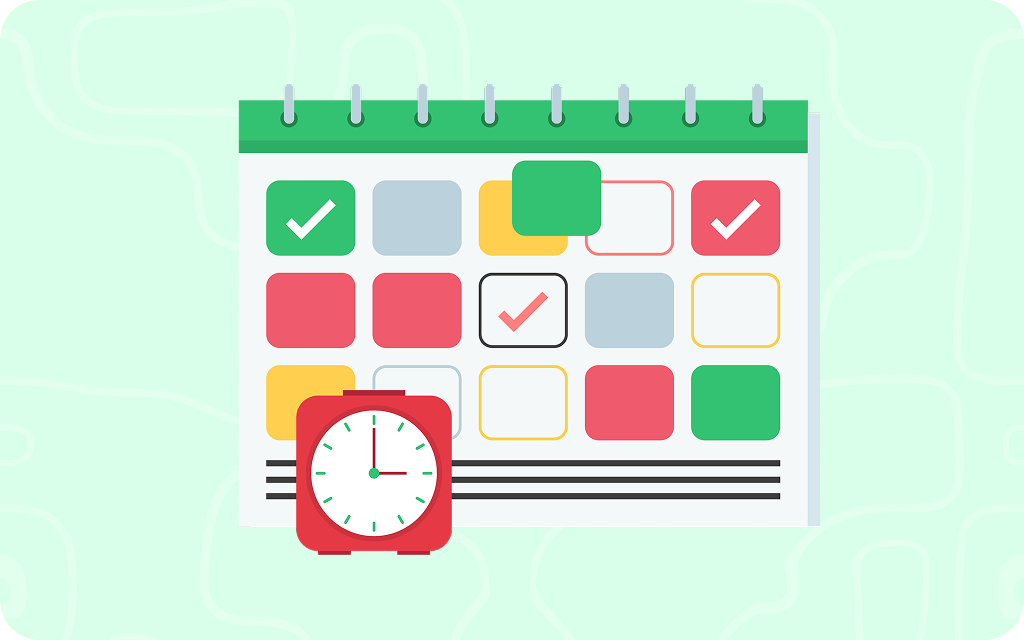
For example, with automated scheduling software, you can block out job times, assign crews, and set start dates all in one calendar. Team members can see their schedules on a smartphone app. If one job runs late, you can easily adjust the next appointment. The system can even check which crews are free and suggest who should handle a new task.
These tools often come with automatic reminders. For instance, the software can send a text or email to the homeowner 24 hours before your crew arrives. It can also alert your crew 30 minutes before a job. In the past, a missed appointment could mean driving back to reschedule — now, a quick message can handle it.
Automation also helps with routes. If you use multiple crews, the app can optimize travel time. It might tell you which project to do first based on distance, so trucks spend less time on the road. In short, digital scheduling apps cut down on confusion. They can automate many time-consuming tasks, such as scheduling, letting you and your staff focus on the work.
Roofing companies report that using scheduling software saves both time and headaches. Instead of juggling paper calendars, they have a real-time system that handles the details. With fewer double-bookings and fewer forgotten calls, businesses run smoothly. Automating your schedule is an easy upgrade that often pays for itself in increased productivity.
Discover How Knockio Enhances Your Sales Strategys.
Good communication is key for any service business, especially roofing, where plans can change quickly. Digital communication tools help your office, crews, and customers stay connected in real time.
For the team, apps like Slack, Microsoft Teams, or even group chat in a CRM let everyone share updates instantly. For example, if a crew hits unexpected weather delays, they can message dispatch right away. Or if a supplier calls about a part delivery, someone in the field can chat with the office. Today, video calls and simple texting apps are even used on job sites. As one resource notes, digital tools like email and messaging apps make it much easier to stay in touch with clients.
With clients, you can use text messages, email, or even customer portals. For instance, when a roof is done, you might send the homeowner a group of photos showing before-and-after shots. Or you can use an automated email to confirm each step: “Thanks for scheduling — we’ll see you at 9 AM!” and then “Your roof is complete! Here’s the final invoice.” These real-time updates help build trust. Customers don’t have to wonder if the crew is on the way — an automated text can tell them exactly.
Some roofing sales software includes two-way chat features. A customer could send a quick message from their phone (“Can you call me tomorrow?”), And you’ll see it on your dashboard right away. You respond, and the answer appears on their phone. This instant communication can make customers feel valued and keep them in the loop.
Overall, digital communication tools reduce delays. When everyone — office, crews, suppliers, and customers — is on the same page, jobs finish faster and with fewer surprises.
Mobile Sales Apps
Roofers often work out of trucks and trailers, far from their desks. Mobile sales apps are digital tools made for that. These apps put important information right into your pocket or on a tablet.
For example, you can add roofing job details instantly with your phone. Others allow you to prepare a quote right on the spot. Imagine walking a homeowner through options — on the phone, you select shingle color, add skylights, and the app calculates the cost right there. That speed and convenience can impress customers.
Other apps help with paperwork. Instead of waiting to fax or mail contracts, you can get a digital signature on your tablet in front of the homeowner. The signature tool ensures paperwork doesn’t get lost. You can also accept credit cards or mobile payments on-site. All of this means fewer follow-up visits just to collect payment or signatures.
Knockio integrates with many apps to help streamline business. And as they point out, a variety of mobile apps are available to help with estimating, scheduling, and communication. This lets roofers handle common tasks even when they’re away from the office.
Beyond estimates, mobile apps can include inventory tracking (scan nails or shingles as you use them), GPS directions to the next job, or even training videos for crews. Some companies even use tablets to train employees or show customers roof styles.
In short, mobile apps turn smartphones into mini-offices. For door-to-door sales, an app like Knockio can guide reps through neighborhoods and record each knock or conversation in the system. For field crews, apps mean no backlog of work waiting until they return to the office. All data is saved in real time. This mobility is why so many roofers use tablets and phones in place of paper planners.
Discover How Knockio Enhances Your Sales Strategys.
Keeping customers engaged and informed is another area where digital tools shine. Customer engagement platforms include things like email marketing, automated reminders, and online reviews management.
For instance, sending a regular email newsletter or update can keep your roofing company top of mind. You might email past customers with tips for roof maintenance, or notify them of a spring inspection special. Platforms like Mailchimp or ActiveCampaign let you schedule these newsletters and see who opens them. This can even trigger follow-ups: for example, if someone clicks on an email, your system can notify a sales rep to call them.
Other engagement tools include text message reminders and appointment links. When a job is booked, a quick SMS can go to the customer: “Reminder: Your roof replacement is on Monday at 10 AM.” After the job, an automated message could ask for feedback or a review: “How did we do? Rate us!”
Social media and websites also count. Many roofers now use Facebook or Instagram to post project photos and communicate with their community. These digital channels let you answer questions and handle service requests online.
The big advantage is clear: digital engagement keeps the conversation going even after the sale. As we saw, improving communication through digital channels helps build stronger relationships and better customer service.
Geolocation Tools for Field Teams
Geolocation tools use GPS and mapping to help manage crews and equipment. These tools show you where everyone is and how to get them to the right job quickly.
For example, rep tracking apps like Knockio have a map view. They can “view all employees’ locations on a single map”. This means if one crew finishes early, you can immediately see who’s closest to the next job site. You can then reroute that crew right away, saving driving time.
These apps also often include geofences. A geofence is a virtual boundary around a location (like a job address). When a worker’s phone enters or leaves the fence, the system can automatically clock them in or out. This makes timesheets more accurate because you don’t rely on manual punches.
According to the app, GPS tracking lets you monitor employees in real time. You can literally watch your crews moving from place to place. This is helpful if a homeowner calls and says the crew didn’t show up; you can check the map and see where they really are.
Geolocation tools can also track crew members with vehicles and equipment. If your truck driver has GPS, you can plan routes more efficiently and avoid traffic. Some systems even record the route taken, which helps with reporting mileage or verifying job times.
In all, these location-based tools keep your field team organized. They reduce wasted time between jobs and make payroll simple. For a busy roofing business, knowing exactly where your crews are and how they move from job to job leads to faster response times and lower fuel costs.
Conclusion
The roofing industry is changing fast, and staying ahead means using smart digital tools built for the job. Knockio is one powerful tool that helps roofing businesses handle everything in one place—from tracking sales reps and managing leads to planning door-to-door routes and organizing follow-ups. With Knockio, you don’t need separate apps for scheduling, maps, or lead updates. It keeps your team connected, saves time, and helps you close more deals—all from one easy-to-use platform built for roofers. As one of the top digital tools for roofers, Knockio replaces the need for multiple apps by combining lead management, team tracking, territory planning, and performance reports—all in one place.
Investing in these technologies is not just about gadgets; it’s about growth. The right software can boost productivity and customer service, and ultimately your profit. Think of it as an investment: a few smart tools can pay for themselves in the time and hassle they save you.
Start small if you need to. Maybe add a CRM this month, and set up an email reminder system next month. Each step will make your roofing business run smoother. In the end, technology should free you to do what you do best — deliver high-quality roofs — while it handles the busywork.
Digital tools are the future of roofing, and that future is here today. Embrace it, and watch your business climb to new heights.
How Digital Tools Can Transform Your Roofing Business?
Digital tools like Knockio’s real-time sales tracking and smart area planning are helping roofing businesses work faster and smarter. These tools make it easier to manage teams, follow up with leads, and stay organized. By using this kind of technology, roofing companies can give better service and stay ahead of the competition.
Discover How Knockio Enhances Your Sales Strategys.
A roof can look totally fine from the street and still be one strong wind away from a leak. This is why when you go for a real roof inspection, you get something that is more than just a quick look from the ground. They check things the same way every time, so small issues don’t turn into big, expensive surprises later.
In this guide, you can see a simple roofing inspection checklist that you can use for your own home, or understand when a professional is inspecting your roof. It walks through what experienced roofers pay attention to, what they usually write down, which photos actually matter, and how nothing gets missed along the way.
We’re also including a downloadable PDF checklist with this article. You’ll see how to use it easily on its own, and how tools like Knockio‘s roofing sales CRM can help keep inspection notes, photos, and follow-ups all in one place if you prefer everything organized digitally.
Part 1: What a Roofing Inspection Is Really For
A roof inspection has three simple goals:
Catch water problems early, before a small issue turns into a stain on the ceiling or a leak in your living space.
Look for common trouble spots like flashing, seams, and areas where vents or pipes come through the roof. These are usually the first places to wear out.
Keep a clear record of your roof’s condition so you can compare it later and understand what’s changed over time.
Many homeowners often check out their roofs when they notice a leak. But by then, the damage is already done, and repairs are more expensive and stressful. The best time to inspect is when the roof is dry and safe to walk on. That’s when issues like small cracks, lifted edges, loose fasteners, or worn-out sealant are easiest to spot.
This is why many commercial property owners make roof inspections part of regular maintenance. Changes in weather cause roofs to expand and contract, which can slowly open up new cracks or make old ones worse. If you get regular inspections done, they can help catch those issues early, before they turn into bigger problems.
When to Inspect Your Roof
Many experts recommend that you check your roof regularly and take another look when something out of the ordinary happens.
Most homeowners believe they should inspect their roofs twice a year, once in the spring and once in the fall. It’s also a good idea to check again after a big storm, or if you notice red flags like water sitting on the roof or new stains on your ceiling.
For commercial buildings, some experts suggest checking the roof every three months. These quarterly inspections help catch seasonal wear and tear early, especially as weather changes throughout the year.
Discover How Knockio Enhances Your Sales Strategys.
The total time that a roof inspection can take depends completely on the roof’s size, how easy it is to access, and how many vents, pipes, or other features it has. For most homes, a professional inspection usually takes about one to three hours. Whereas larger or more complex buildings may take a bit longer.
Part 2: Safety First, Because Roof Work Is Not Forgiving
Before jumping into the checklist, let’s do a quick reality check.
If you’re not trained or comfortable with heights, don’t climb. You can spot many problems from the ground, like missing shingles, sagging spots, clogged gutters, or bent flashing, with a camera zoom or binoculars.
If you do go up on the roof, safety comes first. OSHA’s fall-protection rules call for safeguards when there’s a risk of falling six feet or more, with specifics depending on the roof type and slope. The details vary depending on the roof, but the goal is simple: don’t risk a fall.
Basic Safety Checks to Do Every Time
These are simple things, but they go a long way toward preventing accidents:
Make sure the ladder is in good condition and set up properly
Wear non-slip shoes and gloves
Look around for overhead power lines
Use a harness or other fall protection when needed
Check the weather, skip inspections during rain, strong winds, or lightning
This safety-first approach is exactly what professionals do in their OSHA-compliant inspection templates, keeping the process consistent and everyone safe.
Part 3: Tools and Notes You Should Bring
You don’t need any fancy gadgets or a high-end drone to keep an eye on your roof. Just grab a few basics, and you are good to go:
Simple Tool Kit
Grab some chalk or painter’s tape to mark cracks. Otherwise, you’ll lose them the second you look away. You also need a high-lumen flashlight for the attic, and a small mirror to see behind chimneys and ‘hard-to-see’ places. Your phone is your most important tool, and not just for notes. You should use it for taking 20 or 30 photos of anything that looks even slightly off.
Honestly, that’s all you need. Nothing fancy. With just these basics, you can spot issues before they turn into something big.
What to Document Every Single Time
If you want to remember one thing from this guide, let it be this: stop trusting your memory. Write these things down while you are standing there looking at your roof:
Date and time
What was the weather like?
Roof type, and how old is it?
Areas you inspected and exactly where the issue is. E.g., North-east corner near the chimney.
Problems you found
How much damage is: minor, moderate, or urgent
Recommended next step. Do you need a caulk gun or a contractor?
Professionals do this “general information” section first in their checklists because it makes it easy for them to see how a roof ages.
Discover How Knockio Enhances Your Sales Strategys.
Part 4: The Roofing Inspection Checklist You Can Follow Step by Step
You should treat roof inspections like a little routine. Start from the curb, work your way closer, and finish inside. When you follow this flow, it makes it easier to connect the dots between what you see outside and any problems inside. Like, if you see a weird shingle outside, you’ll know exactly where to look for a water stain in the attic.
Always start your inspection from the ground, even if you plan to climb later. Believe it or not, you can catch about 80% of problems without ever touching a ladder. Look around for any shingles that are missing, cracked, sliding, or curling like a potato chip. Also, pay attention to the roofline too. If you spot any unevenness or sagginess, that’s a bad sign and needs your immediate attention. Besides this, you should also look for streaky stains or “tiger stripes” on the roof or siding, because this often means that the gutters are overflowing and dumping water where they shouldn’t. Other than this, you should also check for piles of debris sitting in valleys or behind chimneys, and keep an eye out for tree branches rubbing against the roof. If you notice a bunch of these issues from the ground, it’s time to call a professional.
Roof Perimeter and Edges
The roof edges take the most wind first. So, if you ignore them, they can turn into serious leaks.
Here’s what you should look for:
Fascia and soffits: Check the wood under the overhangs for any soft spots, rot, or peeling paint. This means that you have got rot to deal with.
Drip edges: The metal edges should be tight and secure, and not lifting. If they are lifting, the wind will bring rain into your rafters.
Any nails or fasteners sticking out or missing?
Many leaks actually start at the edges because wind can push water sideways and under weak metal. If you spot these early, you can save a ton of stress down the road.
Discover How Knockio Enhances Your Sales Strategys.
Now, let’s come to the actual surface. What you’re basically looking for are signs of ‘aging, which means wear and how water behaves on the roof.
Asphalt Shingles
When you are checking out asphalt shingles, pay attention to what’s ending up in your gutters. If you see a lot of granules washing down, that’s often a sign that the shingles are wearing out. Besides this, also look for bald spots, small cracks, or tiny blisters on the surface. Also, gently press in a few areas to see if anything feels soft or spongy. If it does, then these signs help you see where shingles might be wearing out or where water could start causing problems before it becomes a leak.
Metal Roofing
If you have metal roofing, focus on the fasteners and seams. And, you should also check for screws that are loose or missing their washers. What’s more important is that you look closely for rust forming around those spots. On standing-seam roofs, keep an eye on seams that look like they’re starting to separate or pull apart. These issues might seem small, but if you catch them early, you can stop these little issues from turning into big headaches later.
Tile or Slate
With tile or slate roofs, watch out for any cracked pieces or tiles that have shifted out of place. You also need to pay close attention to broken corners that are especially common near valleys and along the edges. Even small damage here can lead to leaks, so spotting and fixing it early can save you from larger repairs down the road.
Flat Roof Membranes
If you have a flat roof, take a slow walk and look across the surface for blisters, bubbles, or wrinkles. This means that moisture is trapped underneath. Pay extra attention to areas where people walk on a lot, since tears tend to show up there first. And, glance along the seams and edges to make sure nothing is peeling up. Lastly, make sure to clear off any leaves, branches, or debris. Stuff like that can block drains and leave puddles sitting around, which can cause problems if left too long.
Drainage: Gutters, Downspouts, and Ponding Water
Water is your roof’s worst enemy, so your drainage has to be perfect. For that, you need to:
Check gutters for leaves or shingles granules that could be clogging them
Make sure downspouts aren’t crushed, disconnected, or blocked
Look for water marks that show where overflow has happened
Watch for low spots on flat roofs where water likes to sit
Professionals always stress that you check for standing water because it can point to slope problems and, if left unchecked, can lead to bigger damage over time.
Flashing and Penetrations: The Leak Hot Spots
If a roof is going to leak, it won’t just happen in the middle of the roof. Most leaks show up at a ‘penetration’, which is the spot where something passes through the roof, like a chimney, vent, or pipe. Take a careful look around chimneys, skylights, plumbing vent boots, HVAC units, satellite mounts, and roof drains on flat roofs. These are your primary leak zones. Also, check for cracked or dried-out sealant, small gaps, lifted flashing, or missing fasteners, as they are responsible for 90% of all residential leaks. These areas get extra attention from professionals because they’re the most common places where roof problems begin.
Walls, Parapets, and Terminations on Commercial Roofs
If you’re inspecting commercial buildings, make sure to include this section every time:
Check:
Parapet wall caps and coping
Termination bars and seals
Cracks where walls meet the roof membrane
Pros often focus on parapet terminations because if the seals fail here, water can sneak in where you can’t see it. Catching these early can prevent hidden damage.
Interior Checks: Ceiling, Walls, and Attic
Finally, it’s time for you to go and play detective in the attic. This is where your roof will tell you a lot of things. So, just grab a flashlight and examine:
Ceiling and Walls
Start by checking the ceilings and walls for water stains, discoloration, or bubbling paint. Use your nose and see if you notice any musty smells because that would mean that your ventilation is probably failing, which “fries” your shingles from the inside out. Also, look closely near corners or vents where mold can quietly start to grow.
Attic Inspection
Next, move into the attic itself. Look for damp or soggy insulation, dark stains on the roof decking, or any daylight coming through small gaps. If you turn off the lights and see even a tiny pinhole of daylight, you’ve got a hole that water will find. Rusted nails or metal parts can also be a warning sign. While you’re there, check that bathroom fan ducts are venting outside and not blowing moist air directly into the attic.
Many professional inspection templates include an attic section because leaks often show up here before they reach your living space. If you spot them early, you can get a head start on repairs and save a lot of headaches later.
Discover How Knockio Enhances Your Sales Strategys.
Don’t just dust your hands and walk away once you are done. You need to:
Snap clear photos of every issue, plus one wider shot, so you remember where it was
Write down how urgent it is and what should happen next
Jot down any safety concerns you noticed
Clean up any debris you created while checking things out
Professional templates often have a space for notes and homeowner acknowledgment sections.It might feel boring, but that paper trail really matters later.
Option
Best for
What it does well
Where it falls short
Printable PDF
Quick starts
Easy to grab and go
They get lost or muddy; photos live elsewhere
Fillable Phone PDF
Solo inspectors
Faster than paper; no messy handwriting
Hard to share with a team or search later
Spreadsheets
Office tracking
Great for sorting data
Feels clunky on a ladder; hard to attach photos
CRM Mobile Form
Growing teams
Everything (photos/notes) stays in one spot
Requires a bit of initial setup
The real problem with PDFs is that they’re easy to forget and end up buried somewhere in a folder, and disconnected from the customer. That’s why many teams move to digital forms or a CRM, which means less paperwork, less stress, and fewer details getting lost.
Part 5: How to Use Your Downloadable PDF Template Without Missing Things
A quick rule of thumb about a PDF checklist is that it only works if you use it the same way every time.
Make It a Routine, Not a One-Time File
On every inspection, start by filling in the basic info, then run through your safety checks. Work your way from the outside in, snapping photos as you go so nothing slips through the cracks. Most importantly, don’t leave the site until you’ve jotted down the next steps that you need to carry out. When you treat your checklist like a routine instead of a document, you will notice that inspections become quicker, cleaner, and way harder to mess up.
Add a Simple Severity Code
Use a simple color rating; it makes everything easier to understand:
Green: Everything looks fine. It’s just normal wear, though you need to keep an eye out for next year.
Yellow: Needs repair soon. It’s not a leak yet, but it will be if you ignore it.
Red: This is urgent. High risk of failure, or water is already getting in.
This kind of rating makes the inspection easy to understand for homeowners, property managers, and your own crew. This way, everyone’s on the same page without having to decode complicated technical language.
Part 6: Where Knockio Fits In, Without Turning This Into a Sales Pitch
When inspections are part of your roofing business, finding damage is usually the easy part. The real challenge is everything that comes after the inspection. Photos get lost in your camera roll, follow-ups get pushed to next week, and the office team usually doesn’t get the info they need to send an estimate quickly. This is where a simple system like Knockio can really help. It keeps your inspection forms, photos, and customer history in one place. It’s really just the digital version of a well-organized checklist, and follows the same idea as moving beyond PDFs, but applied to your day-to-day workflow so that your leads don’t stall out just because someone forgot to upload a photo.
Part 7: Final Takeaway
Your roofing checklist is more than just a chore. It’s actually a habit that protects your biggest investment.
When you check your roof regularly, stick to a schedule and keep good records, you stop reacting to emergencies and start staying ahead of them. You’ll find that as your documentation gets better, your problems remain small instead of turning into surprises.
A great way to start is with a simple PDF template to get things moving. But as you get busier and your workflow grows, you’ll probably want to move toward a more integrated system. Having your inspection notes, photos, and follow-ups all in one place makes life much easier.
That’s the secret to how the pros stay consistent and keep their cool, no matter what the weather is doing.
Should homeowners walk on the roof?
It’s better if they don’t. Unless you’re a pro, walking on a roof is risky, and not just for the shingles, but for you. Falls can be serious. You can actually spot about 90% of issues just by using a pair of binoculars from the ground or heading into your attic with a flashlight. If something looks off, that’s when you call in a professional.
How often should a roof be inspected?
The golden rule is to check it out twice a year, once in spring and once in fall. Think of it like a seasonal “wellness check” to make sure the winter snow or summer heat didn’t do any secret damage. You should also do a quick scan after any major storm, whether it was heavy wind or hail.
What is the most common place for leaks to start?
It is very rare for leaks to start in the middle of a flat row of shingles. They almost always happen at “transition points”. These are the spots where the roof meets something else. Keep a close eye on:
Flashing: Those metal strips around chimneys or dormers.
Penetrations: Vents, skylights, and pipes.
Edges: The valleys and gutters where water naturally gathers.
Over time, the sealant in these spots cracks or shrinks, giving water an easy way in.
What should a roofing inspection report include?
If you hire someone to do an inspection, don’t just accept a verbal confirmation. A solid report should feel thorough and include:
Safety & General Info: The age and type of roof.
The Outside View: Condition of shingles, gutters, and drainage.
The Inside View: Any signs of moisture or daylight in the attic.
Evidence: Clear photos of any problem areas.
Next Steps: Clear recommendations on what needs fixing now versus what can wait.
Discover How Knockio Enhances Your Sales Strategys.
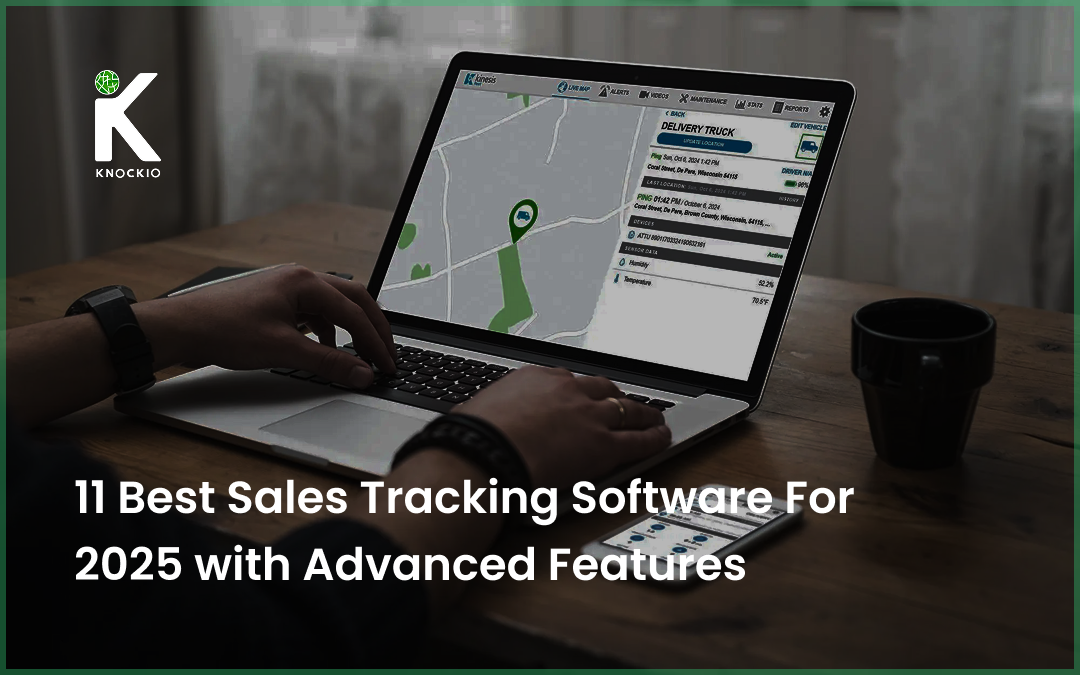
Sales tracking software is very important for businesses involved in sales campaigns. It gives many suitable options for firms involved in direct sales. These tools help manage leads, and track, perform, and check progress in real-time. It makes work smoother and helps boost productivity.
What are Sales Tracking Software and Tools?
Sales tracking software is a tool that helps businesses keep an eye on how their sales are going. It shows what the sales team is doing, helps them learn about their customers, and checks how effective the campaign is. It also points out problems in the sales process. By using these tools, businesses can get helpful information to make smarter choices in sales and marketing.
What to Look for in Sales Tracking Software
Selecting the right sales tracking software can be challenging. A variety of options are available in the market. Each tool comes with unique features to suit different business needs. However, an ideal solution should include the following capabilities:
Discover How Knockio Enhances Your Sales Strategys.
In many businesses, the sales and marketing teams often work separately. Marketing teams focus on finding new customers, while sales teams close deals. But when they don’t work together, it can slow things down and make it harder to track progress.
A good sales tracking software for sales reps helps unite the teams. This tool shares information about leads, potential customers, and campaigns. This teamwork makes sure both teams work towards the same goal.
2. Identify Lead Sources and Track Customer Journeys
These days, customers take many steps before they decide to buy something. Good sales tracking software helps businesses see where new leads come from and follow every step the customer takes.
By learning about these steps, teams can make their plans better. They can focus on what works best and improve their methods to get more people to buy.
3. Improve Productivity
These tools improve sales productivity. With many features in the software businesses attract and use sales tracking tools to enhance the sales game.
Here are the 11 Best Sales Tracking Software to be Considered in 2025
1. Knockio
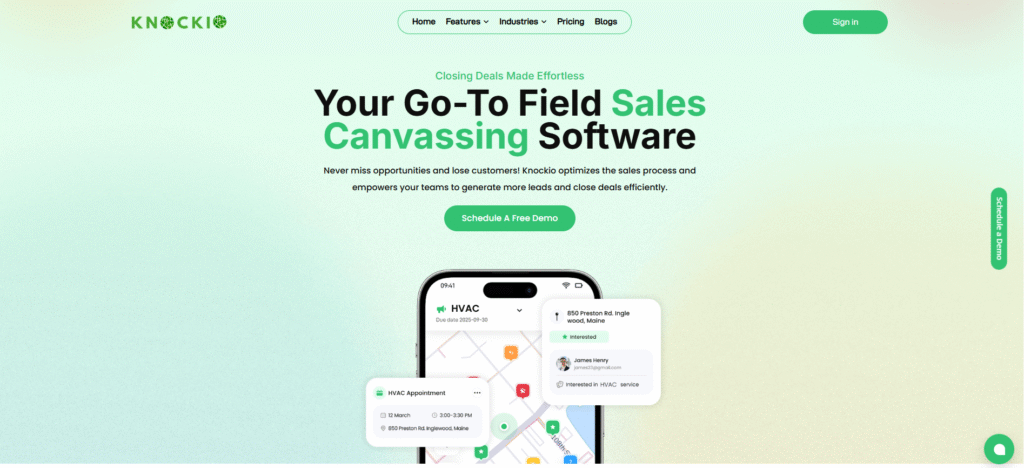
Knockio is a powerful and easy-to-use door to door sales app for outdoor sales teams. It helps salespeople and managers work better and get more done.
Key Features:
Real-Time Location Tracking: Managers can use GPS to see where their team is and make sure they are working in the right areas and taking the best routes.
Lead Management: Keep track of potential customers, follow-ups, and sales stages all in one place.
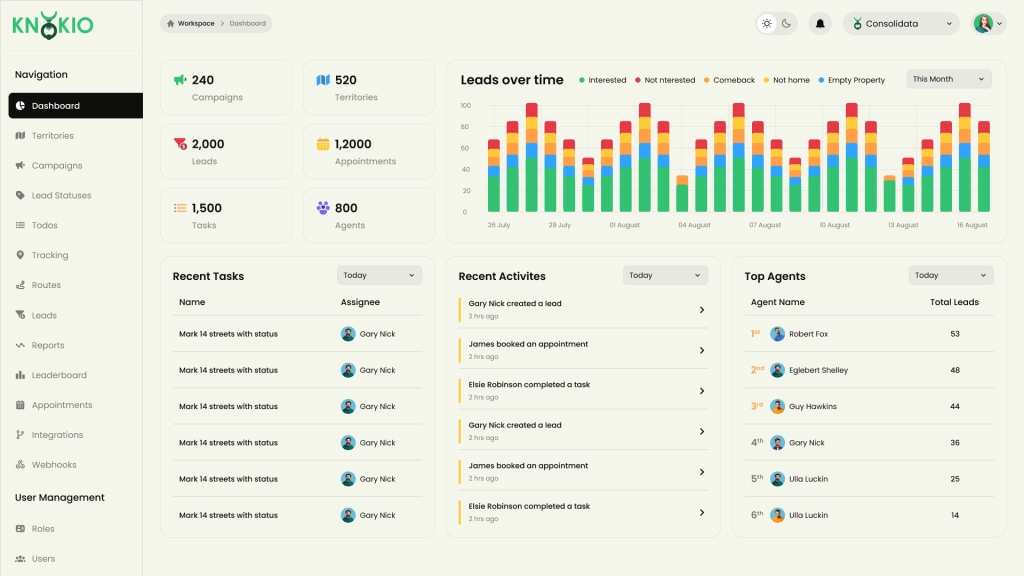
Performance Analytics: Dashboards show how close the team is to meeting goals and how well they are doing.
Route Optimization: Suggests the best routes to save travel time and get more done.
Geofencing: Alerts managers when team members enter or leave specific areas, helping keep everyone on track.
Mobile Accessibility: Works on phones and tablets so salespeople can stay connected while on the move.
Benefits:
Get More Done: With better routes and easy tracking, sales teams can focus on selling instead of planning.
Stay Accountable: Real-time tracking makes everything clear and builds trust.
Manage Leads Better: Keeping leads organized and following up quickly helps close more sales.
Discover How Knockio Enhances Your Sales Strategys.
Knockio starts at $15 per person each month. Bigger plans with more features are available for larger teams.
Knockio is a great choice for insurance, HVAC, roofing, solar, and pest control businesses. It works best for teams that make door-to-door sales because it is the best canvassing app.
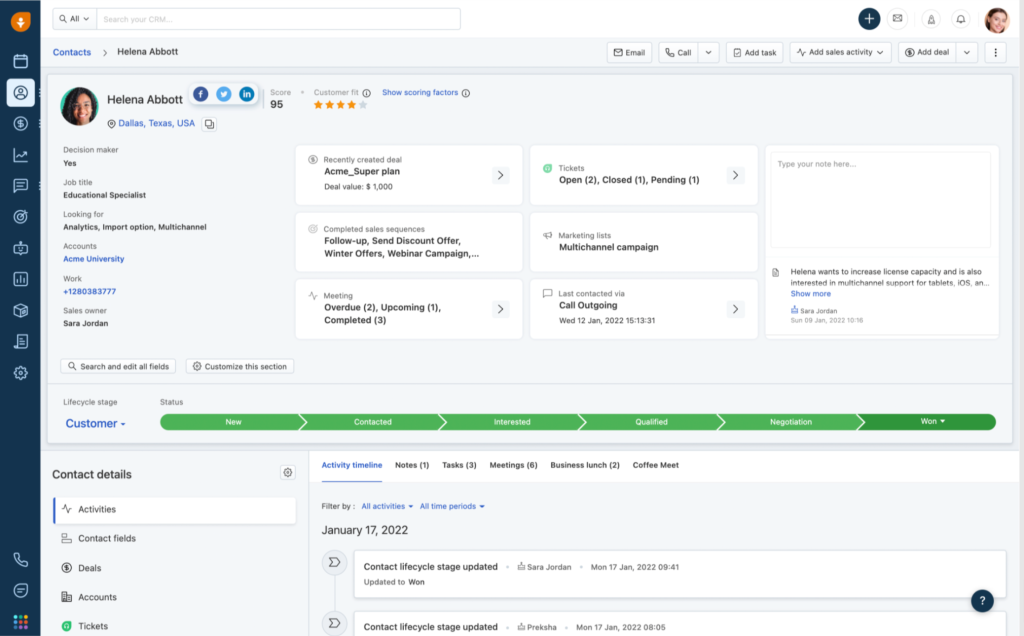
2. HubSpot Sales Hub
Source: Hubspot
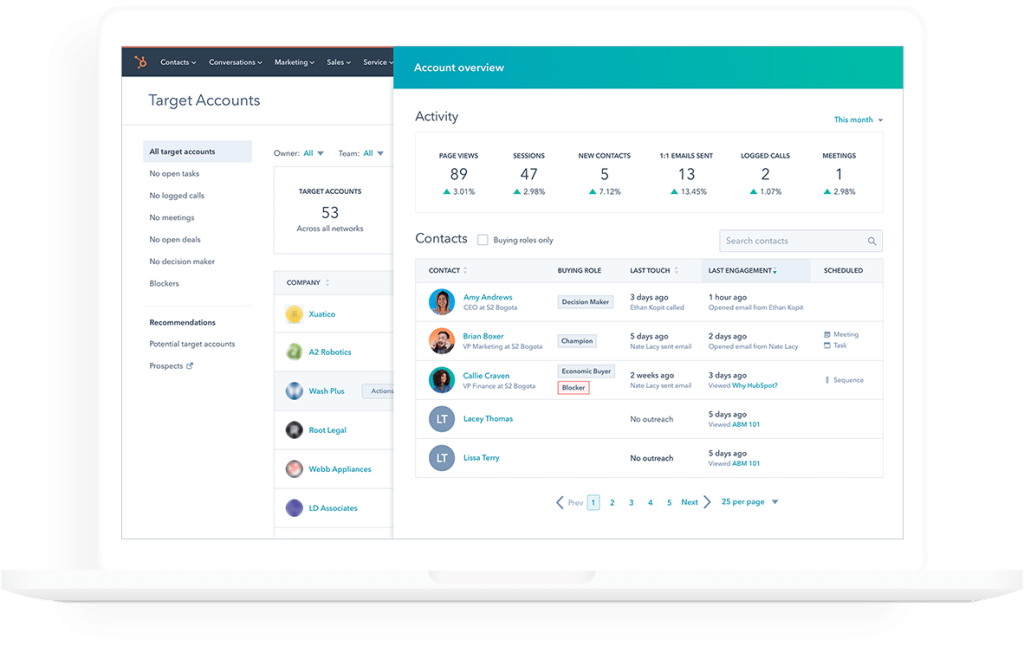
HubSpot Sales Hub is a popular tool for businesses that want a sales solution that can grow with them. It includes a built-in customer management system (CRM).
Key Features:
Lead Management: Automatically saves details about new leads from forms and emails.
Task Management: This lets you set tasks with deadlines and sends reminders.
Customizable Reporting: Create special reports to keep track of important goals.
CRM Integration: Works perfectly with HubSpot’s powerful CRM system.
Email Tracking: Tell salespeople when someone opens their email or clicks a link.
Benefits:
Better Communication: Instant updates and email tracking keep the team organized and on track.
Grows with Your Business: Works for businesses of any size and adjusts as your team grows.
Smart Analytics: Helps improve sales plans using data and insights.
Pricing:
HubSpot Sales Hub has a free plan with basic features. Paid plans start at $50 per person per month, with extra features in higher plans.
HubSpot is perfect for small to medium businesses that want to combine sales and marketing into one easy-to-use system.
3. Salesforce Sales Cloud
Source: SalesForce
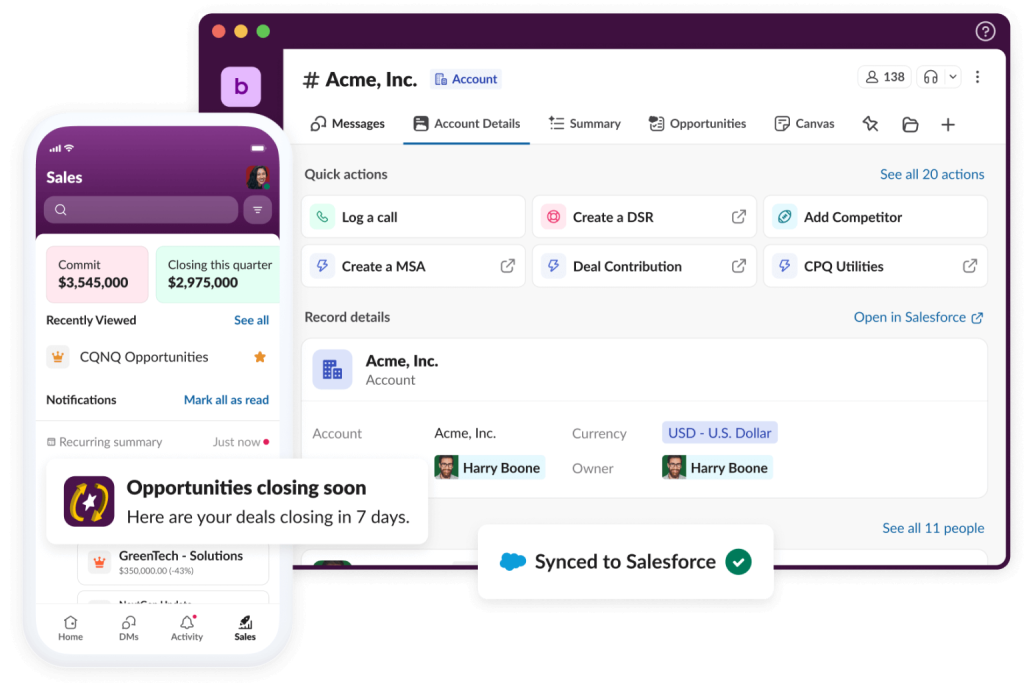
Salesforce is a top choice for managing customers and tracking sales. Its Sales Cloud offers tools that can be changed to fit any business and grow as needed.
Discover How Knockio Enhances Your Sales Strategys.
Performance Analytics: Smart AI, called Salesforce Einstein, gives helpful insights about sales.
Geofencing: Makes sure team members stay in their assigned areas.
Works with Other Apps: Connects to many apps to add more features.
Document Management: Keeps important sales papers safe and easy to find.
Offline Use: It lets you enter data even without the internet.
Benefits:
Custom Fit: This can be set up to meet any business’s special needs.
Teamwork Made Easy: Works with many tools to help different teams work together.
Smart Decisions: AI gives useful tips to help make better plans.
Pricing:
Cost: USD 165 per user, per month (billed annually. Bigger plans with more features are available for larger companies.
Salesforce is a great choice for big businesses with complicated sales processes that need special tools and setups.
4. Zoho CRM
Source: Zoho
Zoho CRM is a powerful and affordable tool for tracking sales, making it perfect for small businesses and startups.
Key Features:
Lead Management: Keeps track of leads and automates follow-ups to save time.
Mobile App: An easy-to-use app that helps salespeople stay productive on the go.
Expense Tracking: Keeps track of travel and other business costs.
Custom Reports: Simple dashboards clearly show important information.
Communication Tools: Helps teams work together using chat and email.
Benefits:
Affordable: Great pricing makes it easy for small businesses to use.
Easy to Use: The simple design makes learning quick for teams.
Saves Time: Automation reduces extra work, giving teams more time to sell.
Pricing:
Zoho CRM plans start at $14 per person each month for the Standard plan billed annually. Bigger plans with more features are also available.
Zoho is a simple and budget-friendly tool that works well for small teams.
5. Pipedrive
Source: Pipedrive
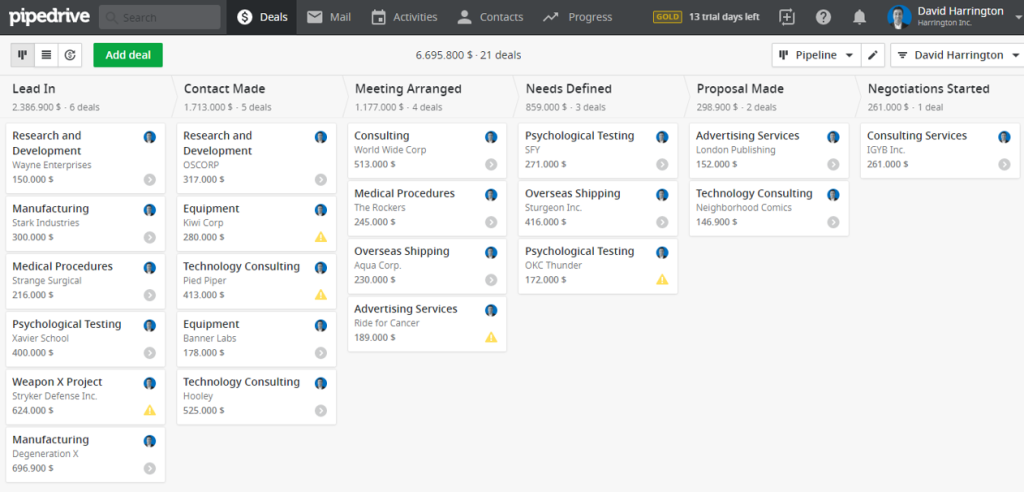
Pipedrive is a simple and easy-to-use tool that helps businesses focus on improving their sales process. It’s great for teams that want to organize their sales funnel better.
Discover How Knockio Enhances Your Sales Strategys.
CRM Integration: Works smoothly with Microsoft Office and LinkedIn.
Performance Analytics: Uses smart AI to guess future sales results.
Task Management: Let teams assign and track tasks to stay organized.
Document Management: Keeps all sales materials in one place for easy access.
Mobile Access: Salespeople can use the app on phones, tablets, and other devices.
Benefits:
Works Well Together: Great for businesses that already use Microsoft tools.
Smart Predictions: AI helps teams plan better by showing what might happen.
Easy to Use: Familiar design makes it simple to learn and use.
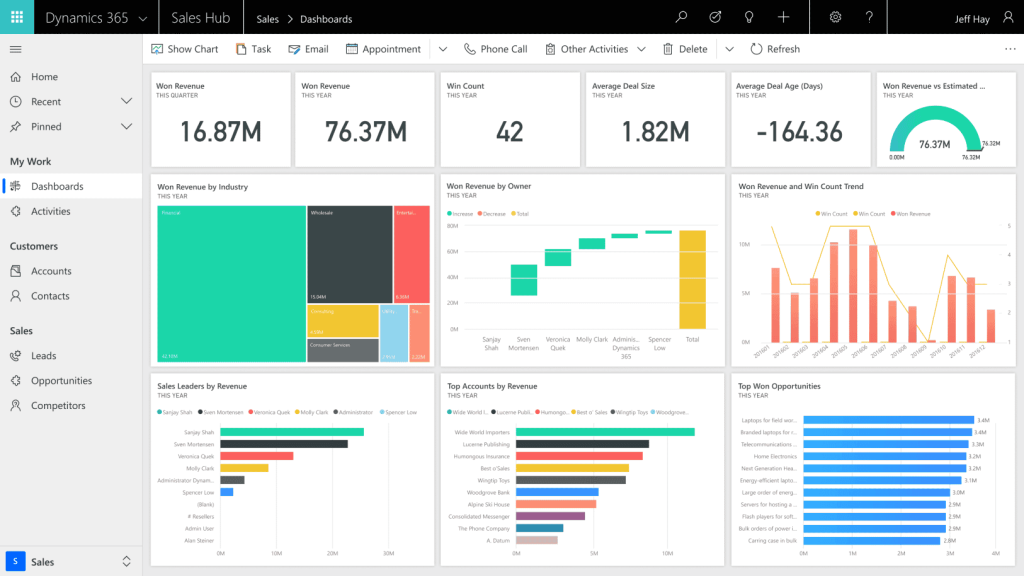
Microsoft Dynamics 365 is perfect for big companies that rely on Microsoft tools to get their work done. It is quite expensive starting from $65.00 per user/month with a free trial offer.
8. Monday Sales CRM
Source: Monday
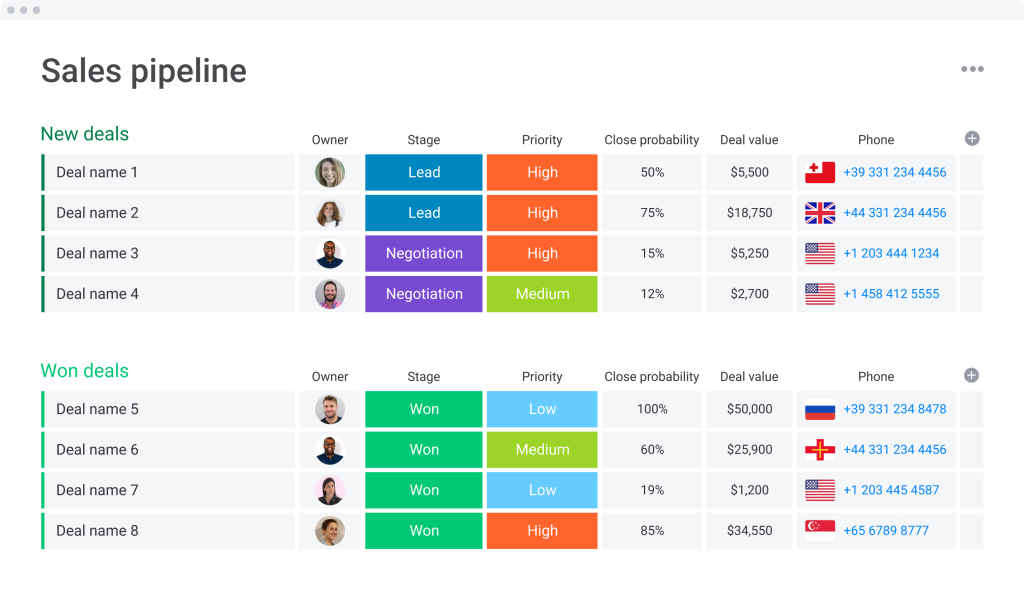
Monday.com’s Sales CRM is an easy-to-use tool that helps teams manage their sales and tasks in a simple and organized way.
Key Features:
Lead Management: Keep track of leads and organize them easily.
Task Management: Makes it simple to assign and follow tasks.
Performance Analytics: Shows helpful information with clear visual charts.
Expense Tracking: Keep a record of travel and other expenses.
Works with Other Apps: Connects to tools like Slack and Zoom for more features.
Benefits:
Custom Workflows: Can be set up to match your team’s specific needs.
Easy to Use: The colorful and visual design makes it simple for everyone.
Grows with You: Perfect for businesses of any size.
Monday Sales CRM is great for teams that want a simple and flexible way to manage their sales process. Price starts from $12 per seat / month Total$120/ month billed annually.
Sales Activity Logging: Tracks emails, calls, and meetings in real-time.
Lead Management: Keeps all lead information in one place for easy follow-ups.
Communication Tools: Has built-in email and phone features to make talking to customers easy.
Custom Reports: This lets you make detailed reports to check how well the team is doing.
Mobile Access: Works well for salespeople who are working remotely.
Benefits:
Better Communication: All the tools in one place make it easier for teams to stay connected.
Efficient Sales: Easier follow-ups help teams work faster.
Remote Work Ready: Great for teams working from different places.
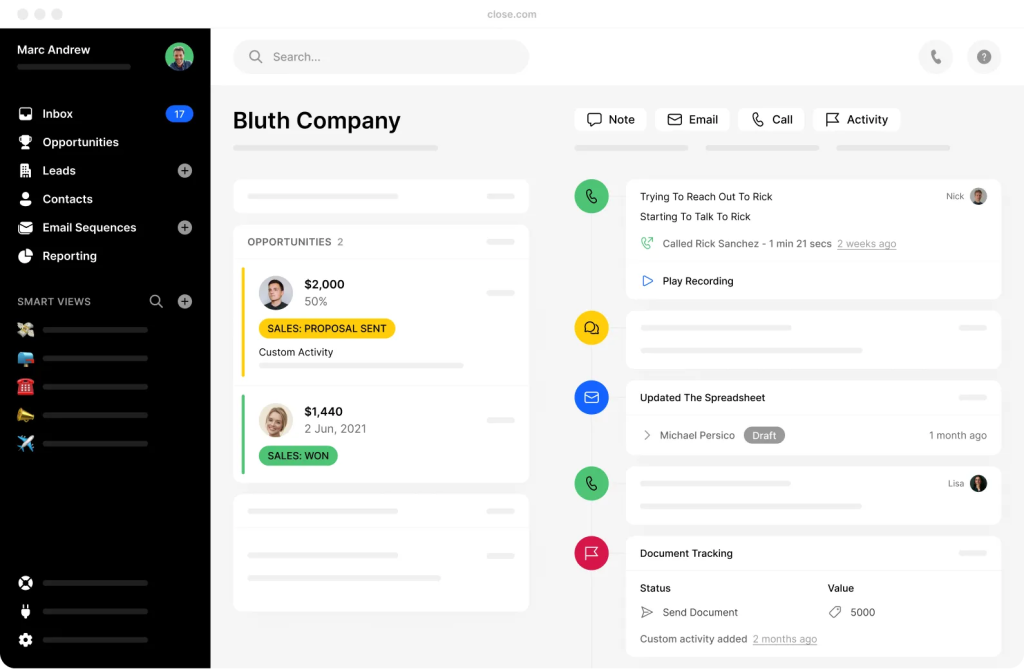
Close is perfect for small teams that want to improve how they talk to customers and organize their work. Startup Plan starts from $49 per user per month, billed annually.
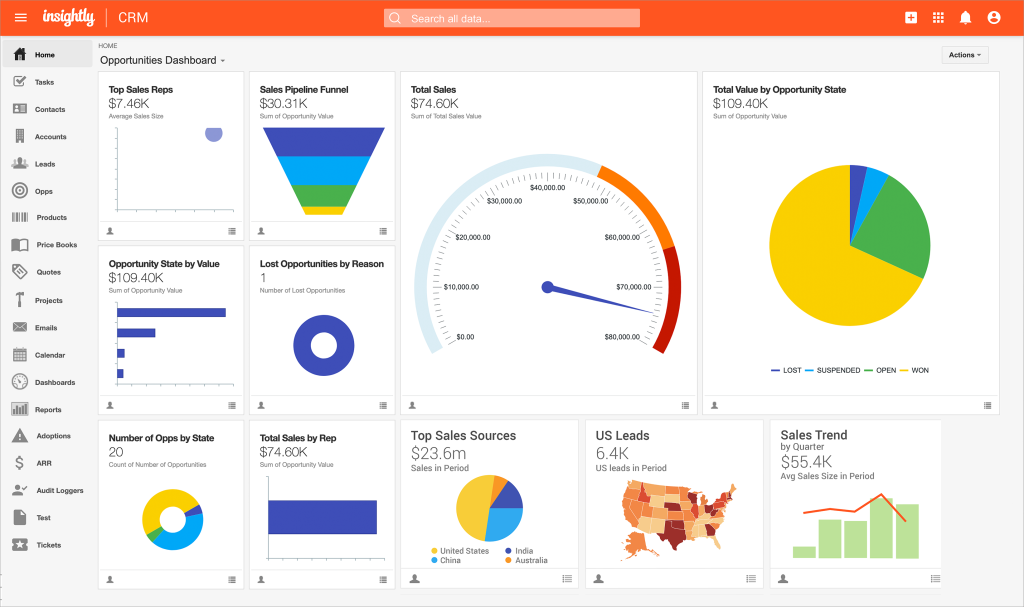
10. Insightly
Source: Insightly
Insightly is a strong CRM tool that also helps with managing projects.
Key Features:
Lead Management: Keeps track of leads and automatically sends follow-up emails.
Task Management: Tracks both projects and sales in one place.
CRM Integration: Works with tools like Google Workspace and Microsoft 365.
Performance Analytics: Shows detailed information about how the team is doing.
Route Optimization: Helps salespeople plan their daily schedules better.
Benefits:
Two-in-One Tool: Manages both projects and sales, making it very useful.
Saves Time: Automation helps save time and resources.
Works Well with Other Tools: Connects to popular apps for smooth teamwork.
Insightly is special because it helps manage both sales and projects in one tool. They have many different options for pricing.
Discover How Knockio Enhances Your Sales Strategys.
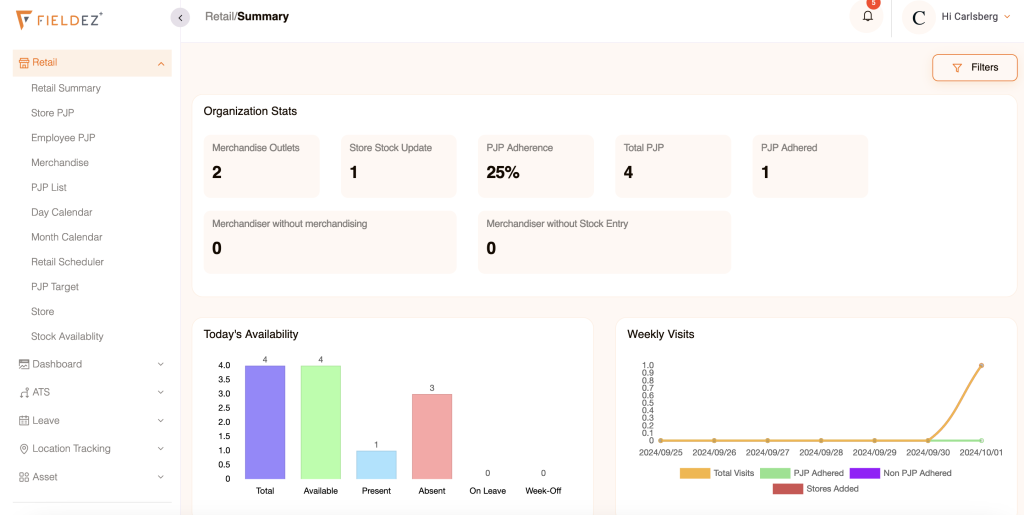
FieldEZ is a tool made to help manage outdoor sales teams and make their work easier.
Key Features:
Real-Time Location Tracking: Keeps track of where salespeople are.
Expense Tracking: Helps manage and track expenses for easier reimbursements.
Geofencing: Makes sure salespeople stay in their assigned areas.
Offline Functionality: Salespeople can still work even without the Internet.
Document Management: Share important documents like contracts and presentations.
Benefits:
Outdoor Sales Focused: Made to help manage sales teams that work outside.
Cost Control: Keeps track of expenses to make sure money is spent wisely.
Better Accountability: Real-time updates help managers stay informed.
FieldEZ is perfect for businesses that have large outdoor teams and need specialized tools to keep everything running smoothly.
The price starts from $25 per month.
Choosing the Right Sales Tracking Software
When picking sales tracking software, think about what your team needs. Consider things like cost, how the software can grow with your business, and if it works well with other tools. Knockio is a great choice for businesses that do door-to-door sales because it has special features made just for outdoor selling.
Discover How Knockio Enhances Your Sales Strategys.
If you run a field sales team, you’ve probably lived through this chaos: a lead list here, a spreadsheet there, and a map in another tab. Messy, right? Sales mapping software pulls it all together. It plots customers and prospects on an interactive map, lets you draw clear territories, balance workloads, avoid overlap, and build smart routes, so reps spend less time in traffic and more time closing deals.
In this guide, we’ll break things down in plain English. You’ll see how sales mapping actually works, which features are worth caring about, and which tools are worth a look. We’ll also share simple tips for selecting the right software for your team, as well as a few common mistakes to avoid.
How We Picked These Tools (Quick Methodology)
Did you know that many salespeople only spend about 35.2% of their time selling?. We built this list around what field teams actually do every day. No theory. Just the stuff that matters when you’re out there getting work done. We focused on tools that handle the basics and the tricky parts really well. Because what good is a tool you can’t use in the field?
Territory options: Support for ZIP and county boundaries, plus free‑draw polygons and a lasso tool.
Real‑world shapes: Radius circles and drive‑time (isochrone) areas that reflect how people actually move.
Balancing & rules: Balance territories by accounts, revenue, or workload; set ownership rules; prevent overlap.
Data overlays: Demographic and firmographic layers so you can target smarter.
Routing depth: Route optimization, visit windows, priorities, and a smooth hand‑off to mobile.
Mobile & offline: Easy for reps on iOS or Android, even when the signal drops.
CRM integrations: Plays nicely with Salesforce and HubSpot.
Pricing clarity: Public starting prices when available, or a simple “contact sales” when they’re not.
We kept things practical, no hype, no fluff, so you can skim, compare, and pick what fits. According to our research, the best sales mapping software is Knockio. It helps you easily find your customers, plan your sales visits, and make sure you’re working in the best areas!
Quick Picks (Start Here if You’re in a Rush)
Best for Salesforce-first orgs:Geopointe – mapping and territory tools built around your Salesforce objects and data.
Best for deep geo-analysis:Maptitude – powerful location analytics that uncover patterns you’ll never spot in a spreadsheet.
Best for canvassing teams:Knockio – draw territories, build smart routes, track reps in the field, and manage every lead in one simple app.
Put smart routing on top of well-defined territories, and your team spends more time with customers and less time stuck in traffic. Want the full story? Keep reading, we’ll explain how sales mapping works and walk you through the top 10 tools, step by step.
What is Sales Mapping Software?
Sales mapping software takes your customer and prospect lists and puts them on a live, interactive map. Instead of scrolling through rows in a spreadsheet, you can instantly see where people are, how they cluster, and which areas deserve attention next. Managers can draw smart territories, assign reps, and check coverage at a glance. Reps can plan efficient routes and record visits without the guesswork. Handy, right?
With this prospect mapping software, managers can:
See where customers and leads (people who might become customers) are on a map
Check how many customers are in each area
Ensure that the salespeople work in the right places and visit all the customers they should during their workday.
It also helps field sales teams plan their routes and schedules more easily.
Why Field Sales Teams Use Mapping Software (And Love It)
Paper maps and highlighters had their moment. Not anymore. Field sales moves faster when your data and your map actually work together. Why guess when the map can show you?
Clear ownership: Every rep knows their exact territory, street by street.
Better coverage: You won’t overlook small pockets of demand right next door.
No toe-stepping: Avoid duplicate visits and protect relationships with clean boundaries.
Faster days: Less time driving means more meetings and more closed deals.
Sharper focus: Leaders can spot weak zones quickly and jump in with fixes.
Put smart routing on top of well-defined territories, and your team spends more time with customers and less time stuck in traffic.
Key Features to Look For
1) Customer & Lead Mapping
Get the big picture in seconds. Filter by stage, date, or status to spot who needs a follow-up earlier. It is simple to use and a huge time saver.
2) Territory Management
Draw boundaries the way you work: by ZIP code, county, or your own freehand shapes. Set clear ownership so reps don’t trip over each other on the same street. Teams change? Reassign areas in a couple of clicks and keep momentum rolling.
3) Route Planning & Optimization
Build routes that actually make sense, set stop priorities, add time windows, and cut down on windshield time. Better routes = more doors knocked, more real conversations, and fewer “sorry we missed you” moments. That’s the goal, right?
4) Rep Tracking
Know where your team is, and where they’ve been, without hovering. It’s visibility for coaching and coverage, not a spyware vibe. Use it to guide new reps, confirm territory coverage, and keep the day running smoothly.
5) Permissions and Controls
You get to decide who is allowed to view or make changes to territories, lists, or reports. That way, there’s no back-and-forth over ”who can own this account?” and your data stays neat and organized.
6) Sorting and Filtering
Make it simple to notice what matters. Use color-code pins based on outcomes, status-based sorting, last contact search, and labels nearby leads. This will allow reps to accomplish more tasks each day without wasting time.
7) CRM Integration
Integrate well with apps such as Salesforce, HubSpot, and other apps to have everything in a single place. And if you don’t have a CRM yet? No Worries – there are some platforms with easy built-in CRM solutions to help you get started.
8) Reporting and Dashboards
Keep at the top of those that count. Follow up calls, schedule visits, custom reports, monitor the leaderboard of individuals, and even see how long leads have been sitting. With a dashboard, managers can have real-time insights on what’s working well and what might need a tweak.
Balancing Territories (Without the Guesswork)
Balancing territories becomes less about gut feeling and more about strategy. By removing all the “what if “ scenarios, it creates fair, efficient sales (or service) areas based on real data. This strategy is also known as data-driven territory planning.
Pick a method that fits your objective:
By accounts: base it on the number of active customers or target prospects.
By revenue/value: consider the previous revenue or weighted value of opportunities.
By workload/time: include anticipated visits, average time of stops, and traveling time.
If you are starting out, keep it simple, use accounts or revenue. When things become more complicated, particularly when the visit schedule is hectic, add workload to adjust the balance.
Preventing Overlap (Protect and save)
Overlapping ends up eating time, confusing, and can go as far as damaging customer relationships. Put a couple of plain guardrails to fix it:
Exclusive ownership: mark each territory for one rep to avoid stepping on each other.
Collision alerts: receive notifications when somebody attempts to record a visit off-location.
Change logs: monitor who is editing and how and when, so managers never need to guess.
This protects your relationships and keeps your team focused.
Discover How Knockio Enhances Your Sales Strategys.
Territory design and optimization using various boundaries
Enterprise-friendly Native Salesforce integration and custom APIs
$1495/year
Route-heavy teams that require strong territory and routing features.
Mapsly
Territory, routing, and mobile functions
Subscription-based CRM automation,
$25/user/mo
Budget-friendly option for routing and mapping automation.
MapBussinnesOnline
Territories planning and market analysis
Cloud collaboration
$500/year
Businesses focused on territory and market analysis.
GeoMapper
Embedded mapping and territory in HubSpot
HubSpot-native
Free version/quote
Teams that use HubSpot needs mapping functionality
GeoMetrix
Territory planning, demographic data, and data analysis of mobile data.
Enterprise data services
Quote required
Territory planning and demographics insights.
10 Best Sales Mapping Solutions for Sales Success
We have listed 10 of the top mapping solutions below. Each tool is simplified into a clear and easy-to-read summary that highlights its main features, pricing, and what it’s best for, so you can quickly find the tool that best suits your team.
1) Knockio
What it is: Knockio is a user-friendly and budget-friendly platform for field canvassing and territory management. You can map by Zip code or custom shapes, set rules of ownership to avoid overlapping, plan efficient routes, locate reps in real-time, or even organize notes right from mobile.
Highlights:
Operates well on both IOS and Android, making it ideal for a field rep.
Unlimited addresses and proper tagging.
Real-time team tracking for visibility (without micromanaging).
Route Planning (pinpoint, Zip, hand-drawn).
Territory mapping with clear ownership rules.
Basic reporting and analytics to monitor performance.
Pricing: TheStandard plan starts at $20/user/month, and the Custom plan is designed for larger organizations.
Best for: Door-to-door sales teams, canvassing programs, or any field organization that desires a simple, well-structured workflow.!
Discover How Knockio Enhances Your Sales Strategys.
What it is: Mapline makes it super easy to turn plain old spreadsheets into interactive maps. You can set up boundaries, build heat maps, plan efficient routes, and auto-assign customers to territories. It’s a strong choice for teams that rely on spreadsheet data and need quick, powerful geo-visuals.
Highlights:
Create a map directly out of Excel in a couple of seconds
Use heat maps, boundary outlines, and route planning.
Auto-assign territories to customers.
Access dashboard and reporting tools for quick insights.
Pricing: Free trial is available, quote on request
Best for: teams that use spreadsheets extensively and need a fast and easy mapping tool with no steep learning curve.!
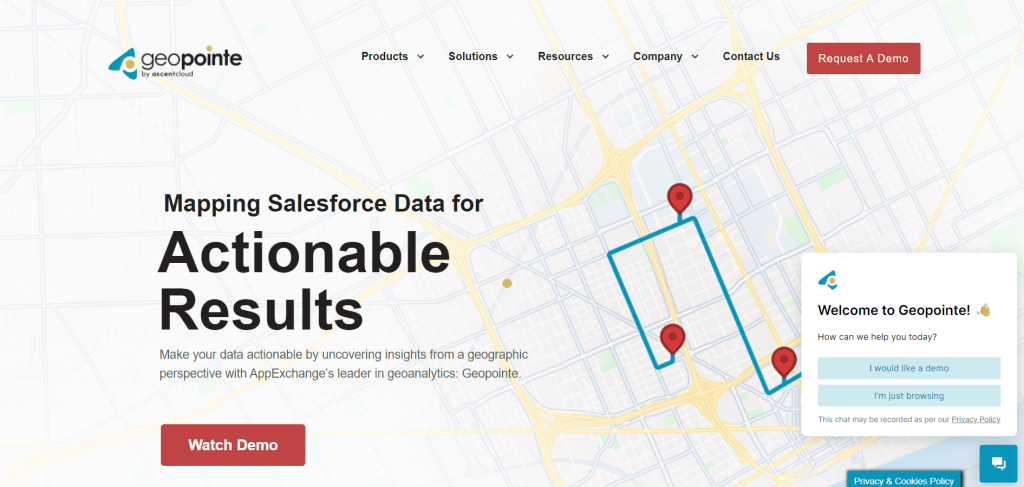
3) Geopointe
Source: Geopointe
A mapping tool built specifically for Salesforce users. It location-enables Salesforce data, which allows you to visualize accounts, contacts, and opportunities on a map, all without leaving your CRM.
Highlights:
Use preset boundaries to set up territories quickly.
You can plan your routes using Salesforce data.
Real-time field visibility for managers.
Assign leads and territories directly into SFDC
Pricing: starts at $75/user/month.
Best for: It is for organizations that are deeply invested in the Salesforce ecosystem.
4) Maptive
Source: Maptive
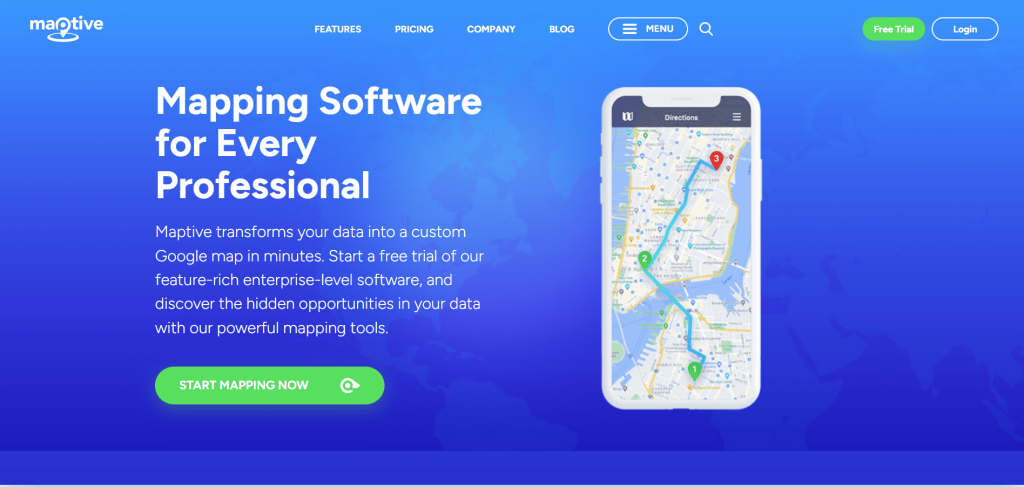
It is a Google Maps-based tool that quickly turns simple spreadsheets into custom, interactive maps. It’s known for its user-friendly interface that allows one to draw a territory fast using a lasso to find its demographics.
Highlights:
Create custom maps from spreadsheet data in minutes
Use the lasso tool for precise shapes
Add territory metrics, such as customer info and demographics.
Multi-stop route optimization.
Pricing: $250/user for 45 days, but this should be confirmed with the vendor.
Best for: Business teams who want an easy-to-use Google Maps-powered platform.
Discover How Knockio Enhances Your Sales Strategys.
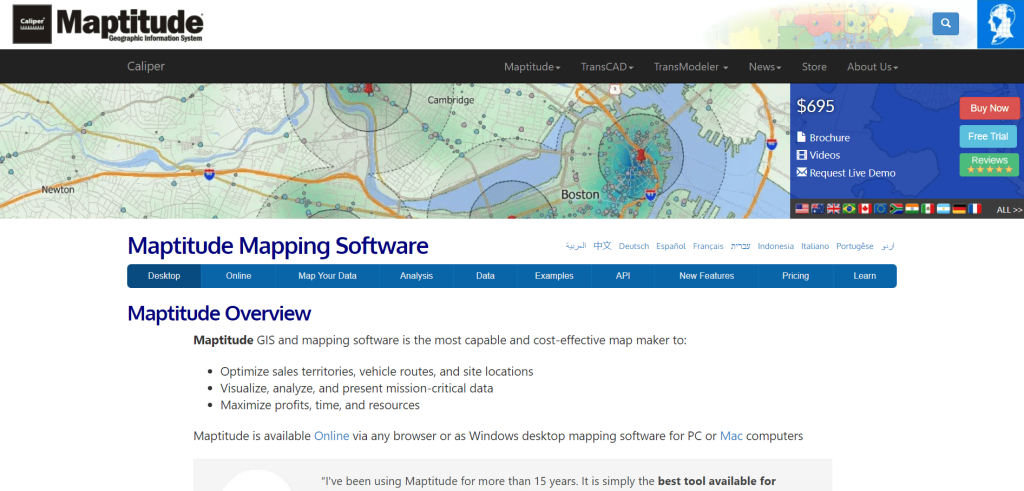
An effective and powerful geographic information system (GIS) and location analytics tool. Maptitute is built to do deep analysis, helping strategists and analysts uncover hidden sales patterns, optimise territories, and respond to complex geo-spatial questions.
Highlights:
Easily identify hotspots and sales trends.
Get a clear picture of the location of your customers.
Offers powerful data importation support and APIs.
Respond to location-based queries that your spreadsheets just can’t do.
Pricing: $695/year one-time desktop license, and a cloud version also exists.
Best for: Perfect for analysts and planners who require better insights into geography and customer behaviour.
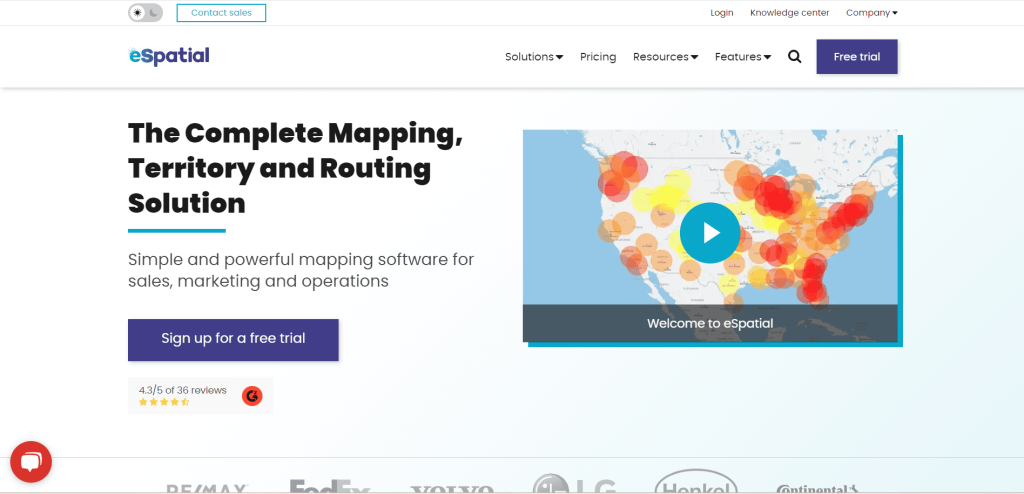
6) eSpatial
Source: eSpatial
Highlights:
A route and territory design platform that is developed to ensure that teams can cover more ground as effectively as possible. It offers clear data visualisation, territory balancing features, and good integration.
Easy visualisation of data to identify trends and patterns
Sales and services route optimisation using AI.
Advance territory design and balancing software.
Share maps online and offline when necessary.
Pricing: Starts at $1495/year.
Best for: This will best suit the teams that travel extensively on roads and wish to have quicker and more efficient routes.
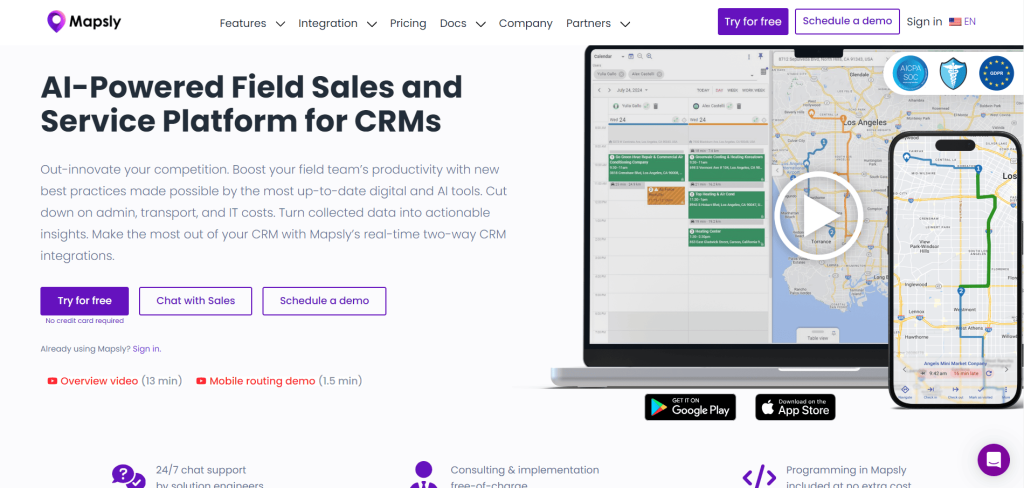
7) Mapsly
Source: Mapsly
It is a geo-intelligence platform that provides mapping, routing, and CRM automation within a tool. It can be accessed both on desktop and has a quick mobile experience with field reps.
Highlights:
Mobile-friendly mapping and routing.
Territory management and auto-assign
Multi-user and multi-day optimised route
No code CRM automations.
Pricing: The essential plans cost $25/user/month.
Best for: teams that require cost-effective routing and CRM.
Discover How Knockio Enhances Your Sales Strategys.
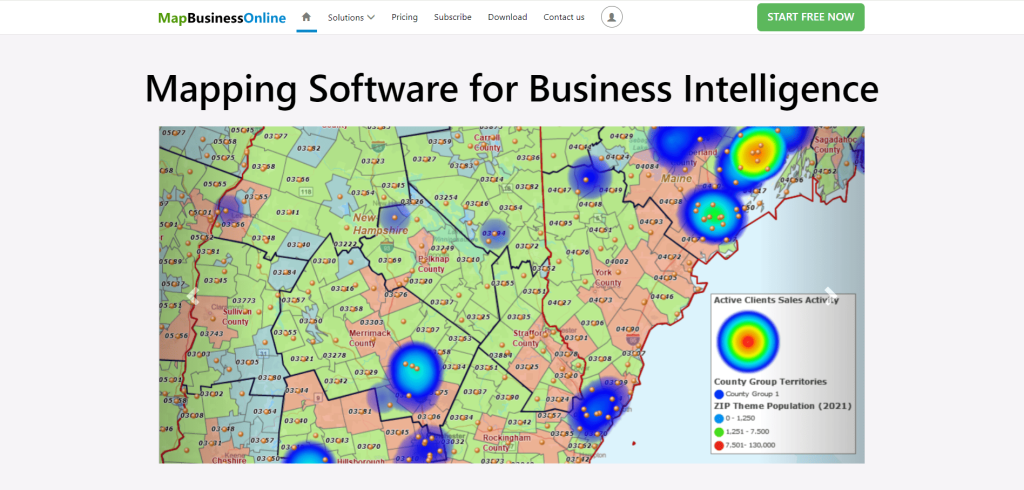
It is a cloud-based platform designed for smarter territory management, market and drive-time analysis, and allows many individuals to plan together through mapping. It is known for its affordability, ease of use, and multi-user work on the cloud.
Highlights:
Maps customers and markets to analyse.
Provide multi-stop route planning.
Provide team map editing and sharing.
Provides high-level territory management.
Pricing: $500/user/year, and it also offers a free trial.
Best for: Teams that need to have a single platform that integrates market research and territory planning.
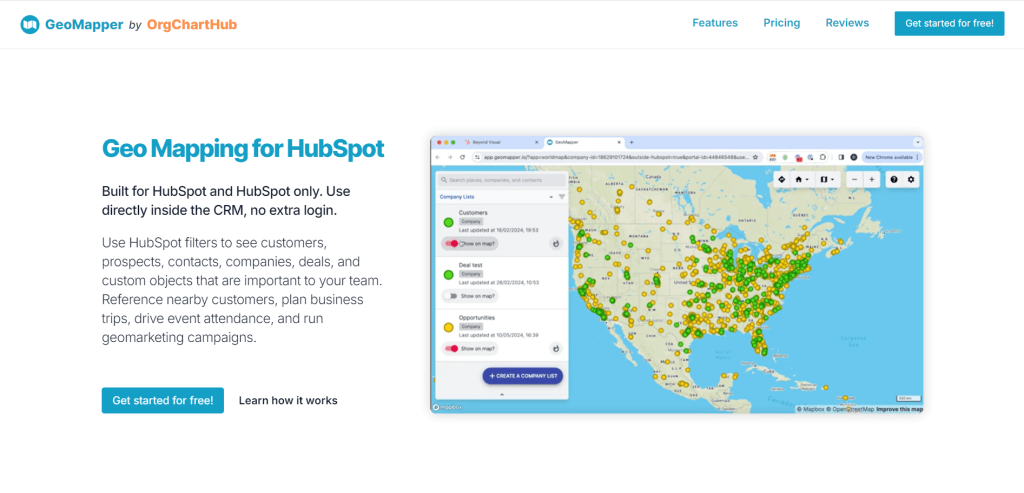
9) GeoMapper
Source: GeoMapper
A mapping solution that is integrated directly within HubSpot. It enables groups to make plans, filter lists, and visualize activity without leaving HubSpot.
Highlights:
Operates completely in HubSpot CRM.
Make lists of imports and convert them to maps.
Helps reps focus on the best pocket of demand.
Enables sorting of the HubSpot listing to find priority customers.
Pricing: Has a free starter plan, and paid plans begin at $65/user/month.
Best for: Teams that spend most of their time in HubSpot and want mapping solutions built directly within their CRM.
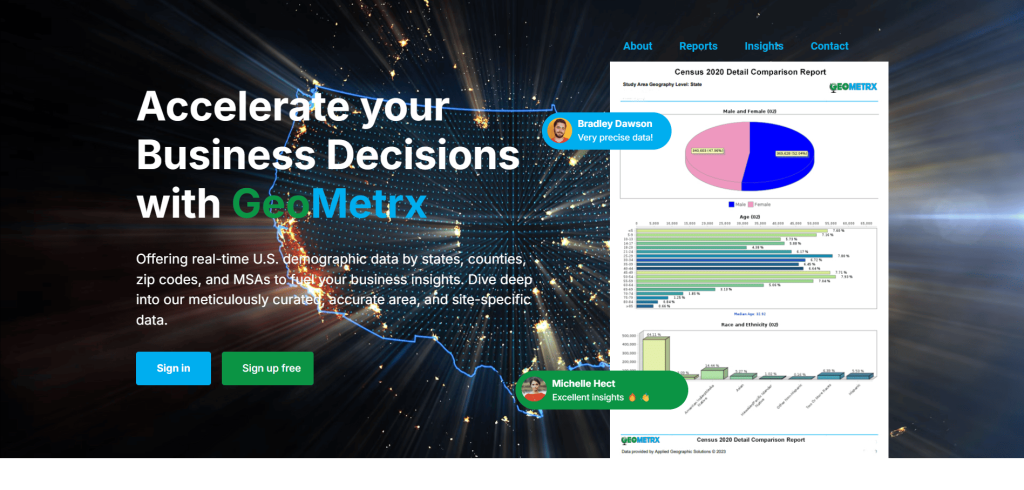
10) GeoMetrx: A Tool for Mapping Sales Territories
Source: GeoMetrx
Geometry is all about small territory planning, which is based on mobile location data. It is a powerful tool for networks that need expert market analysis for site selection and territory development.
Highlights:
You can easily upload data and map out territories.
It compares the radius with more realistic drive-time coverage
Share maps, reports, and territory layouts with your teams and stakeholders.
Pricing: Based on request.
Best for: It’s useful for retailers, restaurants, franchises, and even real estate companies that need territory-based models for data.
Build Your First Sales Map: Step-by-Step Guide
1. Import your data:
Start with simply grabbing your list. It could be any CSV file or your CRM itself. Just make sure your file contains all important things such as names, addresses, and status.
2. Clean things up:
Let’s clean the messy data. Sort your data based on the status of the customer, owner or value and any relevant tags (if you have them) to separate accounts. This step will save you from future headaches.
3. Choose territory shapes:
Here you can decide your geographic boundaries. Start with Zip codes, or create with custom polygons, or add drive-time if you want to refine routes even more.
4. Assign ownership:
Time to decide who gets what. You need to set clear, consistent rules for assigning territories to prevent overlaps and conflicts. Document all assignments for transparency.
5. Balance the Workload:
To ensure equal opportunity and avoid workload imbalance. Distribute territories fairly based on accounts, revenue potential, or travel time.
6. Plan your routes:
Now, map out territories to create optimized routes, add priorities and time windows for efficiency. This way, your team is not wasting time looking for where to go next.
7. Track and Adjust:
The most important step is to continuously monitor performance and market shifts. Use analytics tools to check coverage, reassign territories, and make changes accordingly.
Quick Fixes for Common Mistakes
Diving early into too many shapes: Juststart with simple boundaries like Zip codes, and once you get the hang of the basics, you can later add drive-time layers.
No territory ownership rules: Use software or any tool that enforces exclusivity and avoids overlaps, reduces conflicts, and gives them a clear idea of their positions.
Guesswork instead of Balancing: start with something you understand, like accounts or revenue potential. When that is established, then you can put additional factors.
Ignoring feedback from the field: your reps know the road better than anybody. Establish and allow feedback from reps to identify issues and make adjustments.
Territories that never change: Sales patterns shift. What was working 6 months ago may not work at this time. Go over your territories once every quarter.
Quick Checklist to Choose the Right Tool:
Budget: Does it have clear pricing and a budget that fits as you grow?
Territory features: Does the tool offer the right shapes (such as ZIP codes, polygons, drive-time) and balancing ( like accounts, revenue, workload)?
Mobile Functionality: Is the app fast and reliable, especially for offline use?
Routing tools: Does it have the ability to optimize routes with time windows and priorities?
CRM integration: check if it integrates smoothly with your CRM (e.g, Salesforce, HubSpot, Zoho, Zapier)?
Ownership and Rules: Can you apply rules to avoid overlaps and lock assignments?
Reporting: Can you access the dashboard and performance view easily?
Discover How Knockio Enhances Your Sales Strategys.
The right sales territory mapping software transforms all the messy, scattered lists into a strategic sales plan, making it clear where your team needs to focus, who to visit, and how to get there without wasting time. You can start with basic elements: use methods like ZIP code mapping to define clear ownership, drive-time analysis to represent actual real-world travel, and workload balancing to ensure fairness. It is also necessary to establish regulations to overcome overlapping issues and ensure harmony within a team. Lastly, select a tool that works well with your current CRM and fits seamlessly into your daily sales routine.
If you want to see what that looks like in practice, you can simply try Knockio. It enables you to create territories using ZIP codes, counties, or custom shapes. You can also generate drive-time zones, prevent territory overlaps, balance workloads, and send optimized routes directly to mobile devices. – All from a single platform.
What is sales mapping software?
Sales mapping software is a tool that allows you to position your customer and prospect lists on a map. You can create territories (ZIP/county/polygon), and it helps reps make an efficient route, saving more time for selling than driving.
How to do mapping in sales?
To do mapping in sales, you take all the information about your customers, such as addresses, and pin it on a map. This way, you can see where your customers live or work and plan your visits to save time and meet more people.
How do you create a sales map?
To create a sales map, you use a sales mapping tool. You enter your customer data, like their names and addresses, and the software puts it on a map for you. Then you can see where to go and who to visit.
What is the best software for sales?
The best sales mapping software is Knockio. It helps you easily find your customers, plan your sales visits, and make sure you’re working in the best areas!
Do these mapping tools work with my CRM?
Many of the top tools offer integration with major CRMs like Salesforce or HubSpot. Those are the ones to consider in case you want tight sync.
Staying ahead in sales requires smart work. This strategy also requires efficient tools. One thing that has transformed the way sales representatives and companies operate is the use of mobile sales software. These applications make the sales process smoother, faster, and more effective. Let’s delve into the top 9 mobile sales tools that are changing the sales landscape.
Mobile sales communication tools are specialized applications that sales professionals use on their smartphones or tablets to do effectively their work. These apps work like digital assistants, helping sales reps manage their tasks, track leads, and close deals. Imagine having a powerful toolbox right on your mobile device, making your job easier and more efficient.
The benefits of these tools range from increased productivity to better communication. Sales reps and companies alike view these tools as valuable in today’s competitive marketplace. In the following sections, we’ll discuss what these tools are and how mobile selling tools improve productivity. We’ll also look at why these tools are important for different aspects of sales.
Whether you’re an individual sales rep or you’re part of a larger field sales and advertising company, these new mobile sales tools are revolutionizing the industry. Keep reading to find out the secret behind their revolutionary effect on sales professionals.
What Are Mobile Sales Tools?
A mobile sales tool can be defined as an application, platform, or suite that facilitates the sales process conveniently through the use of a tablet or smartphone, regardless of location or time.
These tools help in managing tasks, keeping track of potential customers (leads), and sealing the deals, all from your handy mobile device. It’s like having a mini office right in your pocket! These tools are not just for fun; they are serious helpers that make sure salespeople can do their jobs smoothly and be more successful.
So, in simple words, mobile sales tools are special apps on your phone that make selling stuff easier and more effective. They are like having a superhero sidekick but for work! Keep reading to find out how these tools can make a real difference for sales reps and companies.
How Can Sales Reps and Companies Use Mobile Sales Platforms to Enhance Productivity?
Alright, now that we know what mobile sales tools are, let’s talk about how they can make life better for sales reps and companies.
Imagine you’re a salesperson with a busy schedule – meeting clients, making calls, and sending emails. Mobile sales tools come to the rescue by organizing all your tasks in one place. They act like super organizers, reminding you of important meetings and helping you stay on top of your game. These tools also keep track of potential customers, making sure you never miss out on a promising lead. You can quickly access information about clients, their needs, and previous interactions.
Communication is key in sales, and mobile sales tools make it a breeze. You can easily connect with your team, share updates, and collaborate on projects, all through these handy apps. No more missed messages or confusing email chains – everything is right there in your mobile toolkit.
For companies, these tools mean better teamwork and smoother operations. Managers can track the progress of their sales team, analyze data, and make informed decisions. It’s like having a digital helper that keeps everyone on the same page.
In a nutshell, mobile sales software enhances productivity by keeping things organized, helping sales reps stay informed, and improving communication. They are like the secret sauce that makes the sales process more efficient and successful. Stay with us as we explore specific tools that are making waves in the world of mobile sales.
For Sales Reps
We have found some of the best tools for sales reps. Now let’s focus on how these mobile sales tools can be a game-changer for individual sales reps. If you’re a salesperson, you know how challenging and exciting the job can be. Well, these tools are like your trusty sidekicks, making your sales journey smoother and more successful.
Firstly, they help you stay organized. No more sticky notes or forgotten tasks. With mobile sales tools, you can manage your schedule, set reminders, and ensure you never miss an important meeting or follow-up.
Secondly, these tools are your secret weapons for managing customer information. You can quickly access your clients’ details, preferences, and past interactions. It’s like having a cheat sheet that helps you tailor your approach for each customer.
Communication is crucial in sales, and mobile tools make it a breeze. You can connect with your team instantly, share updates, and work together seamlessly. This means fewer misunderstandings and more effective collaboration.
Imagine being on the go and sealing a deal right from your phone. Mobile sales tools empower you to do just that. Whether you’re at a coffee shop or on the road, you have the tools to close deals anytime, anywhere. In essence, these tools are designed with sales reps in mind, giving you the tools you need to be more organized, communicate better, and ultimately, succeed in your sales endeavors.
For Field Sales and Advertising Companies
Now, let’s talk about how these mobile sales tools are not just for individual sales reps but are also for advertising companies. Imagine you work for a company that’s always on the move, meeting clients, and spreading the word about your products or services. That’s where these tools come in handy!
For field sales, these tools act like a magical map. They help you plan your routes efficiently, so you’re not wasting time zigzagging across the city. It’s like having a GPS specifically designed to make your sales journeys smooth and time-effective.
When you’re out in the field, meeting potential clients, these tools keep all your important information at your fingertips. Need to check product details or customer preferences? It’s all right there in your mobile toolkit. No more flipping through papers or searching for files – everything is organized and accessible.
Now, let’s talk about advertising companies. In this fast-paced industry, collaboration is key. Mobile sales tools make teamwork a breeze. You can coordinate with your team, share creative ideas, and stay on top of campaigns – all from your mobile device. It’s like having a virtual meeting room wherever you go.
These tools also help advertising companies track their progress. You can see how well your campaigns are doing, analyze data, and make smart decisions. It’s like having a crystal ball that shows you what’s working and what needs improvement. In summary, for field sales and advertising companies, mobile sales tools are the unsung heroes that make planning, communication, and collaboration easier than ever.
9 Best Mobile Sales Tools
Now, let’s unveil the stars of the show – the 9 best mobile sales tools that are rocking the sales world. These tools are like a dream team for sales reps and companies, each bringing its unique superpower to the table. Let’s take a closer look at these game-changers:
Knockio: This tool is your virtual door-knocker. It helps you schedule visits, plan routes, and make sure you’re always at the right place at the right time.
Spotio: Think of Spotio as your sales treasure map. It guides you through the best routes, ensuring you don’t miss any potential customers on your journey.
Salesforce Sales Cloud: A heavyweight in the game, Salesforce Sales Cloud is like your personal assistant, keeping track of leads, deals, and customer information.
HubSpot Sales Hub: HubSpot is your go-to for smooth communication. It helps you connect with your team, share updates, and collaborate effortlessly.
Zendesk Sell: Picture Zendesk Sell as your organized notebook. It keeps all your customer details neatly arranged, making it easy to provide top-notch service.
Badger Mapping: Badger Mapping is your sales GPS. It not only helps you plan routes but also optimizes them, saving you time and effort on the road.
Sales Rabbit: Sales Rabbit is your energetic sales companion. It streamlines your workflow, making it easier to manage tasks and stay on top of your game.
Map My Customer: This tool is like your sales map artist. It creates visual maps of your sales territories, making it easy to spot opportunities and plan your approach.
Zoominfo: Zoominfo is your data superhero. It provides valuable information about potential clients, helping you tailor your pitch for maximum impact.
Knockio
Meet Knockio, our advanced field sales tool – a powerful helper for companies aiming to make a great impression from the start. It’s like a secret weapon that turns your sales pitch and proposals into digital, trustworthy documents using collected data, making potential clients remember you. This builds trust and credibility, making it more likely for you to close more deals successfully.
Lead Tracking: Knockio is your friend in tracking leads smoothly through the entire sales process, from the first contact to closing the deal.
Route Planning: Forget about wasting time on the road. Knockio helps sales teams plan and optimize their routes, so they can spend more time selling and less time driving.
Sales Territory Mapping: With Knockio, sales teams easily map and assign sales territories, making sure all potential leads are covered.
How Knockio Helps Your Business:
Boost Sales: Give your sales team the tools they need to close more deals efficiently with Knockio.
Cost Efficiency: Knockio doesn’t just save time; it saves money too. Making tasks like lead tracking and route planning smoother helps reduce costs.
Enhance Customer Satisfaction: By giving sales reps the right information, Knockio improves the experience for customers, leading to higher satisfaction.
In short, Knockio isn’t just a tool, it’s a helpful partner that changes how you sell, making it more efficient, cost-effective, and customer-focused. Upgrade your sales game with Knockio and see the positive impact it can have on your business.
Knockio’s basic plan starts from $15 which is much less than the competition. They are continuously adding new features to compete in the market.
Discover How Knockio Enhances Your Sales Strategys.
Imagine having a special treasure map for your sales adventures – that’s Spotio, one of the coolest mobile sales tools around. It’s like having a guide that shows you the best routes, making sure you don’t miss any potential customers on your journey.
Spotio is perfect for sales reps who are always on the move. It helps you plan your routes smartly, ensuring you take the most efficient path to reach your customers. It’s like having a GPS but specifically designed for salespeople.
With Spotio, you can navigate through your sales territory like a pro. It’s not just about finding your way; it’s about finding the best way to connect with your clients.
Salesforce Sales Cloud
Meet Salesforce Sales Cloud – a heavyweight champion among mobile sales tools. It’s like having a personal assistant that keeps track of everything in your sales world. Whether you’re a sales rep or part of a larger team, this tool is here to make your job easier.
Salesforce Sales Cloud is your go-to hub for managing leads, deals, and customer information. Imagine having a super-organized notebook that keeps all your important details neatly arranged. This means no more searching through piles of notes or files – everything you need is at your fingertips.
One of the coolest things about Salesforce Sales Cloud is its ability to adapt to your unique sales style. It’s like a custom-made suit that fits you perfectly. Whether you’re a solo sales superhero or part of a team, this tool has features that suit everyone. But this tool is expensive to use. Their Team plan starts from $39 which is nearly double that of the Knockio and has similar features.
HubSpot Sales Hub
HubSpot’s Sales Hub Enterprise provides a comprehensive suite of sales engagement tools. This awesome tool has so many cool features! It can automatically keep track of all your meetings and calls, and even transcribe them for you. You can also find email templates, sales documents, and snippets to make your work easier. Plus, you can create personalized videos for one-on-one interactions. The email sequence tool is super advanced too. You can enroll up to 50 contacts at once, automate follow-ups, pause sequences when tasks are completed, and send targeted emails based on the companies you’re working with. It’s like having a personal assistant right at your fingertips!
The platform supports the creation of up to 1,000 playbooks within the CRM to document and guide the sales process. It offers over 500 custom reports and a library of out-of-the-box reports for business performance analysis. Users can manage 50 sales pipelines to evaluate different revenue streams, product lines, regional locations, channel sales, or partnerships.
HubSpot incorporates a product library for managing services and offerings. It allows tracking and reporting on sales by name, description, quantity, price, SKU, and unit costs in multiple currencies for international sales.
Introduced in May 2020, the Account-Based Marketing (ABM) feature, labeled “Target Accounts,” assists in assessing engagement levels, contacts, deals, meeting activity, and key decision makers at specifically targeted companies.
HubSpot’s Sales Hub Enterprise offers a great feature called Advanced Permissions and Teams. This feature allows organizations to categorize users into teams, departments, regions, product lines, or other segments. With this feature, users have control over their settings and can customize their interactions and usage of the HubSpot platform based on their roles. The pricing for this plan starts at $18, but it may not be the ideal solution for a field sales campaign.
Zendesk Sell
Zendesk Sell is a sales tool designed to enhance collaboration among sales, marketing, and support teams. This web-based and mobile customer relationship management (CRM) platform offers comprehensive features.
The main features include email functionalities, customizable dashboards, and a lead-scoring system. Integration with Zendesk Support further enhances visibility into customer interactions across various channels.
Sales teams benefit from Zendesk Sell by accessing a central system for detailed customer profiles, sales pipelines, and performance metrics. This consolidated information empowers sales representatives with valuable insights into key metrics. It allows them to prioritize efforts and focus on high-potential leads.
Zendesk Sell prides itself on flexibility, enabling the accommodation of large customer data for big.
However, some users have reported occasional performance issues, such as system crashes and slowdowns. This is leading to process delays. Additionally, a few users experienced challenges with email integration. That results in errors and delayed communication with potential clients.
Zendesk Sell is well-suited for:
Businesses seeking to transition from paper-based models to automated solutions.
Companies require a centralized hub for managing customer interactions.
Enterprises looking for a platform that integrates with other systems.
Organizations want to track leads throughout the sales funnel.
Businesses of various sizes in search of a comprehensive sales management tool.
Zendesk Sell may not be the ideal choice for:
Businesses with complex needs require advanced customization and integration options.
Companies looking for a free plan.
Enterprises are not involved in selling products or services, as Zendesk Sell primarily caters to sales-focused teams.
The Zendesk Sell plan starts at $19 with many limitations.
Badger Mapping
Badger Maps serves as an advanced tool tailored for field sales professionals. It facilitates route optimization, lead identification, and customer management. This software also excels in scheduling, lead tracking, and overall customer information management.
Badger Maps generates comprehensive maps of sales territories. It streamlines the process for sales representatives to reach customers with perfect efficiency. It positioned Badger Maps as a strategic asset for sales teams.
A notable feature of Badger Maps is its ability to visually present crucial information on a map. Aiding sales representatives in focusing on high-priority opportunities. The platform enables the creation, scheduling, and modification of routes. It ensures optimization for enhanced mobile sales productivity.
Pros of Badger Maps:
Facilitates the discovery of untapped leads and accounts requiring increased attention.
Provides managers with insights into the sales team’s activities. It enables strategic improvements to boost overall sales performance.
Cons of Badger Maps:
Some users have reported a steep learning curve of the software.
Key Features of Badger Maps:
Follow-ups:
Sales representatives can track follow-ups on a map, simplifying pipeline management.
Users can check-in, take notes, and plan subsequent follow-ups.
Mapping and Routing:
Sales teams use Badger Maps to plan meetings and find the best routes while they are on the move.
The software automatically updates customer information and shows it on an interactive map.
Users can filter customers based on top opportunities and access the most efficient routes.
Teams:
Managers can see detailed reports about what the whole team is doing, helping them make smart decisions.
Check-ins:
Managers get detailed reports on Badger Maps that are customized for the whole team. These reports provide valuable and practical insights.
Users can check in with customers, add appointment notes, and generate reports.
The plan starts from $69 per month, which is more expensive than the industry benchmark.
Sales Rabbit
SalesRabbit is an app for door-to-door field sales representatives. Sales Rabbit offers tools to track sales and manage leads. The goal is to improve the performance of sales reps and increase sales conversions. It is particularly used in certain industries such as contractor services, HVAC, pest control, pool maintenance, roofing, and more.
SalesRabbit provides features like GPS tracking to track progress. SalesRabbit helps managers keep an eye on reps’ progress using GPS tracking. It makes work fun with leaderboards that focus on important goals, and it also has a built-in chat for easy communication. Field workers can manage their territories using the digital area management tool. Managers can assign specific territories to sales reps by drawing on a geographic map with color-coding the areas.
SalesRabbit’s tool assists reps in presenting their sales pitch effectively in the field through interactive presentations. It allows remote access to documents and content. Users can access digital contracts from any device, and the digital signature feature makes it easy to complete sales on the go. This solution aims to make the process easy and boost productivity for businesses engaged in field sales.
SalesRabbit Team plan starts from $29.
Map My Customer
Map My Customers is an efficient mobile Field Sales CRM. It is designed for field sales teams. Whether used independently or alongside existing CRM systems. It aims to enhance revenue, streamline sales processes, and ensure accountability in the field. This tool is a must-have for sales reps. It automates everyday tasks, making it a big help and boosting productivity during field sales.
Key Features:
Visualizing Sales Opportunities:
It allows easy allocation of territories to sales reps. It automatically distributes leads and customers from your CRM or spreadsheets. It visualizes the performance of geographic areas or accounts through sales and heat mapping.
Targeting the Right Prospects:
Identify nearby sales opportunities while on the go with the mobile lead generator. Search for customers based on product type, salesperson, or territory. Personalize your sales team’s prospecting using sales funnel visualization.
Automating Everyday Sales Tasks:
Optimize route planning and mapping with Smart Routing, saving sales teams an average of 30% in fuel costs and reclaiming 1-2 days of windshield time each month. Create custom and automatic activities, gaining a better understanding of time spent in the field.
Enhancing Sales Data:
Use custom fields and flexible filters to find important sales information in your CRM data. Easily connect with popular CRMs or import data from spreadsheets, then see your sales data shown as pins on an interactive map.
Map My Customers empowers field sales by automating tasks, providing visualizations of sales opportunities, and optimizing route planning. Whether used independently or integrated with existing CRM systems. It proves to be an indispensable tool for driving efficiency and revenue in field sales operations.
Map My Customer is also an expensive app and their plan Road Warrior starts from $50.
Zoominfo
Zoominfo – your data ally in the realm of mobile sales tools. If you’re a sales representative seeking crucial information about potential commercial clients. This tool can help as a superpower that unveils the essential details you require.
Zoominfo revolves around delivering insights. It provides comprehensive information about potential customers. It enables you to customize your pitch for maximum impact. It serves as a treasure trove of data, enhancing your knowledge and confidence.
This tool is especially beneficial for individuals who delve deep into customer details. Imagine being ready for a meeting with important details about your client’s business. Zoominfo helps you distinguish yourself by showcasing thorough preparation.
Zoominfo is designed with user-friendliness in mind. Whether you possess technical expertise or are a novice, this tool is crafted to be accessible and efficient. Think of it like having a dependable assistant that helps you discover important information to enhance your sales strategies.
In summary, Zoominfo stands as your essential tool for acquiring valuable information about potential clients.
The price plan of ZoomInfo is not available publically but some sources say the basic plan starts from more than $14000.
Discover How Knockio Enhances Your Sales Strategys.
Mobile sales tools give your field sales reps many helpful features. They change how reps find potential customers, plan routes, connect with leads, manage appointments, and update the CRM. These tools are like an all-in-one solution, making each part of the sales process more efficient and effective.
Imagine your field sales reps effortlessly discovering the best potential customers, so they can focus on leads with the most potential. These tools make planning the best sales routes easy, helping reps move through their territories with accuracy and speed.
Engaging leads is no longer a challenge limited to a single channel. Mobile sales tools enable sales reps to connect with potential customers across various channels. It also ensures a versatile and personalized approach to communication. This flexibility increases the likelihood of forming meaningful connections with potential clients.
The tools also streamline the often time-consuming task of appointment management. Reps can efficiently schedule and organize their meetings, maximizing their valuable face-to-face interactions. Moreover, automated CRM updates guarantee up-to-date information, eliminating the necessity for manual data entry.
As field representatives make a significant impact, sales managers in the office can use data insights from these tools. This allows managers to track the activities of their reps as they unfold, gaining insights into their performance on the field. The ability to monitor sales performance in real time enables quick decision-making and strategic adjustments to improve overall team effectiveness.
Discover How Knockio Enhances Your Sales Strategys.