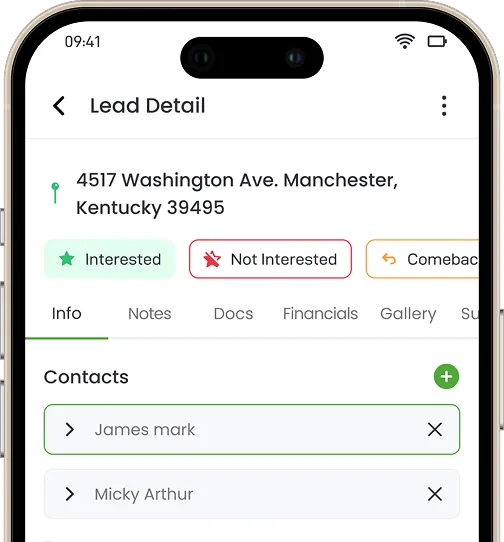
If your “all-in-one” platform needs an integration to move a lead into a job, it isn’t all-in-one. It’s two products with a shared login page.
It s 4:45 PM on a Friday. Your office manager is still at her desk, copy-pasting a customer s name, address, and job notes from your canvassing app into your scheduling tool by hand because the two systems don t actually talk to each other; they just email a spreadsheet back and forth once a night.
If your “all-in-one” platform needs an integration to move a lead into a job, it isn’t an all-in-one. It’s two products with a shared login page. “All-in-one” has become the most overused phrase in field service and sales software marketing and the least verified.
Almost every vendor claims it. Almost none mean it the same way. This guide gives you a reliable way to spot the difference before you sign a contract, rather than after you’ve migrated your data twice.
Table of Contents
- What “All-In-One” Actually Means (And What Most Vendors Mean By It)
- The 3-Question Test to Spot a Fake All-In-One
- Sales-First vs. Service-First: Two Flavors of the Same Bolt-On Problem
- What a Truly Connected Workflow Actually Looks Like
- Common Mistakes Buyers Make When Evaluating “All-In-One” Claims
- Frequently Asked Questions
What “All-In-One” Actually Means (And What Most Vendors Mean By It)
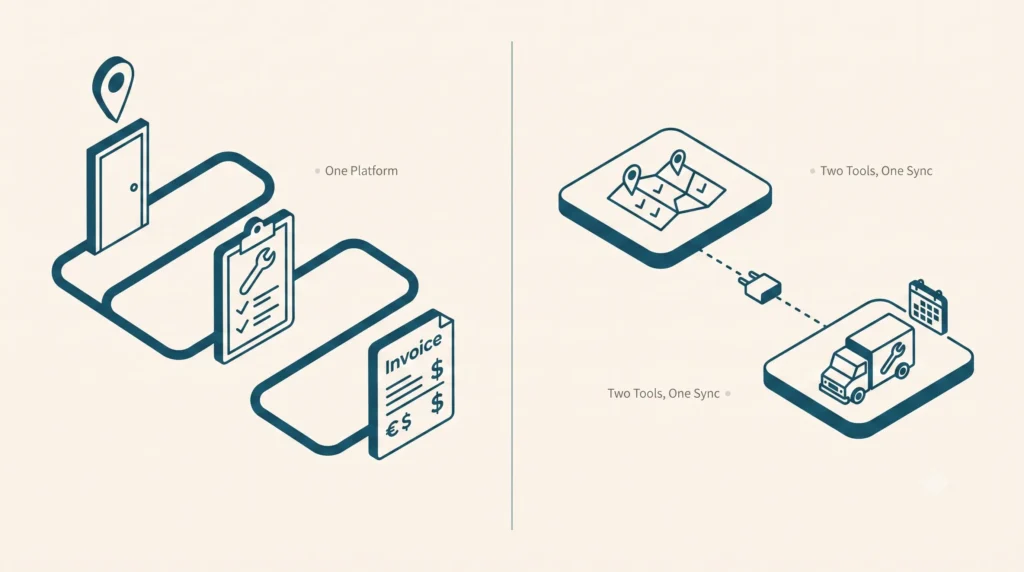
There are two completely different things hiding under one marketing phrase.
- “Marketing” All-In-One: A vendor got really good at one half of the job either running a door-knocking team or running a dispatch board and then acquired, partnered with, or bolted on something to cover the other half. It looks seamless in a 20-minute sales demo. In real life, it relies on a nightly batch sync, a Zapier connection, or an integration your team has to babysit.
- True All-In-One: One login, one monthly bill, and one support line if something breaks. The lead your rep captured at the door on Tuesday and the job ticket your dispatcher opens on Thursday are the exact same database record not two files sync’d together across platforms
We call the cost of running the second kind the Duct-Tape Tax the hidden toll of redundant subscriptions, duplicate data entry, and manual record reconciliation. On average, growing field operations lose 12 to 15 hours per week in administrative friction and pay an extra $800 $1,500/month in overlapping seat licenses.
The tell isn’t in the sales deck. It’s in what happens the exact moment a prospect turns into a scheduled job.
The 3-Question Test to Spot a Fake All-In-One
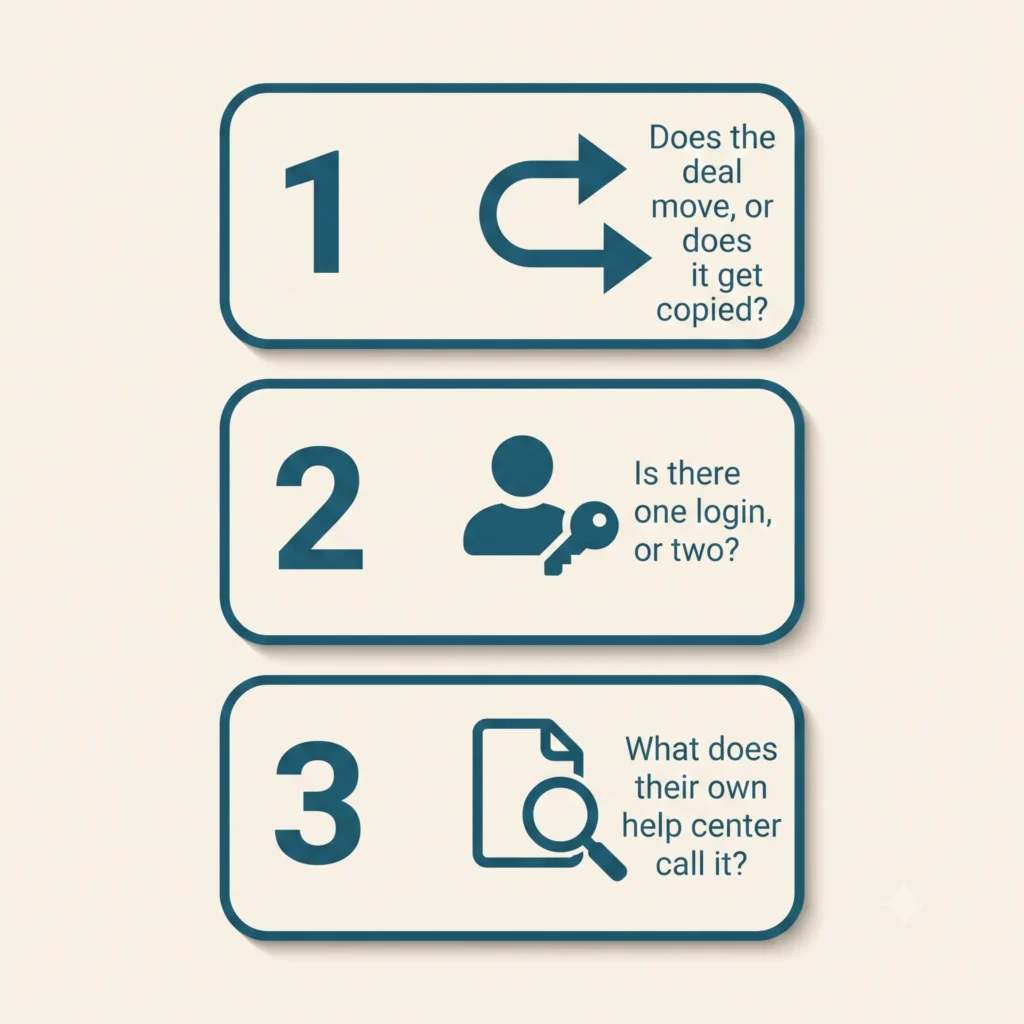
Ask these on the sales call, not after you’ve signed. A vendor running one real system will answer all three straight, no hedging.
1. Does the deal move, or does it get copied?
Ask them: “When my rep closes a deal at the door, does that exact same profile turn into my job ticket, or does the system just copy the data over to a new record?” If their answer includes the word “sync” or “Zapier,” you’ve caught a fake all-in-one.
In a real one-system platform, that lead doesn’t get copied anywhere it just changes status, from “lead” to “scheduled job,” with the same name, address, and notes still attached. In a bolted-together stack, a brand new record gets created in the other app, filled in with whatever fields the integration bothered to grab. Usually not all of them.
2. Is there one unified login, or two?
Ask them: “Can the same person log into one app and see both the sales pipeline and today’s job schedule or does my rep need one login and my dispatcher need a different one?” If your canvassing team and your service team are logging into two different apps with two different support numbers, you’ve got two products wearing one company’s logo.
3. What does their own help center call it?
Here’s a trick that takes thirty seconds: pull up the vendor’s help center or “integrations” page while you’re still on the call. If dispatching or scheduling shows up under “Integrations & Partners” instead of “Features,” they just told you the truth in the fine print, even if their homepage says something else.
Run this test against any platform you’re evaluating including us. We’ll cover exactly how Knockio holds up against specific competitors next, with sourced comparisons, not just claims.
Sales-First vs. Service-First: Two Flavors of the Same Bolt-On Problem
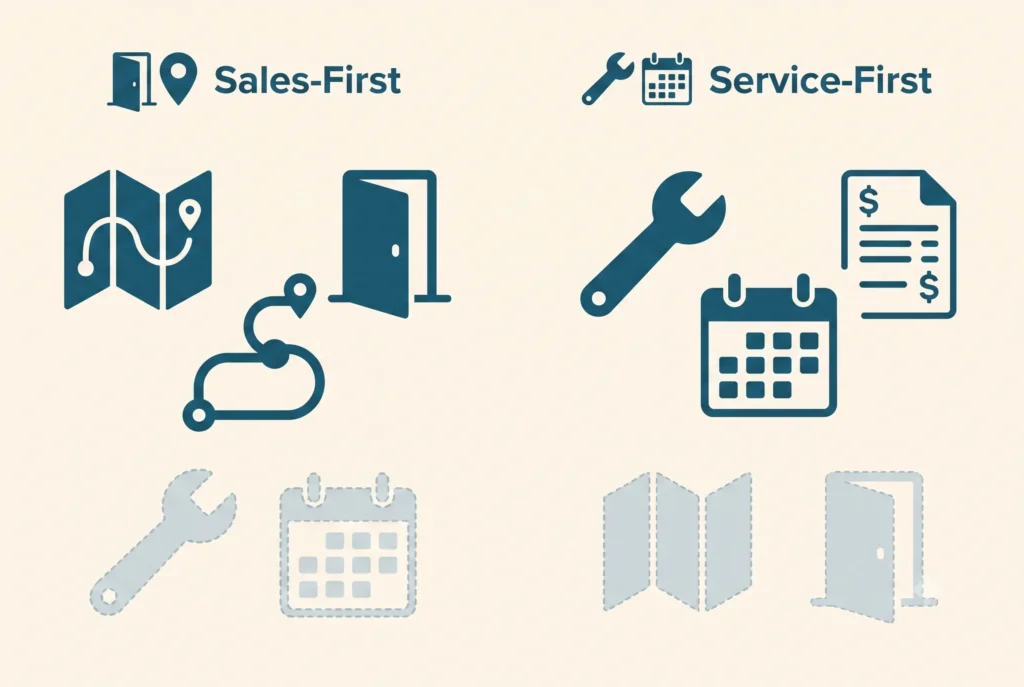
Once you start looking for it, the pattern splits into two camps.
Sales-first platforms are genuinely great at the map, the routes, and tracking who knocked which door, because that’s the entire product. Dispatching a crew, tracking a job to completion, and cutting an invoice get bolted on later, usually through a partner integration that can’t really handle a busy Tuesday. It works fine right up until that closed deal needs a technician on-site with the right parts. For B2B teams looking to scale outbound without scaling headcount, platforms like RevGeni are worth a look – its AI “Genie” agents handle prospecting, outreach, and pipeline follow-up so growing sales teams can focus on closing rather than admin.
Service-first platforms are the flip side. They’re excellent at scheduling, dispatch, and invoicing for work that’s already booked, because that’s what they were built for. But ask them to run outbound sales and there’s nothing there: no territory assignment, no door-knocking map, no way to see how many doors a rep knocked today. Some bolt on a few CRM fields and call it “sales-ready.” A few text fields aren’t a canvassing engine.
We don’t blame either kind of company for this. Building a genuinely good canvassing map is hard. Building a genuinely good dispatch board is hard. Most software companies only get really good at one so they build a bridge to the other and put an “all-in-one” sticker on the homepage. It’s not a scam. It’s just not what the label promises.
“All-in-one” should mean neither half was an afterthought. In a bolted-together stack, one half always is.
What a Truly Connected Workflow Actually Looks Like
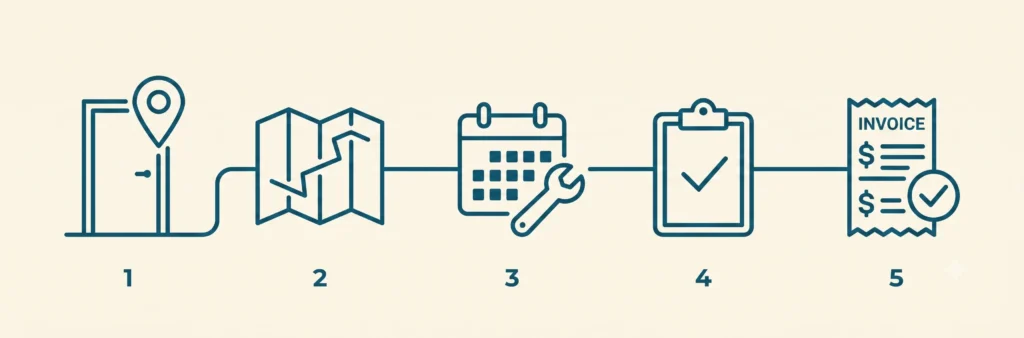
Here’s what that actually looks like on a Tuesday, without a single third-party plugin stitching it together:
- A rep knocks a door and logs a lead on the territory map, GPS-stamped, assigned to that rep’s route.
- The homeowner says yes. The same record no export, no re-entry becomes a scheduled job.
- A crew gets dispatched to that exact address, with the lead’s notes, photos, and pricing conversation already attached.
- The job is completed, an estimate or invoice is generated from the same record, and payment is collected.
- One support line, one login, one company, if anything breaks.
That’s how Knockio actually works: canvassing and field service running as one connected system, not two apps stitched together with a sync job. The lead your rep captured on the map Tuesday morning is the exact same file your dispatcher opens Tuesday afternoon because it never left the system it started in.
This isn’t a claim you have to take on faith. It’s the same reason we can publish pricing that scales with users, not with the number of tools you’re stitching together because there’s only one tool.
Common Mistakes Buyers Make When Evaluating “All-In-One” Claims
Trusting the word “integrated” at face value. Every vendor’s marketing page uses this word. It means nothing on its own “integrated” can describe something genuinely built into the product, or a Zapier connection held together with hope. Ask which one it is.
Not asking what breaks if you cancel one “module.” If a platform is genuinely one product, there’s no such thing as canceling half of it. Ask: “What happens to my service scheduling if I downgrade my sales seats?” If the honest answer involves a separate contract or a separate app, that’s your tell.
Assuming one brand name means one system. Plenty of software companies grew by acquisition. The acquired product often keeps its own database, its own mobile app, and its own support team for years after the deal closes sometimes permanently. A shared logo on the homepage isn’t proof the two products were ever actually merged.
Skipping the trial for the workflow that matters most. Most buyers demo the half of the product they already know they need (sales teams demo the canvassing map; service teams demo the dispatch board) and take the other half’s existence on faith. Demo the handoff specifically: convert a test lead into a test job and watch what actually happens to the data.
Next Steps
If you’re currently running a canvassing tool and a field service CRM as two separate logins, you’re already paying the Duct-Tape Tax whether or not you’ve priced it out. Compare what a single-backend platform looks like on our comparisons hub, or book a demo and ask us the same three questions this post just gave you we’ll show you the handoff live, not in a slide.
FAQ
What does “all-in-one” actually mean in sales and service software?
Genuinely, it means one company, one login, and one bill cover both the sales/canvassing side and the field-service/dispatch side, with nothing connecting separate systems behind the scenes. In practice, a lot of vendors use the phrase to describe two connected products instead of one real one.
How can I tell if a platform is really unified or just well-integrated?
Ask what happens to a lead’s data when it converts to a job: does the same record move forward, or does a new record get created in a second system via sync or API? Also check whether users need separate logins for the sales and service sides, and whether the vendor’s own documentation lists the other half as a “feature” or an “integration.”
Does switching from separate tools to one platform actually save money?
Usually, yes beyond the second subscription fee, separate tools mean duplicate data entry, two support contracts, and staff time spent reconciling records between systems. We break down the specific cost categories in The Real Cost of Separate Canvassing & Field Service Software.
Is a platform still “all-in-one” if it was built by combining two acquired products?
Not necessarily. Sometimes the acquired product gets folded into one real system over time but plenty stay as two separate apps running side by side indefinitely, just sharing a logo. Ask whether the two products have actually been merged, not just rebranded.
Can a sales-focused canvassing app ever be a real substitute for field service management software?
Only if it natively supports scheduling, dispatch, and invoicing for completed work not just lead capture. If those functions live in a separate connected app, it’s a canvassing tool with a service integration, not field service software.

Syed Junaid is the Marketing Lead & Content Strategist at Knockio, where he helps field sales and service businesses eliminate software bloat and scale their operations. He writes about B2B SaaS growth, field sales strategies, and how contractors can eliminate the “Duct-Tape Tax” to run more profitable businesses.